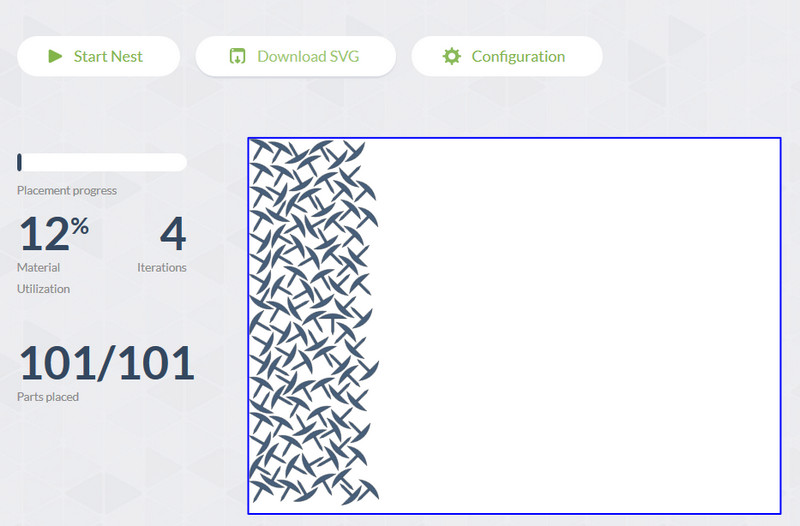
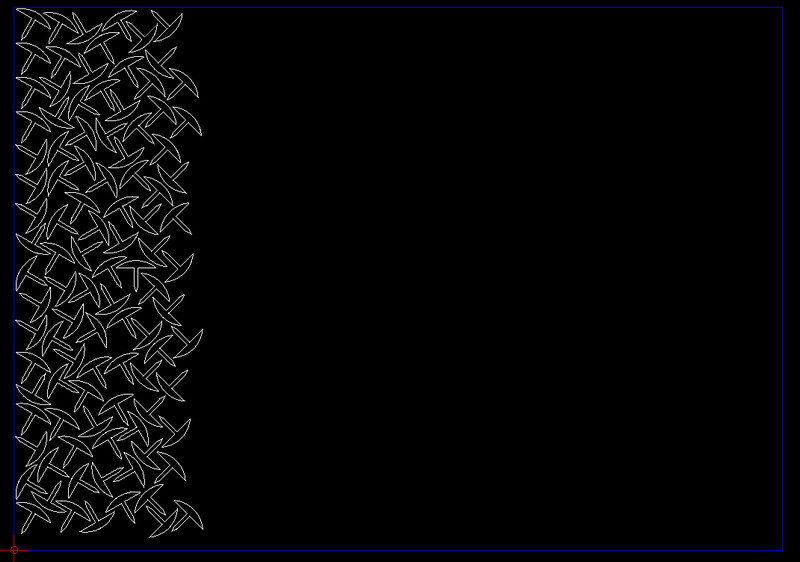
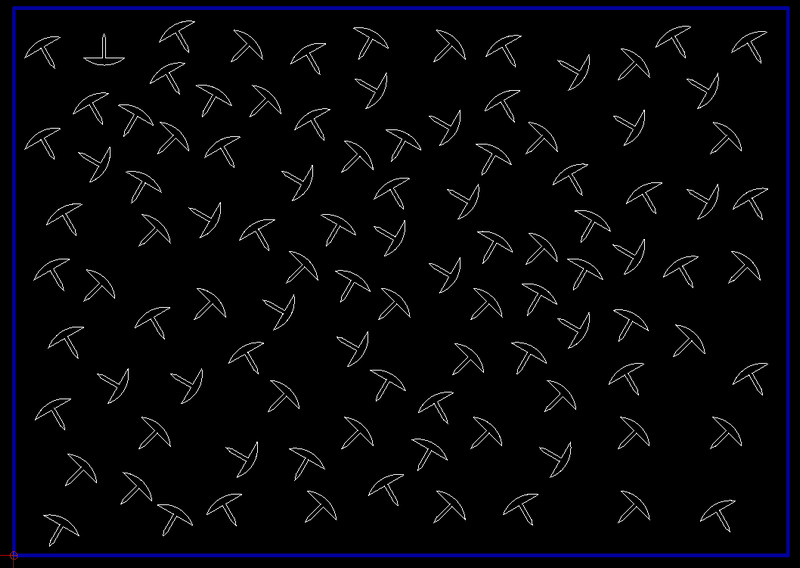
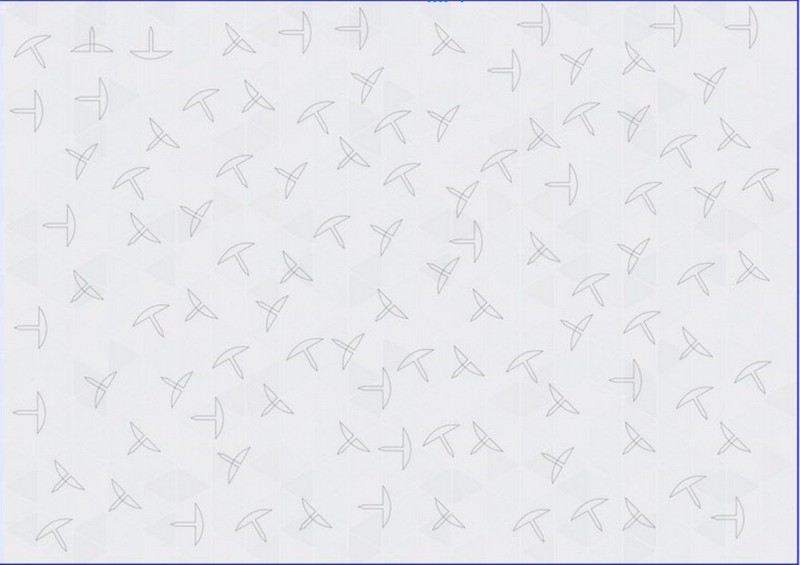
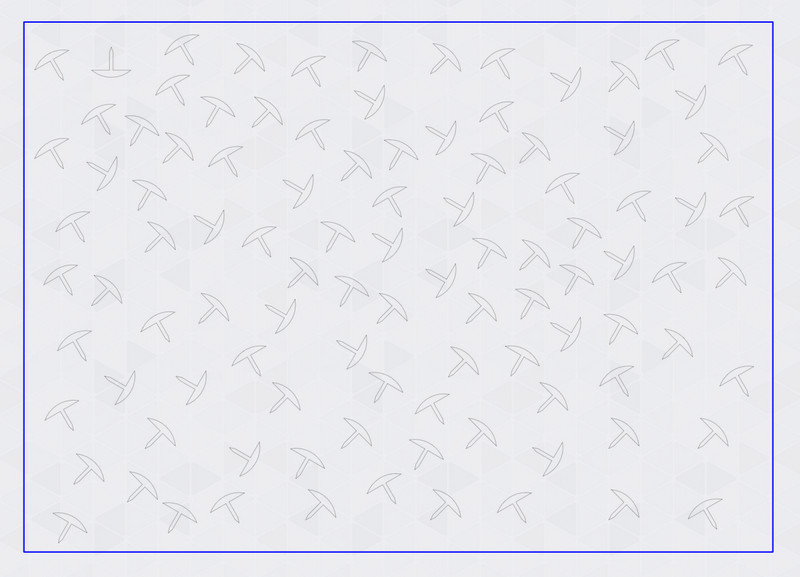
You can see that some of the thumb tacks have the ‘domed’ head inverted, these are the ones which are splines.
The domed heads which look good are arcs … but you have to change the whole of the outline to a polyline in QCAD in order to get this result … if you don’t you will get the inverted result!
*Note - if you try to work with a spline and change this to a polyline it doesn’t work either (not for me anyway).
3.So currently for the best results when using SVG Nest, use lines, arcs and change to a polyline .. or of course just use polylines in QCAD. The result worked for me.
I installed ubuntu 18.04 x64.
the application starts, but with a long delay (about 10 seconds)
How fast does it load for you?
PS
very good app.
Thanks to the author for the open source code !!
but (probably) this application is not very common,
there is no place to chat with users ((
I tried Deepnest it’s very good..I did download it and it runs offline but it doesn’t read in the DXF files or nest? It must rely on a connection to work…unless they’ve changed the software recently..try it with no internet connection a see..
I get this error :-
" could not connect to conversion server"
Hi Husky
Yep you’re right SVG no problems at all.. that’s really good thanks for pointing that out,I was going to uninstall because things that rely on the internet can some day disappear and leave you with useless software…
It’s definitely a keeper now…
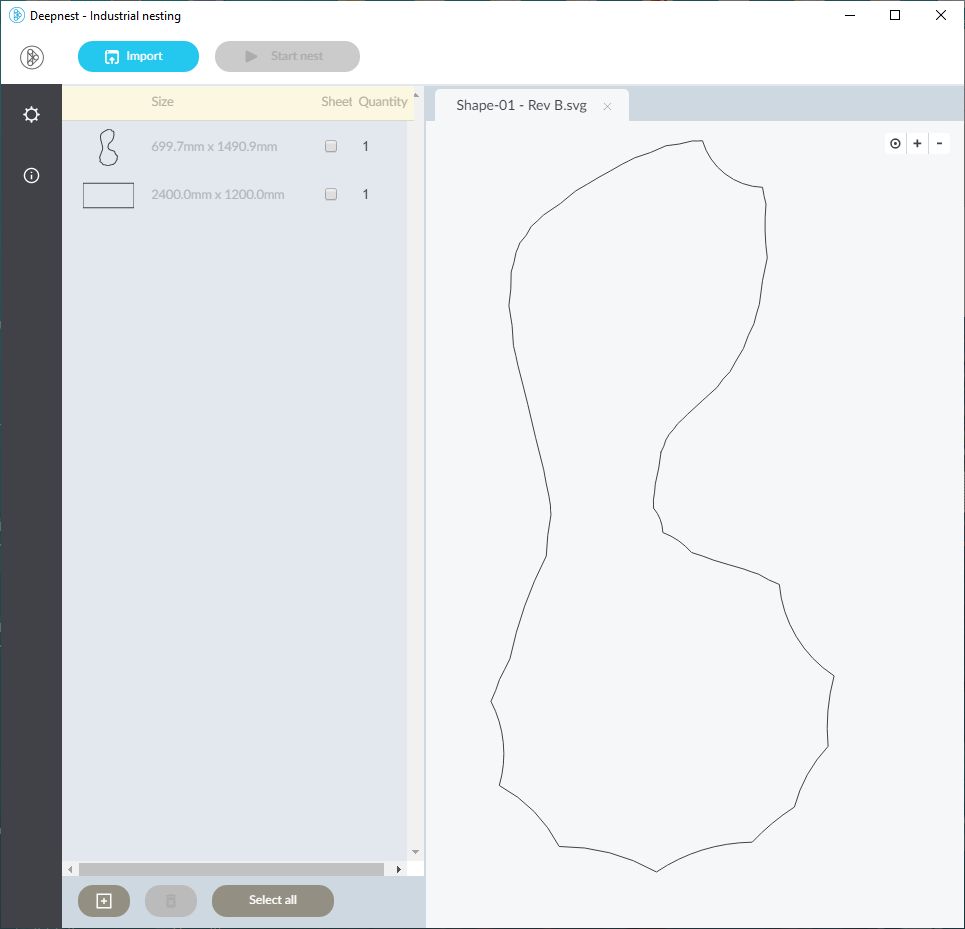
Just tested with quite a few parts and it worked great, apart from this file, somehow it seems to of reversed some arcs? any idea what might be going on… it’s in metric, was going to nest on a 2400x1200mm sheet…see picture and attached file..
Rather all arcs look to be reversed in your screengrab.
The dxf and the re-imported svg consist both out of 53 non-reversed arcs.
Setting something else as ‘White’ and ‘Default’ for the lines:
Looks ok in a browser.
Opens ok in Inkscape.
So it is a Deepnest issue.
Did you try reversing the arcs, or conbined to a polyline?
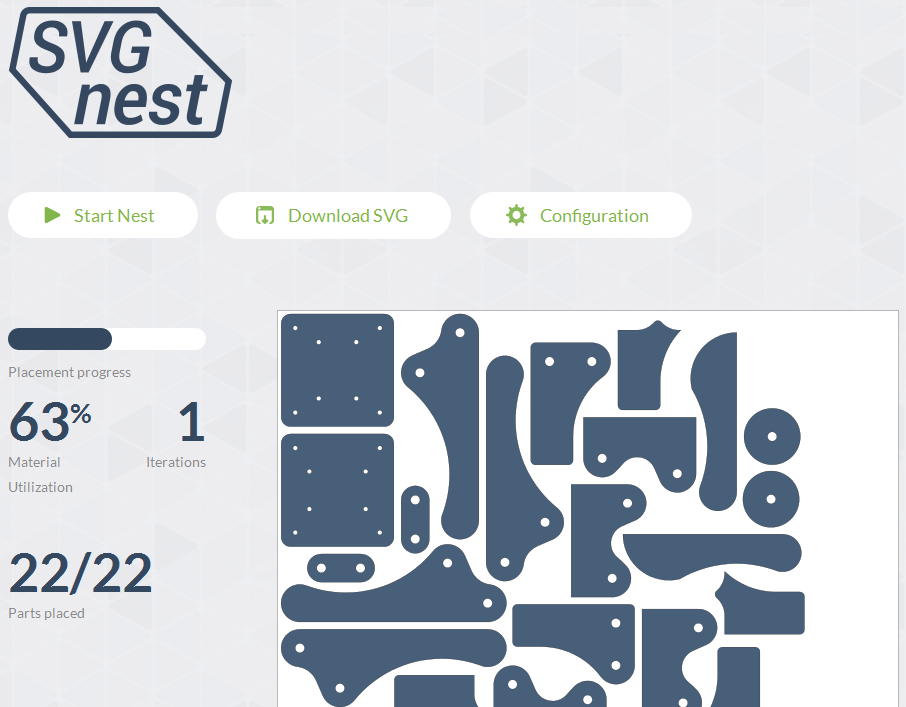


 .
.