Hi All (again)
I have been opening some files created by other programs and find that the text is wildly erratic, either missing or scale proportions are huge.
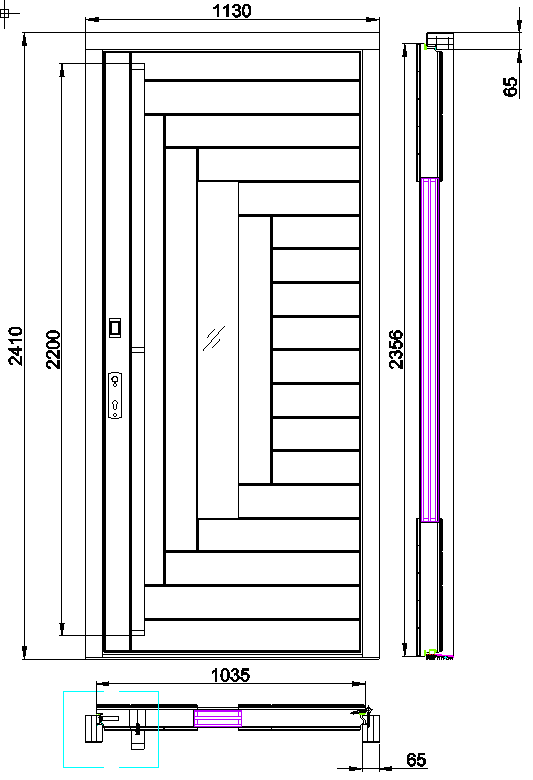
The first example is the Fago file. When I open it there is no text for dimensions. I know they are there because when I open with DWGSee I can see them, but in QCAD they are not there - see png file from DWGSee
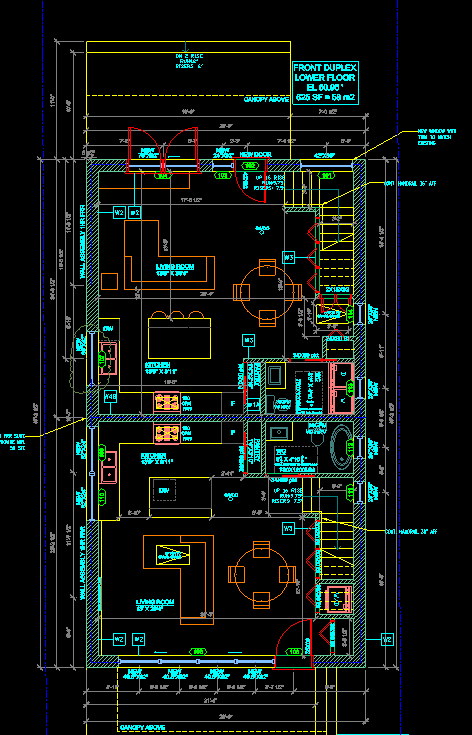
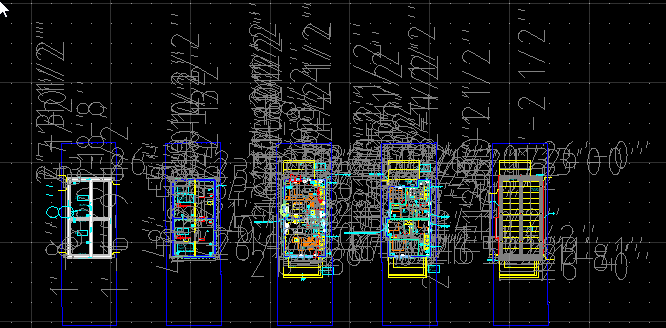
Second file - Plans Duplex:
This one opens with the text so large it’s impossible to decipher anything
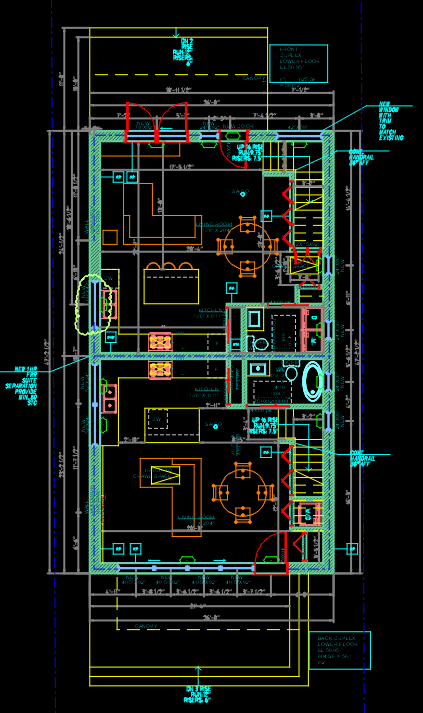
And again the DGWSee program reads everything correctly.
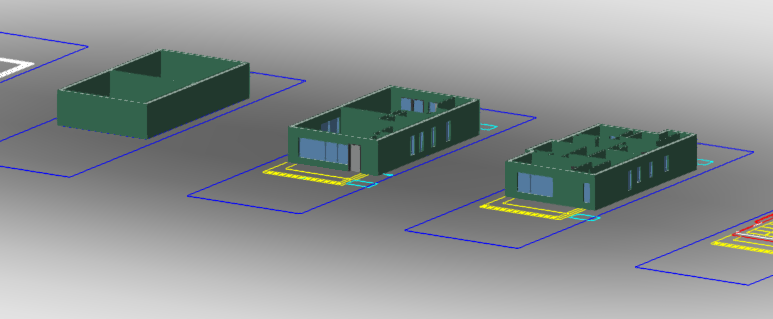
That shouldn’t be a big surprise that QCAD has problems with the DUPLEX 3478 W 6th Ave Plans_Duplex.dwg file. It is a 3D file - QCAD is a 2D only program. But if 2D is ok for you then you can make it still workable in QCAD …
The dimensions for that file are set at a 4 inches! Or at least that is how it looks to me. Maybe that’s an anomaly.
If you go into Menu / Edit / Drawing Preferences / Dimensions / Dimension Text you can change the text height to something like 0.0625 . This should make the page readable.
If it was me, I’d check that the dimensions are correct. That dimension text still look too big to me, making me worry that the thing that is being dimensioned is also wrong.