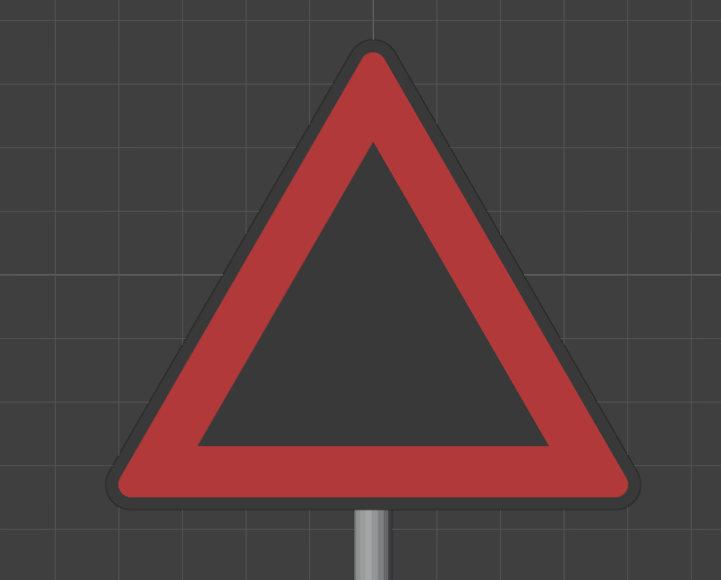
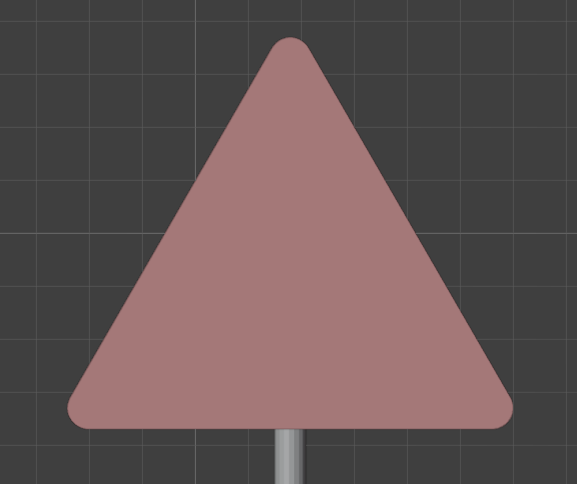
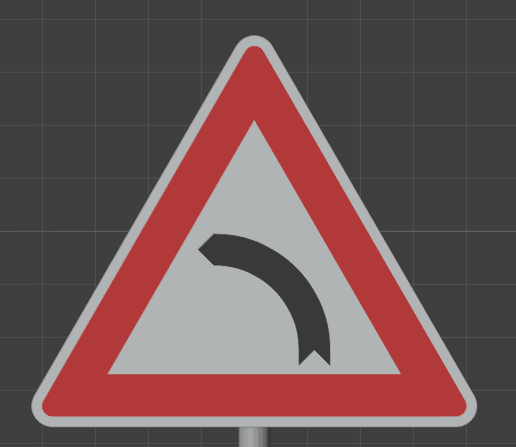
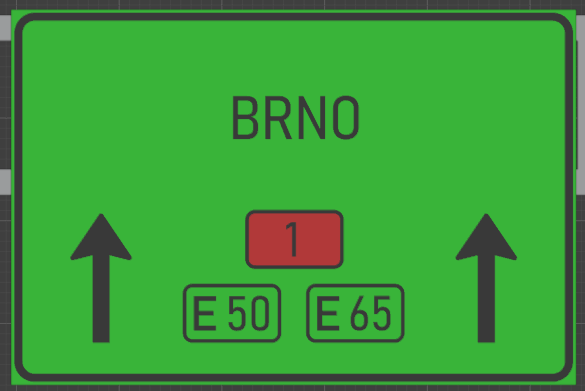
Hi, I’m new to QCAD. I’ve been using it to edit some DWG files and export them as SVG, but the exported colors are all wrong. I set the polyline colors in the property editor to one of the default colors from the drop-down menu and then export.
It seems that QCAD exports the viewport colors - so if I have a line that, in its properties, is black, but shows as white against the background, it exports as white. I tried changing Preferences => Graphics View => Color Adjustment settings. Now, the black line is black in the viewport, but it didn’t help with the export. I also read that there should be some options for SVG export that help with this, but I didn’t find any that would solve the issue. What’s even weirder is that if I select the polylines before exporting, the export color is the color of the selection for all affected lines.
I would post pictures but I’m only allowed 1 media per post, so here is the DXF instead:
left.dxf (104.7 KB)
I expect white, red, white, black from outside in (normal left turn traffic sign), but the svg exports black, red, black, black. My “Prevent white on white / black on black display” is off. If i turn it on the colors become black, red, black, red, which makes even less sense. I also tried “Export QCAD SVG layer attributes” in the SVG export but that didn’t help either.
Does anyone know what to do about this? Can I make the exporter take the polyline properties color instead of the viewport color? I really don’t want to have to add another app into my pipeline just for fixing the colors. Thanks!
QCAD Version: 3.32.6.0 (3.32.6) Professional Trial version
Operating system: Windows 10 64-bit