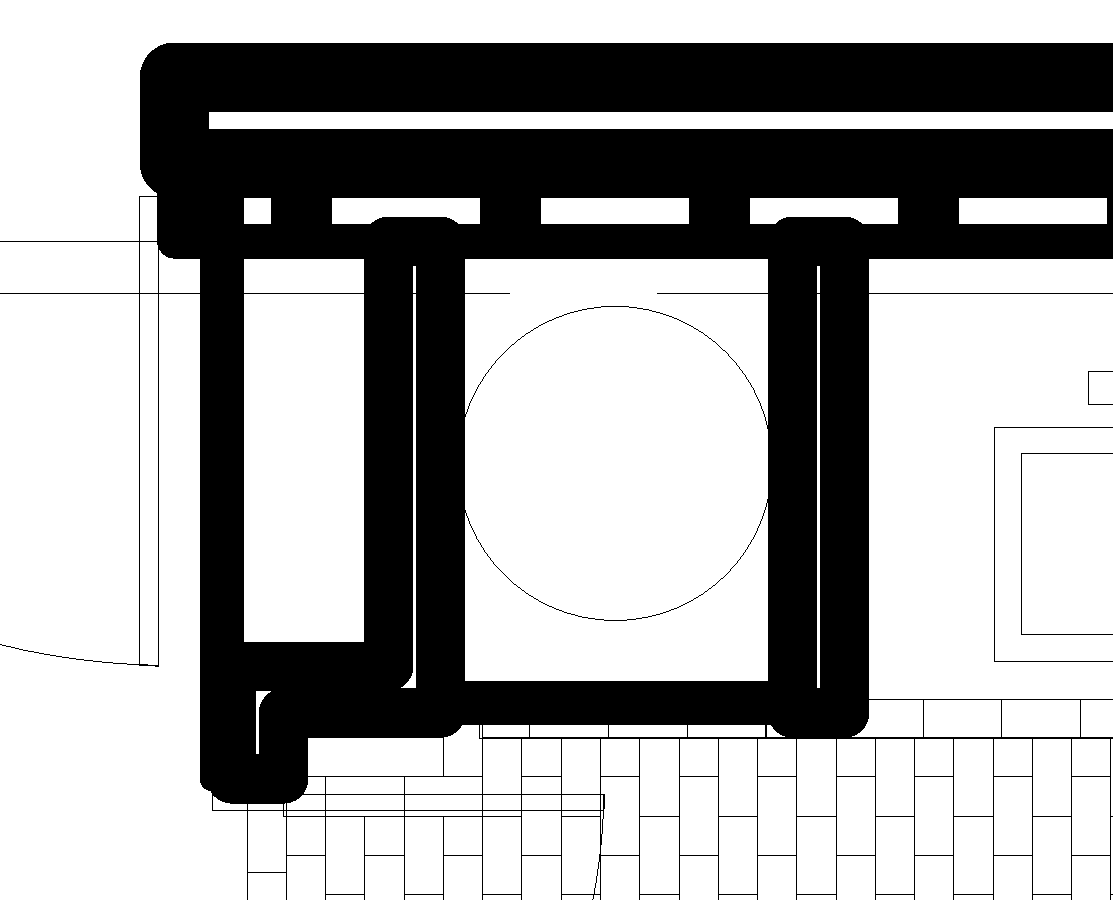
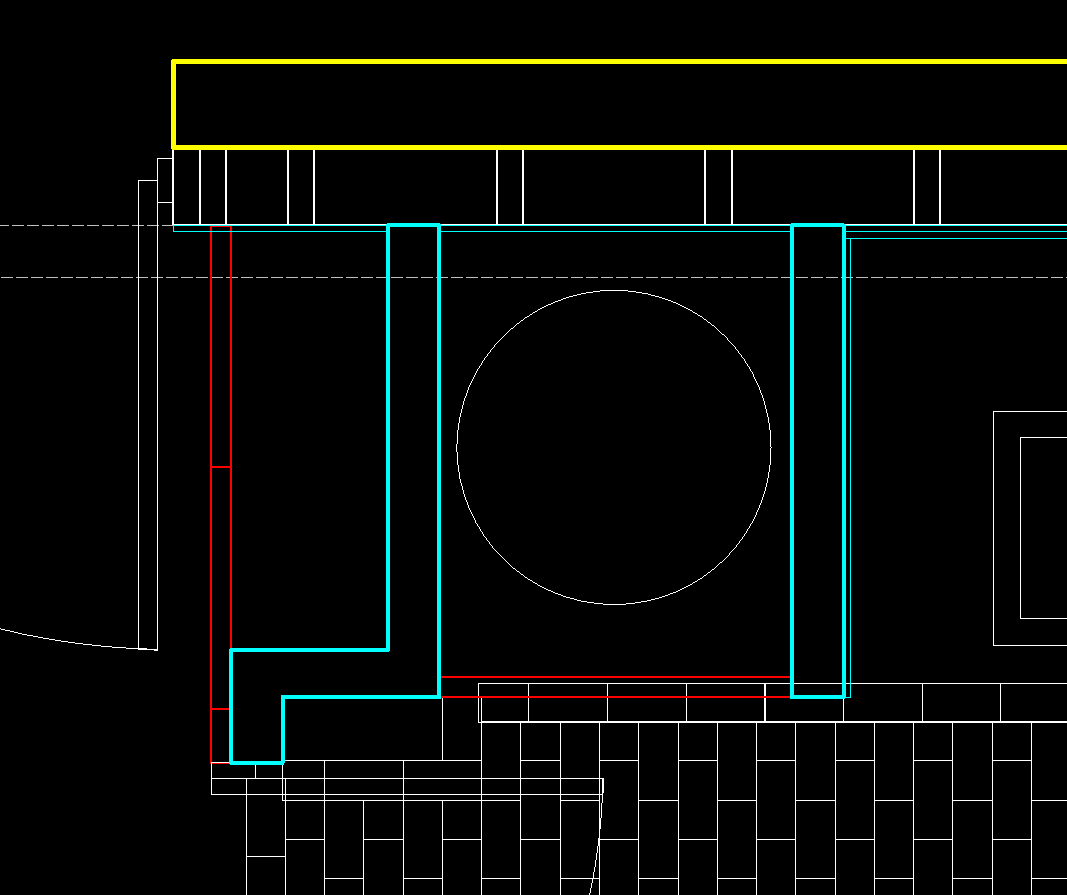
Maybe Husky gave up but I don’t.
Again: For all linetypes and sizes a round pen is used. Here we talk about ‘Weights’.
The choise in weights is limited.
The origin of this is from the time we used large drawing boards, numerous rulers and pens, pens with … ink.
So before you start critize any CAD program I urge to look back at those days.
And remember that the plug is pulled more quickly than one could imagine seeing it in the current daylight.
Those pens came in DIN norm style and obeyed the sqrt(2) rule like the the A-paper size.
A surface thing: doubling the surface requires linear things to be multiplied with the square root of 2.
Qcad present some intermediates pen weights apart from those marked with ISO.
Besides ‘default’ the 0.00mm is added for convienience for some specific target application needs.
CAD’s use vectors, vectors have no traverse size, even not zero, just none at all.
CAD introduced polylines, sets of lines including bulging, something that is rather trivial with pens and ink on paper.
Besides the standard pens, polylines can also be drawn with a certain ‘Width’.
Remark here the difference between ‘Weights’ and ‘Widths’.
A polyline width can be set either global or it can be set locally for any segment start and end.
Any width will do, and once a global or a local width is set a centered orthogonal flat pen will be used.
Local widths superseeds global width and any width superseeds the line weights.
We can not draw in a certain global or local width but these can be set once a poly is drawn.
See the Specific Property ‘Global Width’ or in the vertex list for the locals.
Further, it is a missasumption that your corners are rounded.
All pens trace the lines, or in general: the curves, centerstyle over the vectors.
The outside of a hard corner can be nothing else than the shape of the pen itself.
A partially prove is that there never are inside ‘roundings’.
A 0.00mm line can not look rounded at the exterior of a bend.
They are rendered to be at least visible by using only one pixel in the actual zoom state.
A pixel can not be divided up to give it a rounded look.
And more, it is a missasumption that your corners should look sqaured.
I am not aware off a technical drafting norm that ask for a flat or squared pen.
What those norms will include are specific line weights and styles to be used.
In CAD round pen are very common. They were that 50 years ago and still are that at present.
Your ballpoint draws as a round pen, your pencil does it too.
We all know it can be a mindset when dealing with scaling, global pen sizes, paper space scaling among others.
There are endless topics on the forum about this.
The easiest way is to alter things a bit and try to understand how it works in detail in your setup.
In the end I don’t think it is good practice to combine all curves in polys and apply widths.
It is a daunting process for one.
It can get worser too.
Polyline segment with a local width of zero among others that have a width set scale as normal segments in print preview.
Regards,
CVH.