I have used qcad 2.2.2 for a number of years very happily, but I now need to work with svg files.
I was very happy to see that the latest version of qcad now supports SVG. My laser cutting software is picky about svg formats (the main thing being with scaling and artifact issues) and I wanted to test qcad to see if I can upgrade to it.
But I have noticed that the SVG export in the trial is so crippled that I cannot test the output SVG files. It says it adds random lines, and I can see them in my laser cutting software. However, I cannot even view the SVG file in inkscape with the added lines.
Is there anyway the SVG export in the trial be crippled less so that I can evaluate qchad better?
I have tried exporting as pdf and converting from that, but a similar problem exists.
My issue is that the SVG export in the trial is so crippled it cannot be evaluated.
Could you provide in a dxf or other source and the svg that is crippled?
Does the import of the SVG looks ok in Qcad.
SVG is not a native Qcad format.
Thats why we import and export and don’t load or save.
IMHO the SVG markup isn’t the way to do any cnc on them.
Similar as HTML is not a real text document.
Sure SVG support could be part of your cnc system but have you read the instructions and about the limitations?
Laser cutting or Laser branding, the first needs exact vectors to follow to cut, the second has line weights and fills to scorch.
Qcad (pro) can handle two ways of exporting an SVG, one that looks good graphically as an image and one that will try to keep the geometry.
It being what? How do you know it has added random lines as you can’t detect them.
Why would any CAD add random things?
Sure SVG support could be part of your cnc system but have you read the instructions and about the limitations?
Yes, I am aware of that but I’m only able to use svg’s or pdfs. It’s a limitation of my laser cutting software.
It being what? How do you know it has added random lines as you can’t detect them.
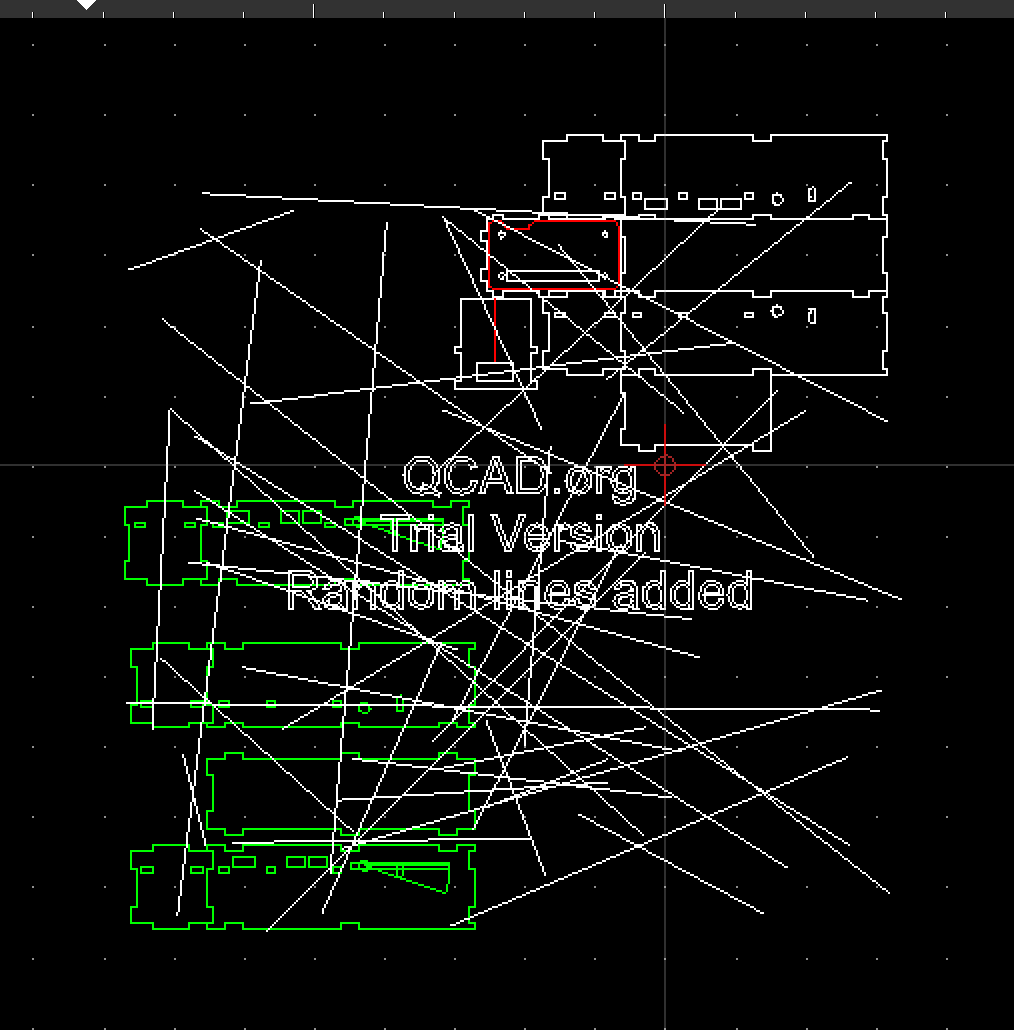
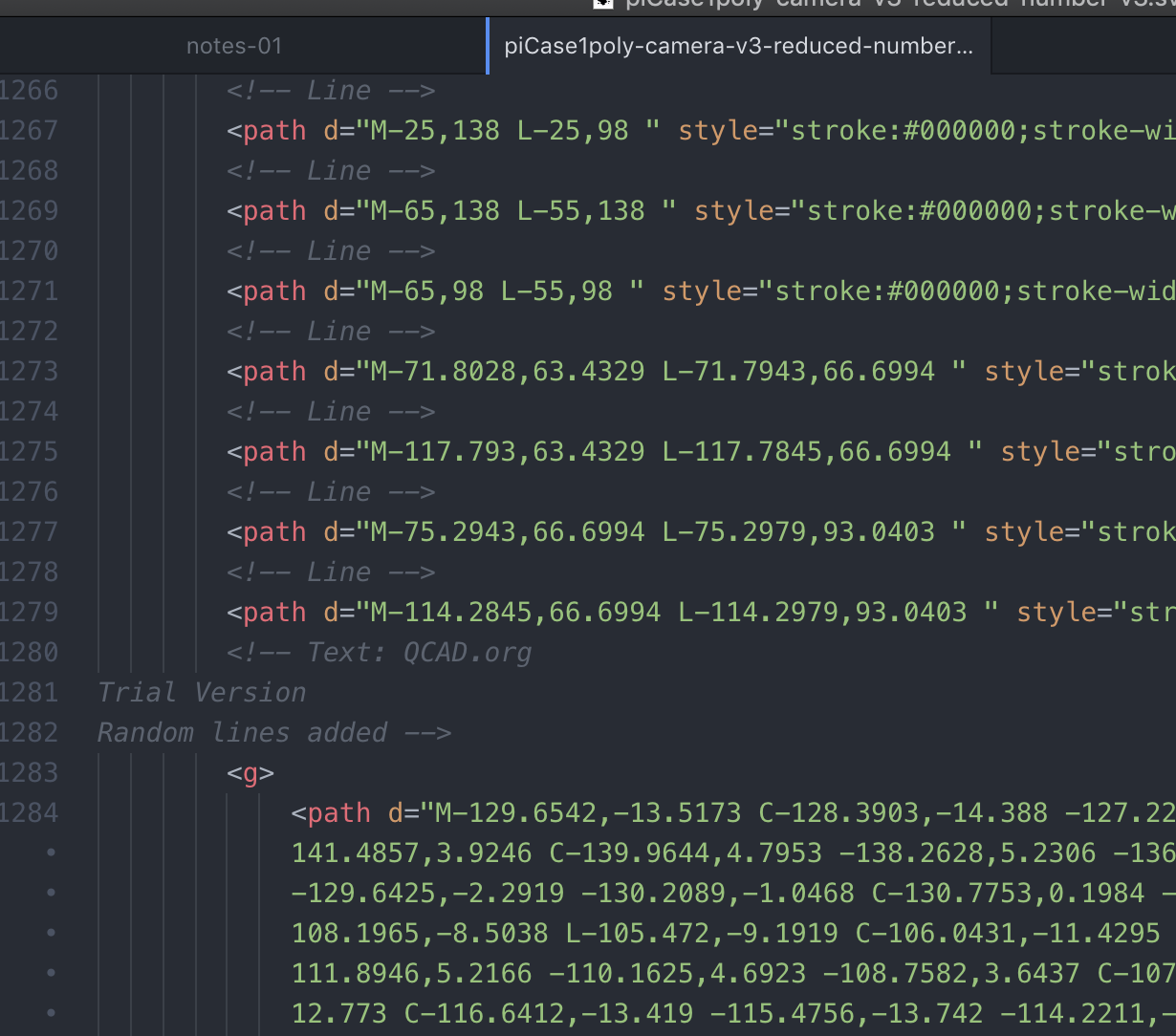
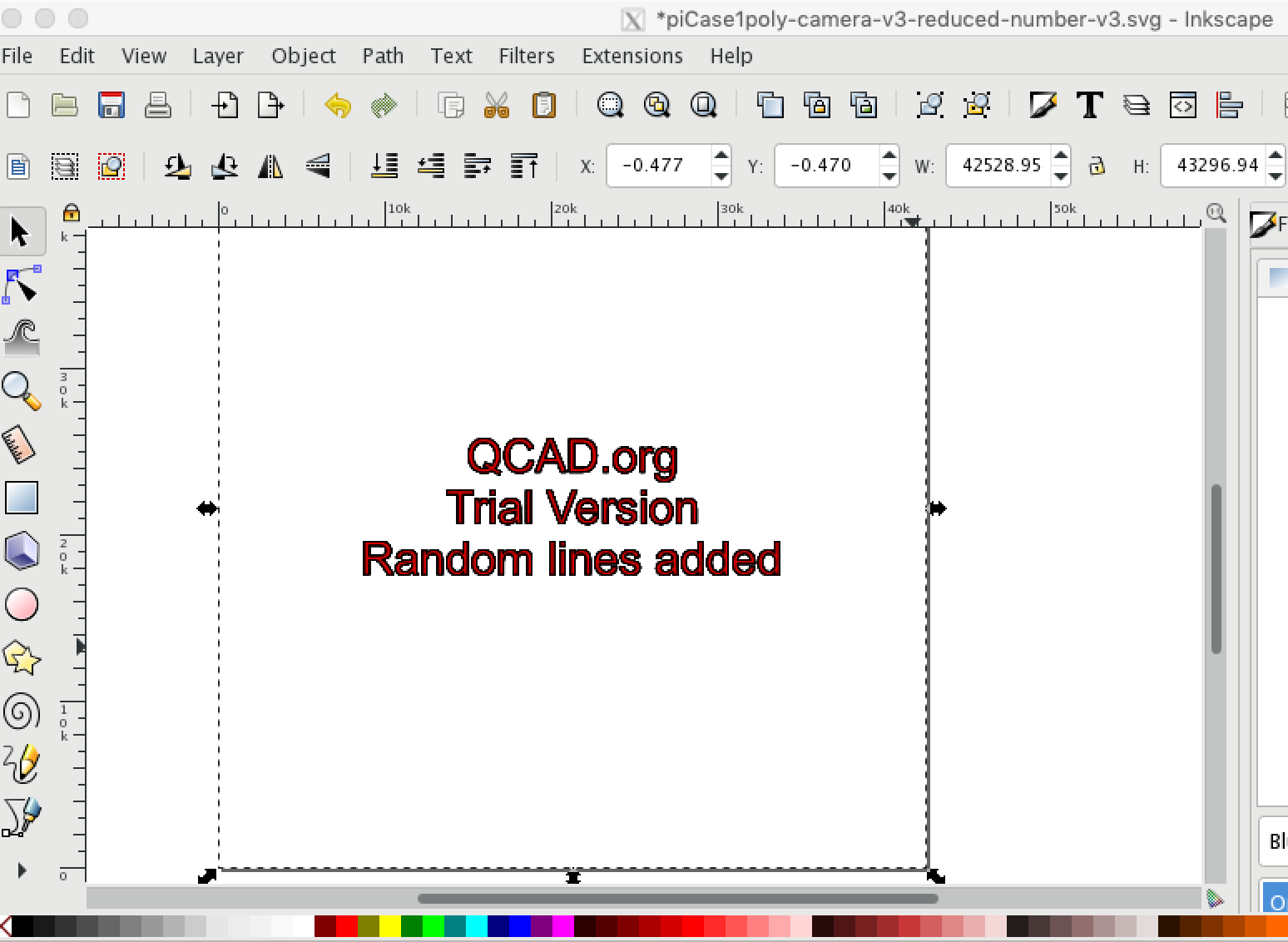
There are four places where I see that random lines have been added because QCAD is in trial mode.
When I import the svg back in to qcad and zoom out
In the laser cutting software
When viewing the svg in a text editor (I can see 14 blocks of random lines added)
In inkscape when I load the file it displays “QCAD.org Trial Version Random lines added” but not the lines and circles I have created.
Why would any CAD add random things?
It appears to have been enabled to discourage people using the trial indefinitely rather than paying for a licence. I feel that it has been overly crippled to allow an evaluation of QCAD.
Even when I import the exported svg back in to qcad, it does not allow me to edit or change any of the random lines added.
Wow - I’m impressed. That was 12 years ago. I’ve the feeling that not only the svg import/export has changed over the years …
The QCAD trial version is not meant for productive use and I’m sure you can imagine why it is protected.
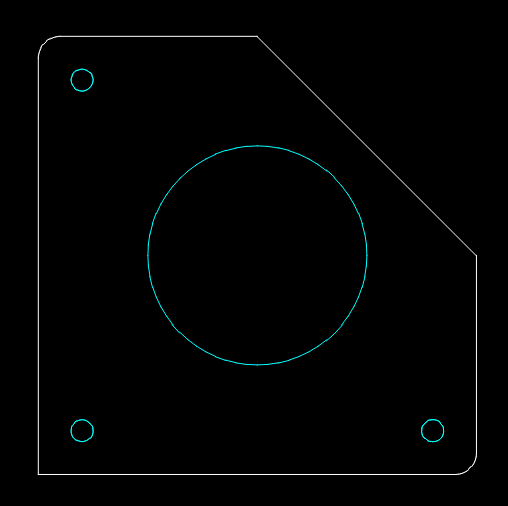
I’ll attache a simple QCAD Pro test drawing in dxf, svg and pdf. That should be good enough to test your cnc ability to read a QCAD Pro produced svg/pdf file.
That is really helpful, thank you. I have been able to test and it cuts all good and to scale. I will be making a purchase of the newer version of QCAD because of your help.