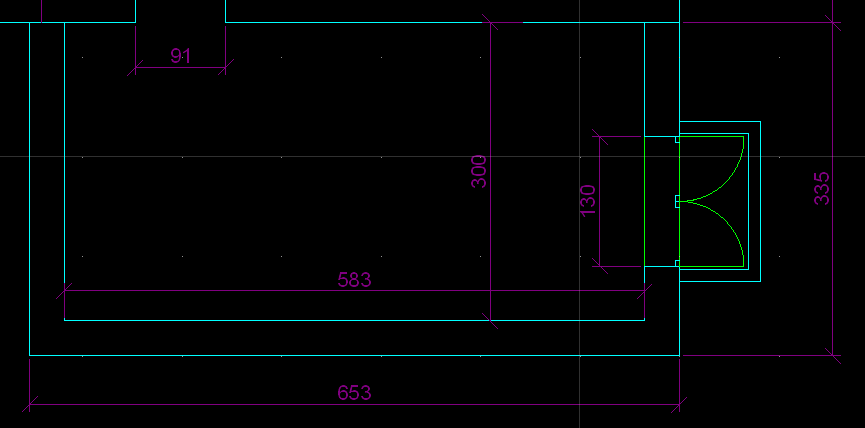
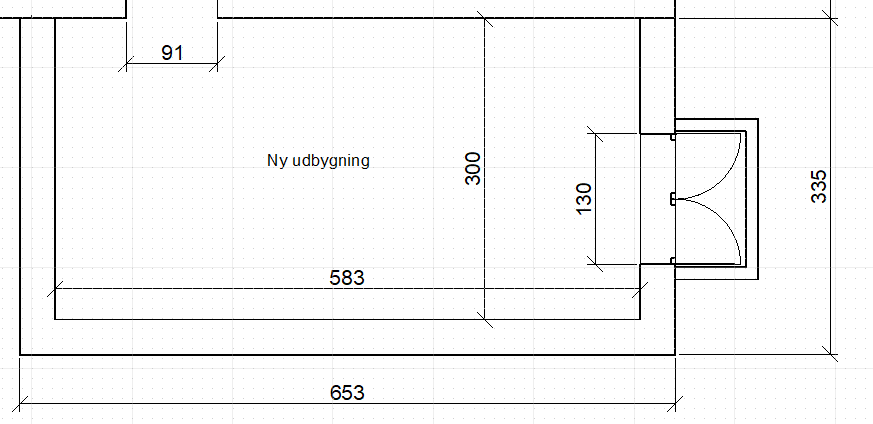
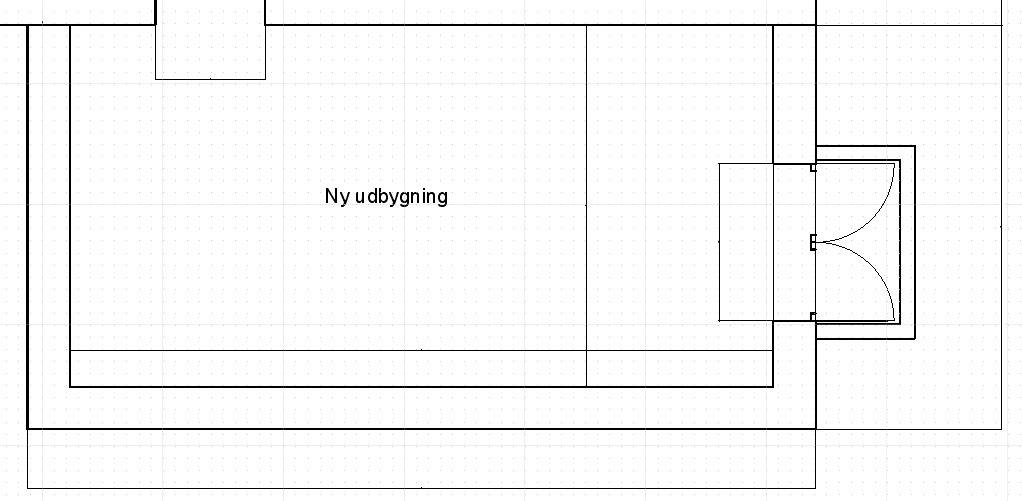
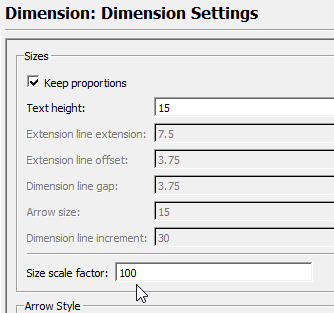
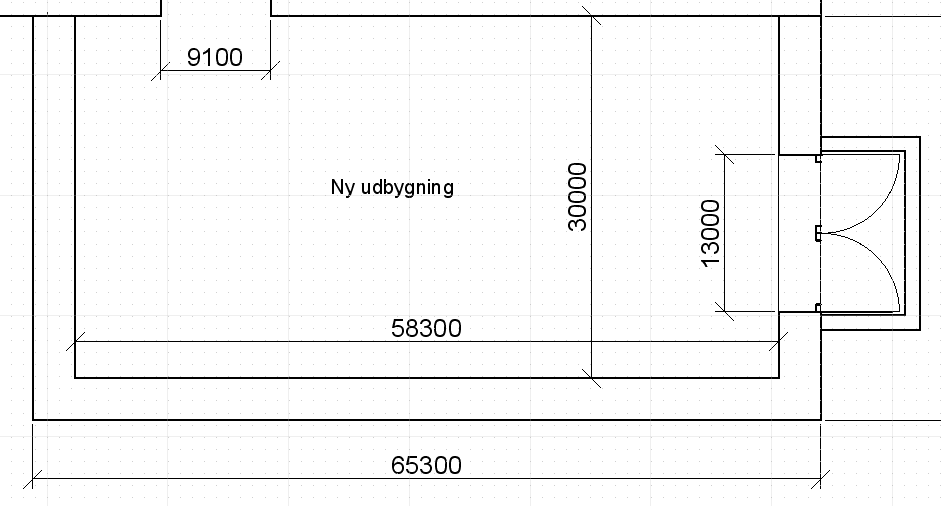
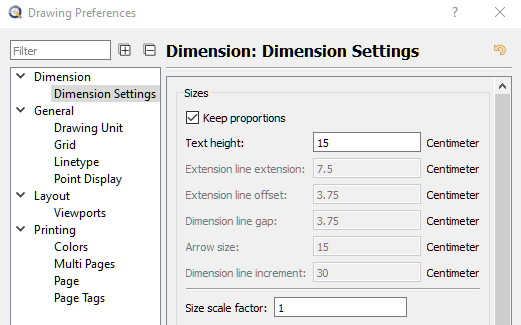
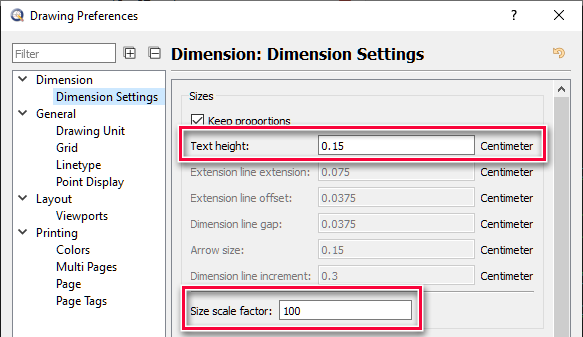
After digging around I found that if I set the ‘Size scale factor’ to 100 the dimensions are rendered again in the Layout but the values are scaled by 100. (Note that my Viewport scale is 0.01 in the Layout block)
Yes, I would consider that as a bug too. Please fill the bug report below Flyspray::QCAD Bugtracker: Tasklist
I recommend to work with QCAD Pro 3.23.0 until a solution is available
On an other note - I’m confused by your used drawing values regarding dim’s (has nothing to do with the bug!)
Why is the dim Text height size 15 cm? What should be the printed size? Standard would be 0.35 cm on paper …
The 15 cm value worked well when working in the Model space. It has a ok size when using a Viewport with scale 1/100; this gives a height of 0.15 cm when printed (yes it is small, but ok for my use case).
On the note of scaling dimensions: It would be awesome to have an extra scale factor on viewports that only affected the dimensions of that viewport. Something maybe called: ‘Dimensions scale’.
Then I could keep my 0.15 cm dimensions in a viewport with scale 1:50 by setting ‘Dimension scale = 0.5’.
And for all my viewports with 1:100 I would leave the default Dimensions scale at 1 (while still keeping my values as in the Dimensions preferences above).
I would prefer something closer to the already used terms for Dimension Settings. Maybe called: “Dimension scale factor” or “DIM scale factor”
A Viewport 1:50 would then get the “DIM scale factor” 50
A Viewport 1:100 would then get the “DIM scale factor” 100
A Viewport 10:1 would then get the “DIM scale factor” 0.1
A Viewport 2:1 would then get the “DIM scale factor” 2
and so on - you know what I’m talking about.
Howsoever - here in this forum the idea could get lost. Whats about if you fill a “Feature Request” for that? You can use the bugtracker forum for that: