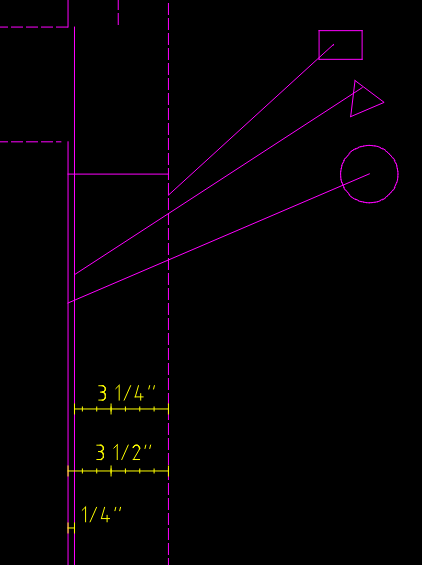
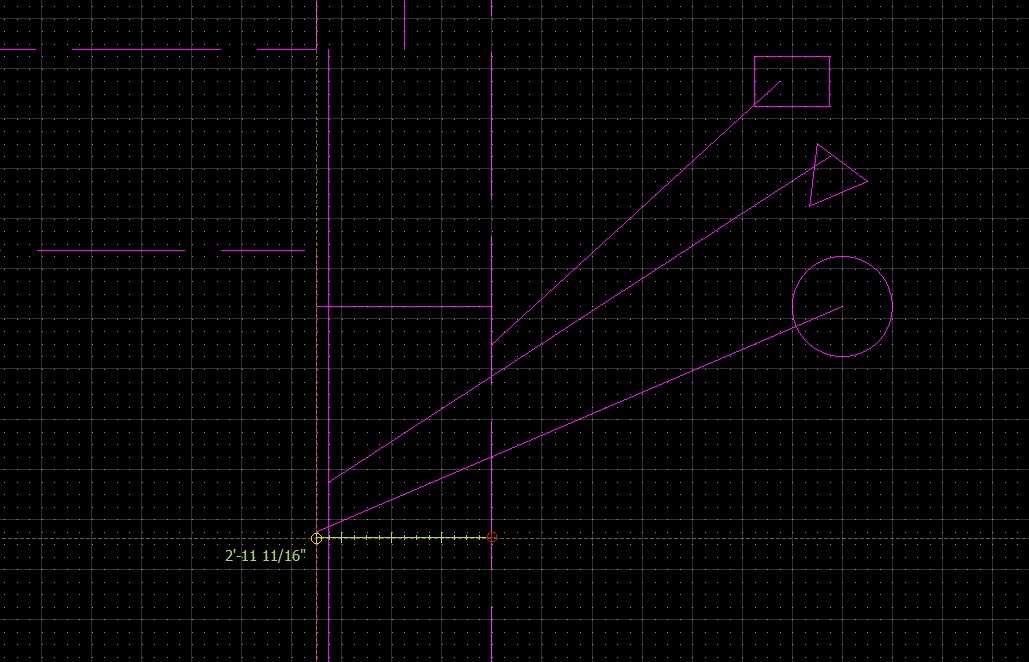
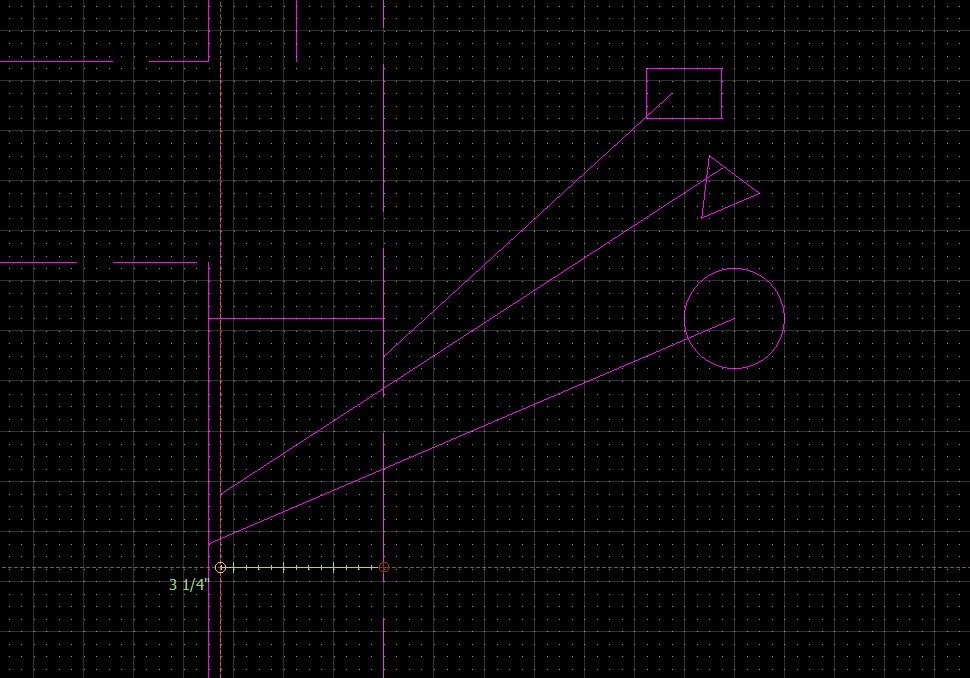
I have a architectural mode drawing where the ruler measurement give conflicting results.
My menu selection is:
Ruler / point to point / on entity.
the shorter distance is measuring 3 1/4" (correct)
a parallel line which should be further away is measuring 2’ 11 11/16 (way wrong)
I have the grid at 1/8 inch (if it matters).
BTW the rectangle , triangle and circle were to be used in a description then I decided screenshots were better.
John
Versions
QCAD version: 3.25.2.0
Date: Sep 4 2020
Qt version: 5.13.2
Compiler version: MSVC++ 14.0 (2015)
Build date: Sep 4 2020
Revision: 4a61501492c20734be6975d8e22c78667e7898af
Architecture: x86_64
Device pixel ratio: 1
OS: Windows
OS version: 10
Locale
QCAD locale: en
Name: en_US
Country: 225
Country name: United States
Language: 31
Language name: English
Script: 0
Script name: Default
Decimal point: 46
Negative sign: 45
Positive sign: 43
Text direction: 0
System codec: System
Measurement Error.dxf (150 KB)