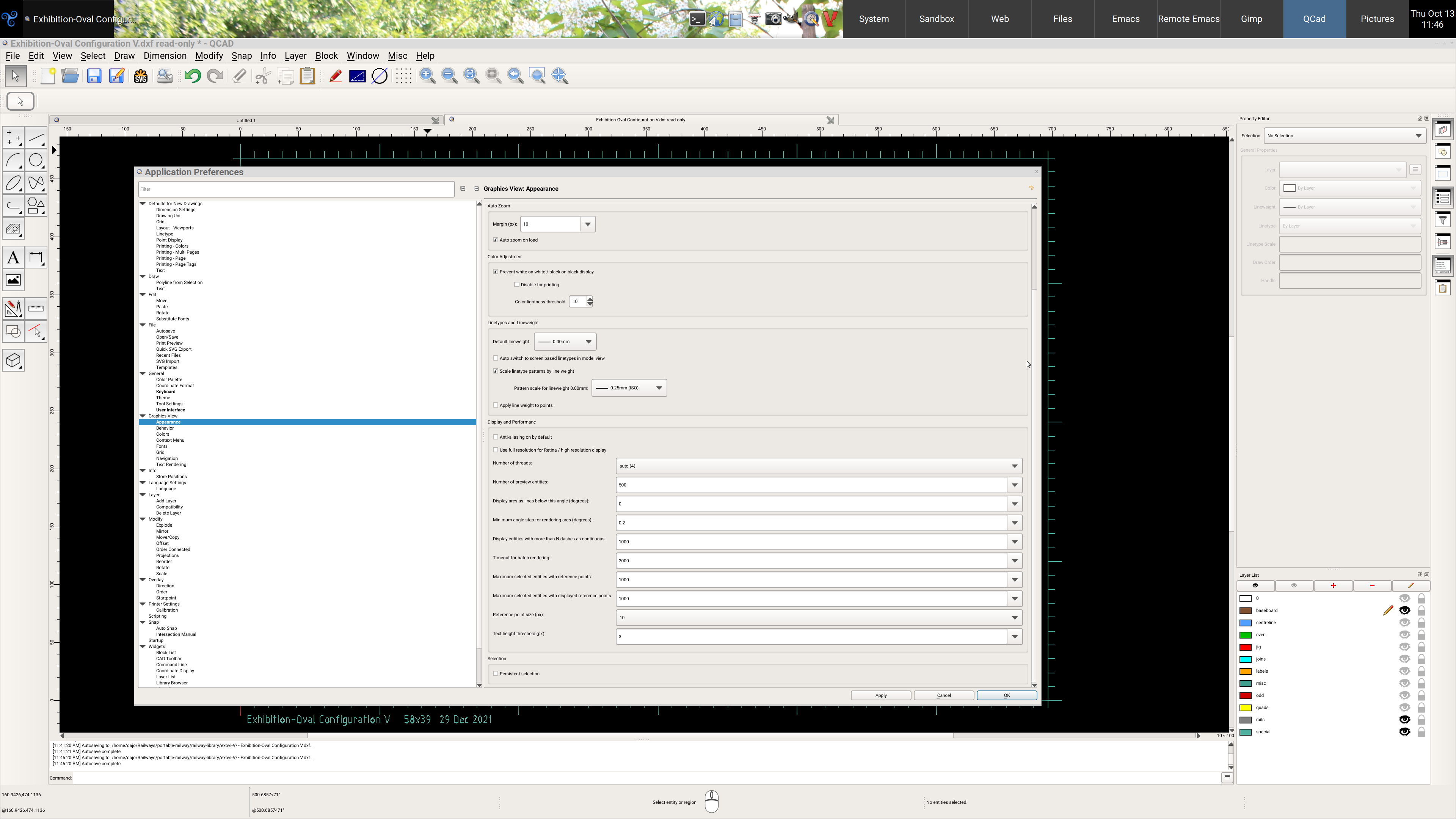
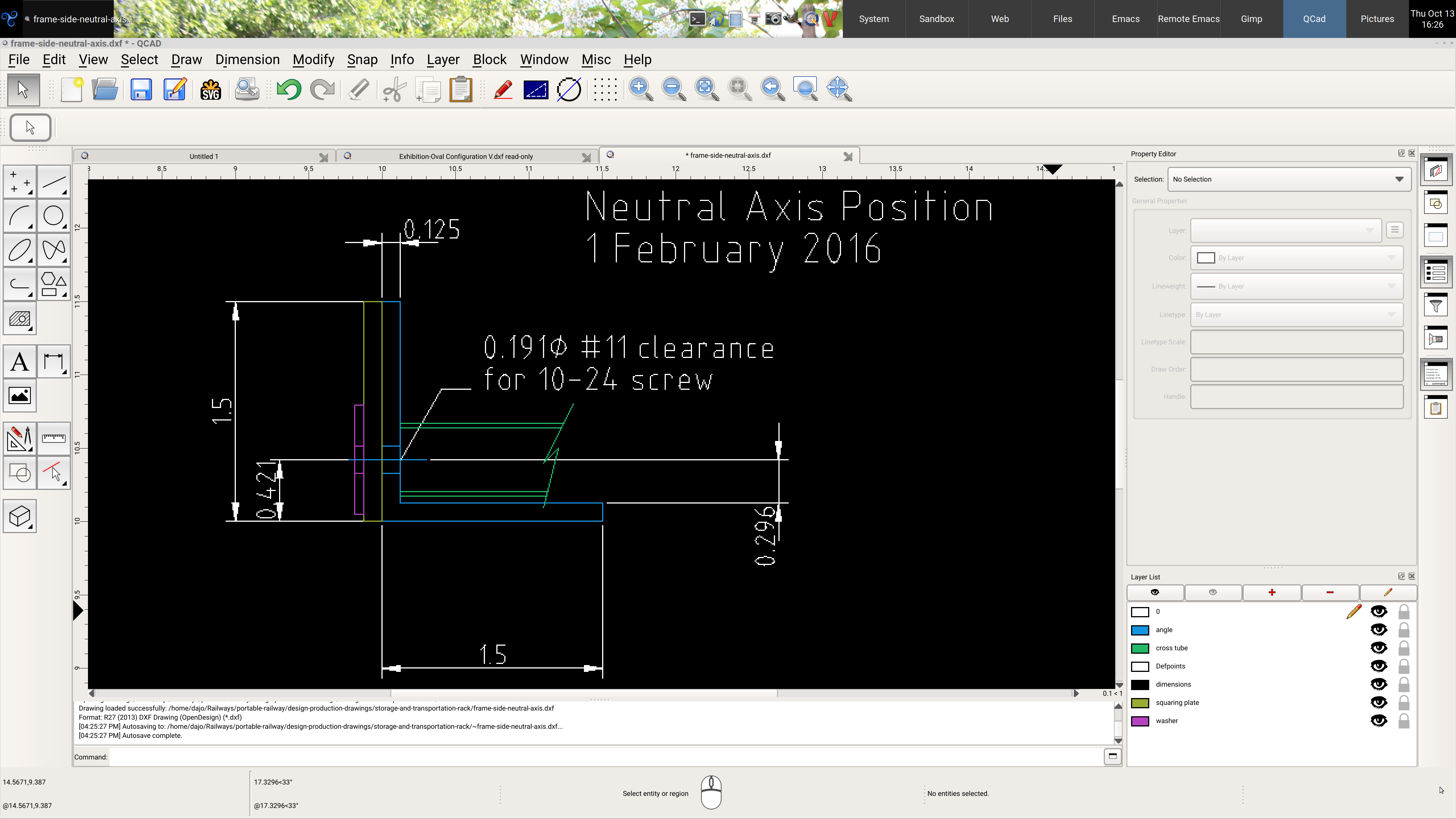
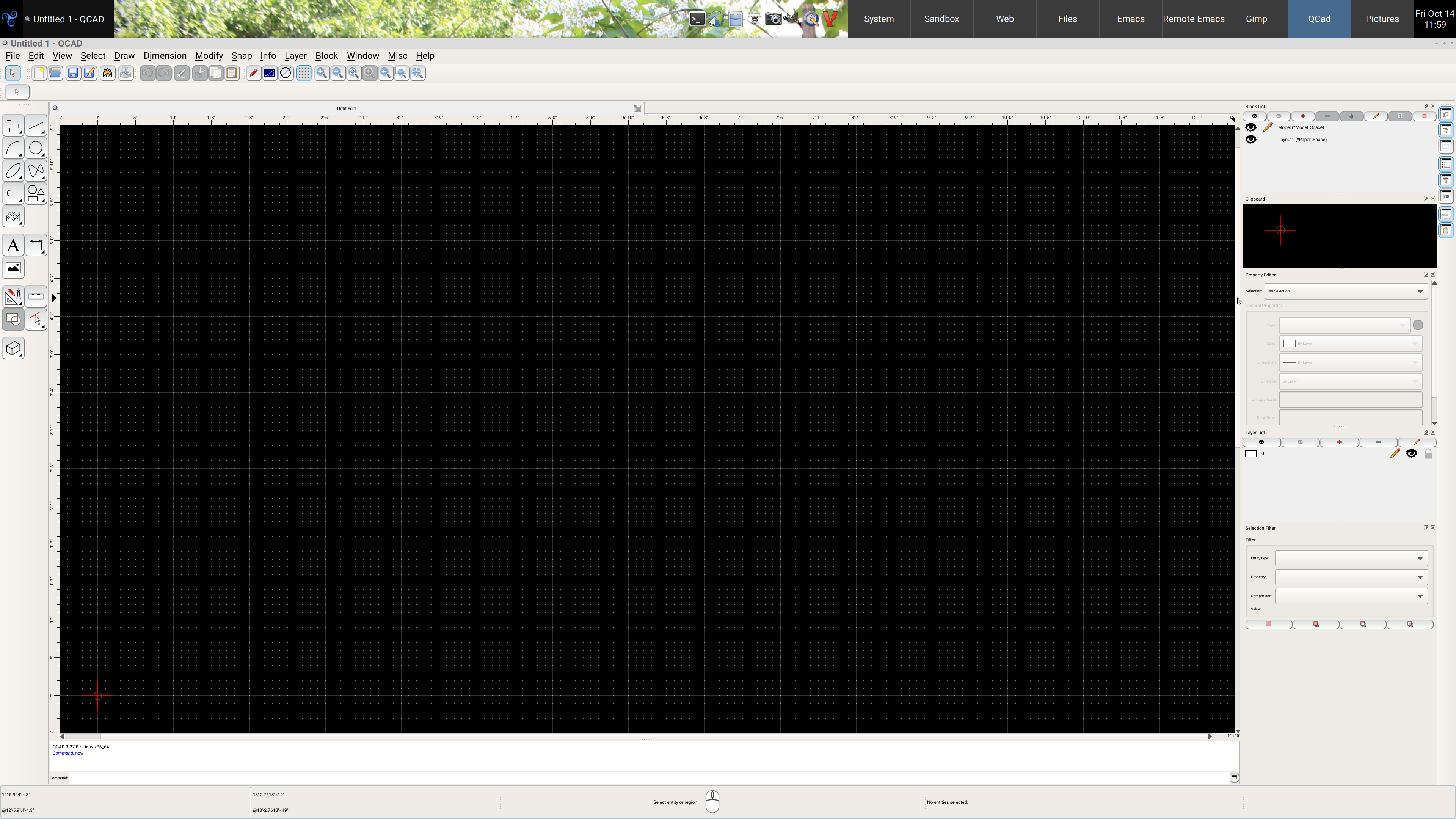
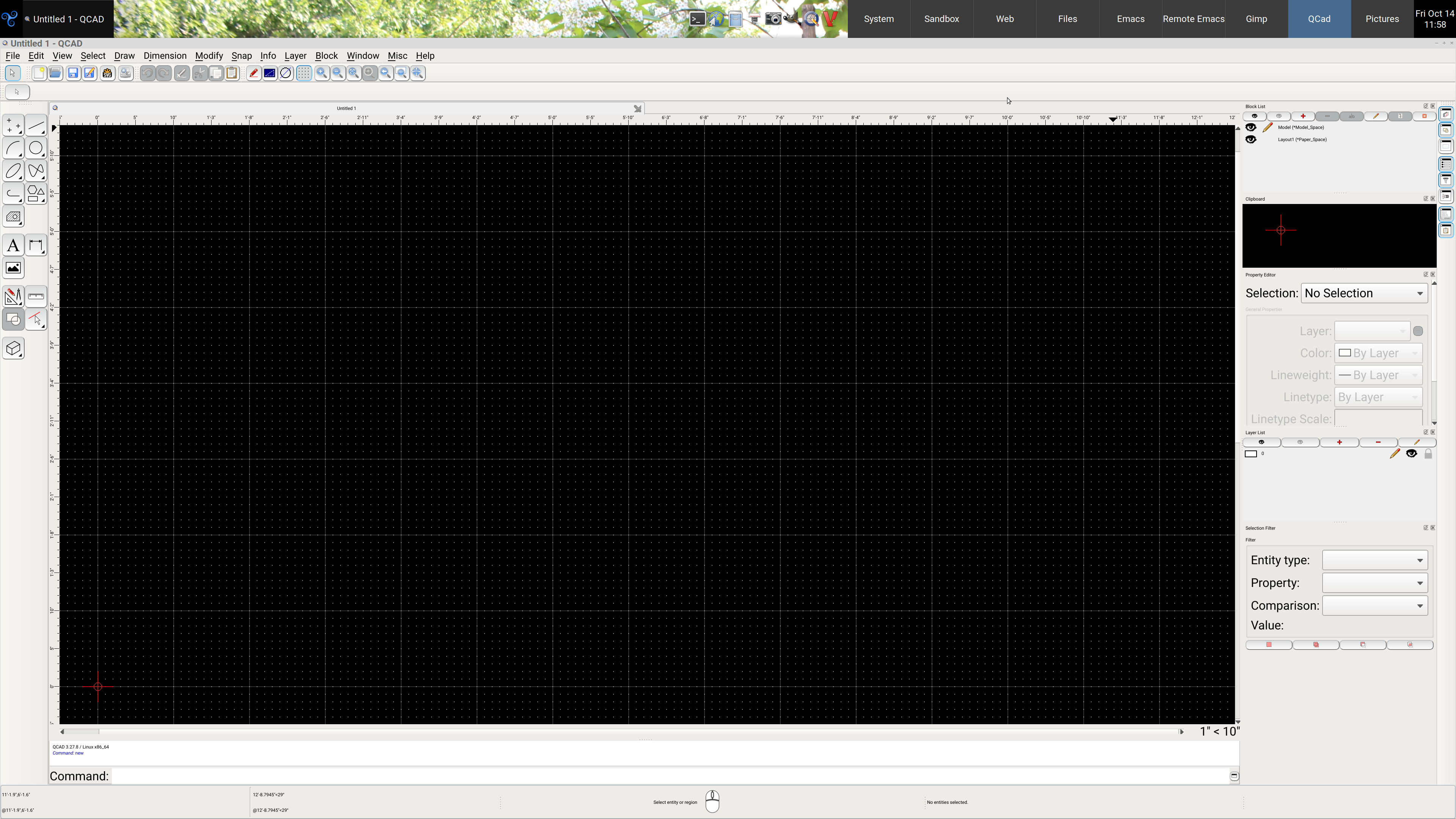
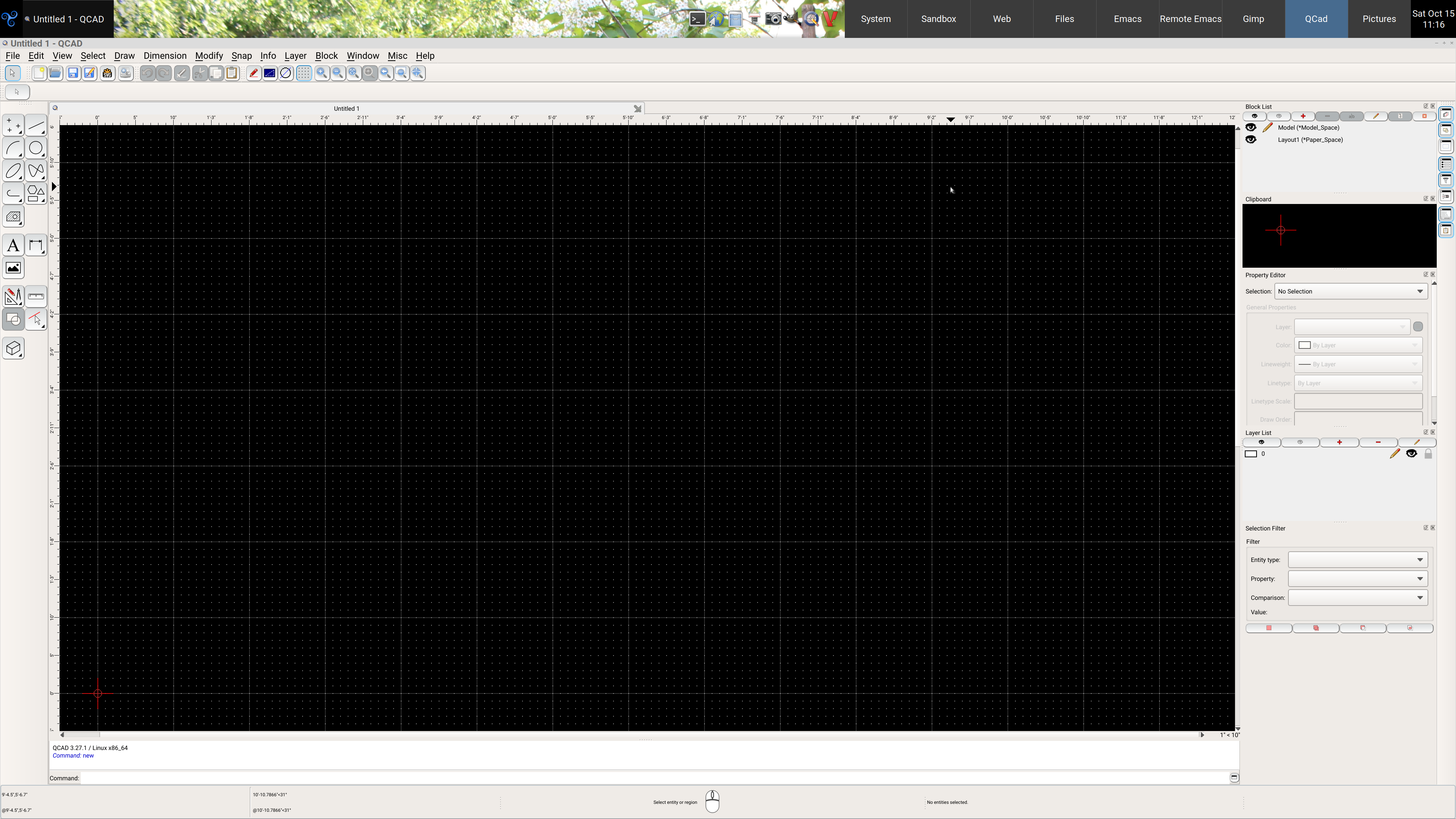
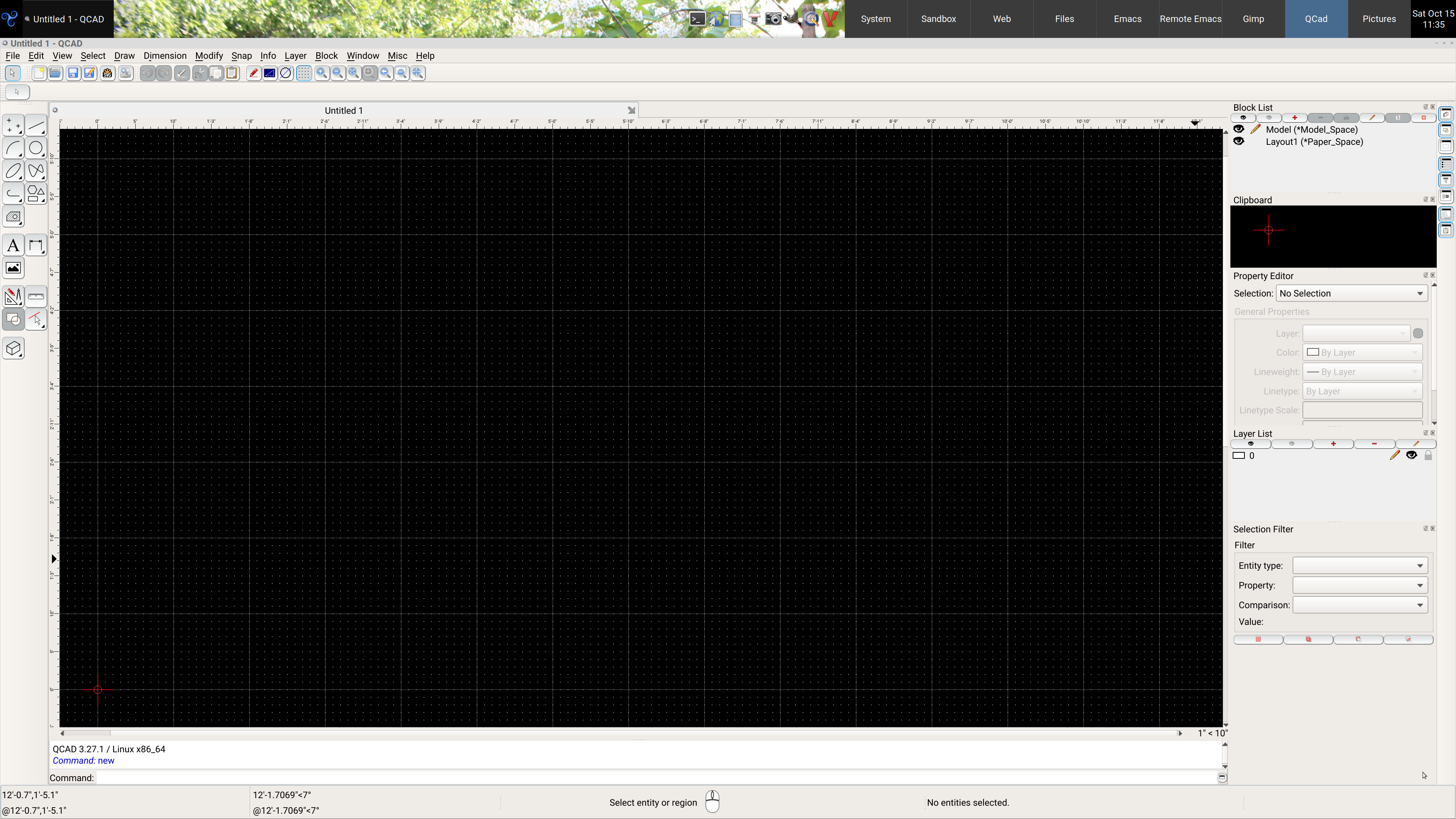
dajo, Firstly, I’ve renamed the theme folder to Default Plus hi-res.
I’ve added a few more elements, but I’ve also added this…
QWidget
{
    font-size: 12pt;
}
…this effectively changes ‘all’ the fonts in Qcad in one hit, but, for some reason, it does not change the status bar, nor can I change it using QT reference QStatusBar, I can change it’s colour, but not it’s font. Similarly, or fortunately, the menu font is not affected, that seems to have scaled ok anyway.
I’ve commented out the individual widget font settings, if you want to use these rather than QWidget, then remove /* and */ that encloses these settings, you can then either comment out the QWidget setting or delete it, the font section of the file would then look something like this…
/*
QWidget
{
    font-size: 12pt;
}
*/

QLabel
{
    font-size: 12pt;
}

QLabel::disabled
{
    font-size: 12pt;
}

QLineEdit
{
    font-size: 12pt;
}

QLineEdit::disabled
{
    font-size: 12pt;
}

QComboBox
{
    font-size: 12pt;
}

QComboBox::disabled
{
     font-size: 12pt;
}

QComboBox:hover
{
    font-size: 12pt;
}

QToolButton
{
    font-size: 12pt;
}

QSpinBox
{
    font-size: 12pt;
}

QTabBar
{
    font-size: 12pt;
}

QTreeView
{
    font-size: 12pt;
}

RTextEdit
{
    font-size: 12pt;
}

RCommandLine
{
    font-size: 12pt;
}

QGroupBox
{
    font-size: 12pt;
}
If you remove the commenting from the individual settings and leave QWidget active the individual settings should override QWidget, although I’ve not tested that, it just occurred to me 
Don’t forget to change your theme to Default Plus hi-res.
Again, let me know if there are any other elements that need looking at.
Default Plus hi-res.zip (32.9 KB)