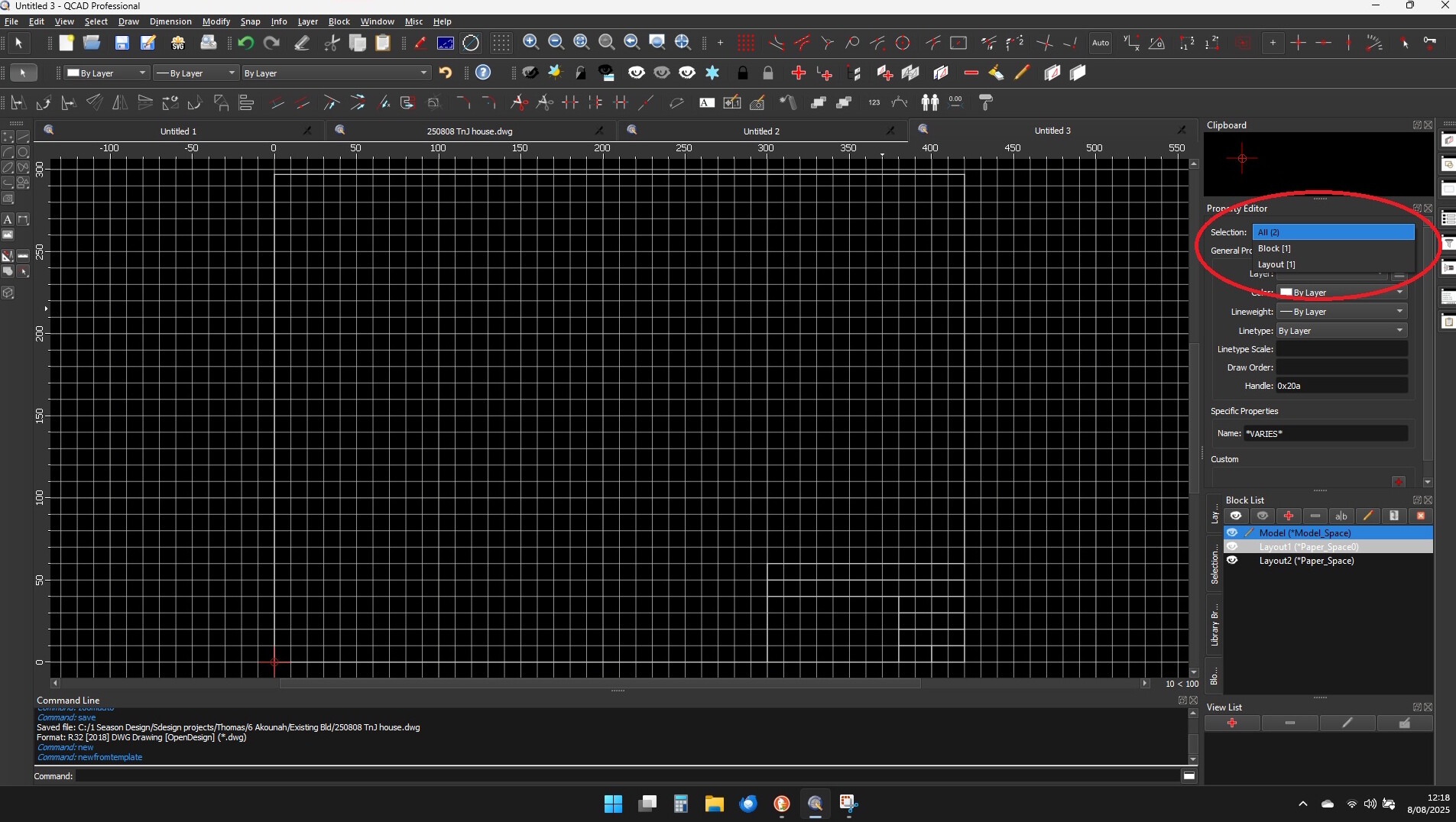
The Property Editor says that 2 items (1 block & 1 Layout) are selected even though I have deselected everything. It even behaves this way when I create a new drawing using a QCAD template.
See screenshot.
How can I get it to display the correct selection.
Common behavior.
When nothing is selected in the drawing it lists the current Block, its Layout and even the selected Layer.
These drawing objects also have properties and for example Custom Properties.
You can then select one out the Drop-Down to display/alter these properties.
Also see menu Edit .. Application Preferences .. Property Editor .. Display properties of current Block and Layer.