Husky,
I didn’t consider MR:
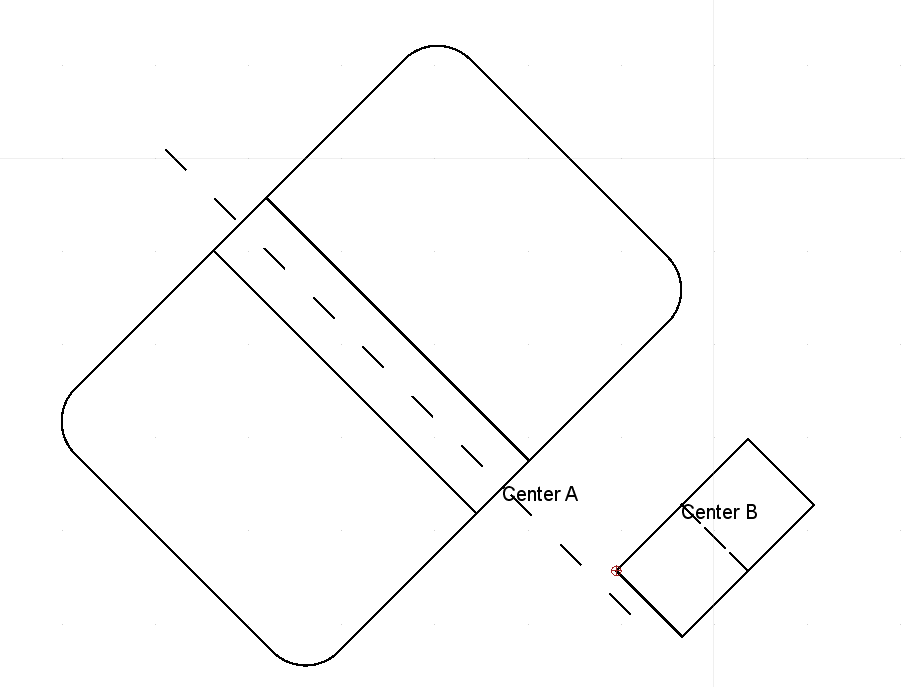
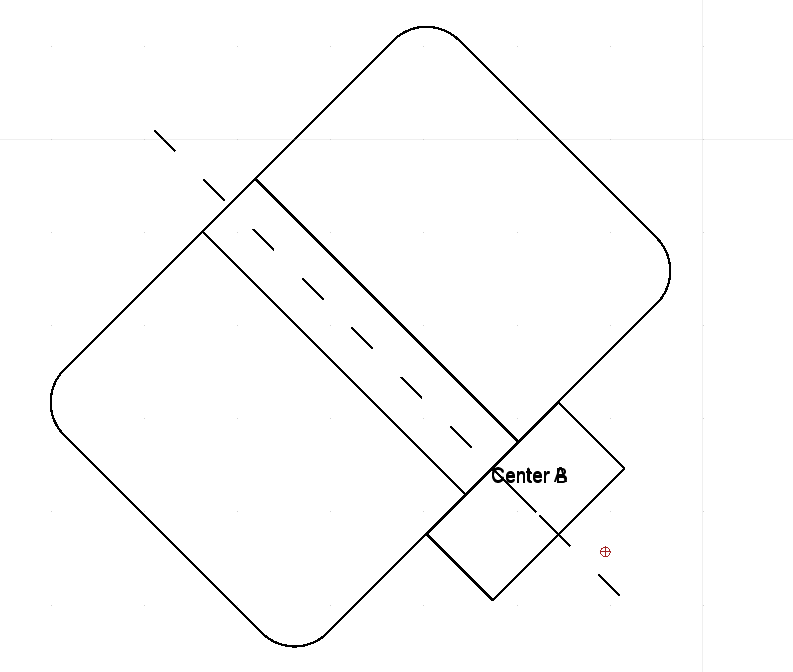
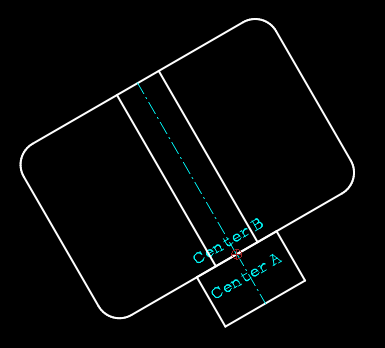
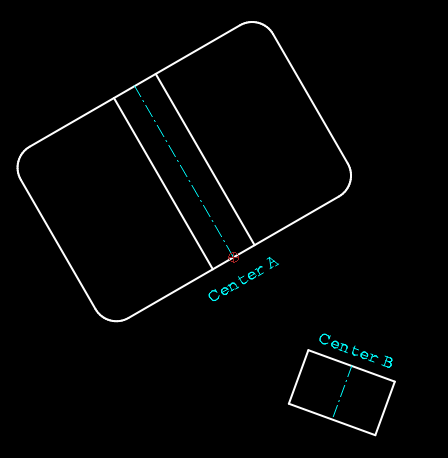
- In the original example the shapes were aligned. MV
- In yours they were explicitly not and the angle difference was not a neat value. AE
- Off topic: Moving with a known, measured or calculate orientation. MR
The measurement method is tedious and there is a lot to consider for a novice to do it flawless on the first run.
When I follow your steps by the letter, the existing angle value isn’t selected.
What results in 30d1 what is a syntax error.
That way you get a NaN value in the Move and Rotate Options Widget.
“30” is the initial angle value on first use and this is a persistent field displaying any former use.
“d1” is the present first parameter.
Also noticed:
When last used with a parameter and after a reboot the angle field will read d.. in red throwing a reference error.
One needs to double-click the angle field or left click hold and swipe over the “30” before the right click.
Your ‘ClickPane’ says ‘left hold’ but you don’t really swipe left.
A) One has to replace the persistently stored former angle value.
Remark also that it says “Insert Measurement” not overwrite.
Inserting keeps the path open for a math expression.
Further, per-selecting a whole Options Toolbar field by default (see bug reports) is not a correct way either.
That would overwrite the whole field while it is inserting a value or a parameter.
I classified this under “Intended behavior!”
And under “One can never do good for both!”
I liked the inserting nature that was reported as a bug.
B) One has to remind to set the angle first.
When choosing the references to align first, the tools will continue with the dialog.
There we can’t enter a measurement.
On top, one has to start over because the dialog has no backing up option.
Sure, we can deactivate the dialogs, in that case it will cast right away with an old value.
Remark that we have to deactivate the Move/Copy dialog for this.
The ‘Rotate Dialog’ preference is not related while the MR dialog takes an angular entry.
There is no singular preference option for the MR dialog.
Even using displaying 6 digits throughout.
The measured angle is reported in the command line as: “Angle: 31.38° [31.38344°]”
The tool tip of the angle fields reports “31.3834”
The Widget angle field too.
C) I find that the information is displayed truncated, what should, but not consistent with my preferences.
Now my first question will be: What angle does it actually use?
Simply “31.3834” raises a warning flag but:
D) I shouldn’t have to bother about the actual angle to start with.
We are aligning things whatever the angles are.
Luckily it uses 31.3834404459263 degrees what is the delta of 202.3661577985517 & 350.9827173526254.
Eventually we get the dialog to Move or Copy or to make Multiple Copies.
Again the angle field reads “31.3834”, again this is a RMathLineEdit.
E) We can’t do math here because the RMathLineEdit will use the “31.3834” literally.
eg. Adding 90 degrees must be done in the angle field of the Options Toolbar.
F) AE is more accurate in aligning …
… The longer the math road the larger the accumulated error can be.
If you don’t want to do the math yourself:
Goal= 202.3661577985517 degrees.
AE: 202.36615779855154 or -6ULP’s
MR: 202.36615779855126 or -16ULP’s
This difference is of no issue if and only if this is the final placement of the shapes.
Every newer action induces newer kinds of math errors and they are based on these.
Don’t really count on those to converge, the errors tend to run away faster and faster.
And finally.
G) AE is simply shorter:
AE: 4 clicks for a move, 5 clicks for a copy.
MR: 8 clicks and another depending on one has to swap move/copy/Multiple Copies.
Because of A-G, your question remained unanswered from my part.
I classified this under “Why easy when it can be complicated?”
But if you really think MR is more efficient, more appropriate, or even a valid equivalent …
… then I will humbly withdraw my solution from the record.
CVH