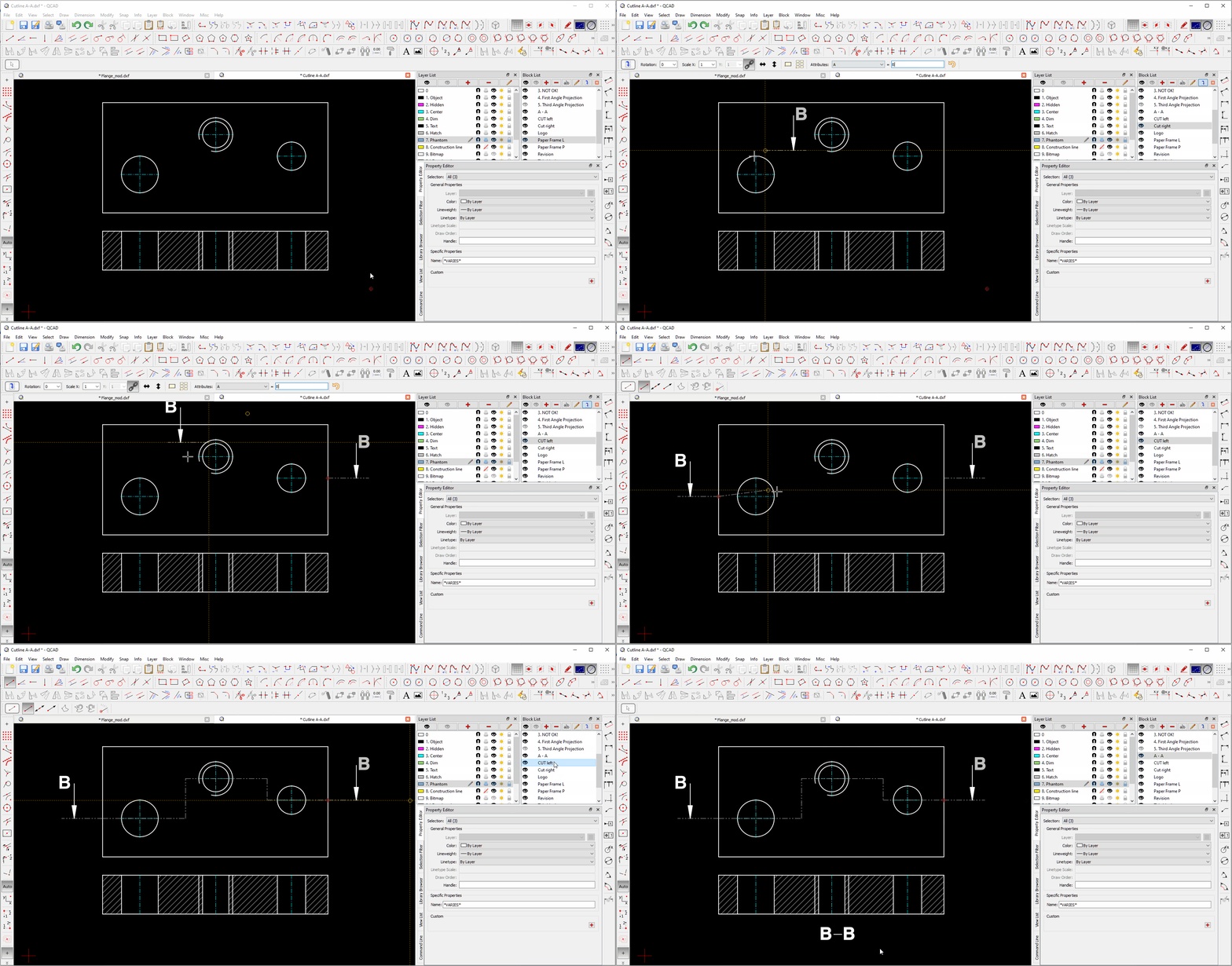
(solved) engineering drawing cutting plane

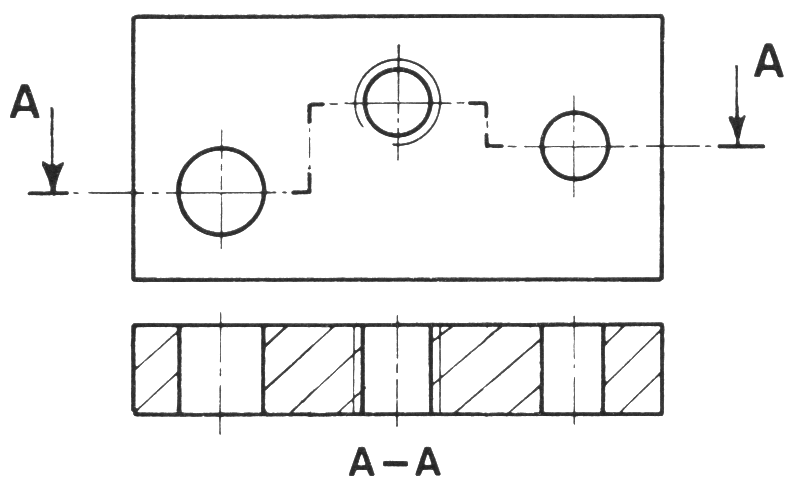
What’s the best way to create (as a single block, rather than collection of lines and text) cutting plane lines and letters
as shown on top half of attached sketch (A-A).
The only way I can think of doing it is by creating a block?
but is there a better way, please?
QCAD Professional
Version: 3.27.9.0 (3.27.9)
Internet: QCAD.org
Build Date: Jan 11 2023
Revision: a88789f
Qt Version: 5.8.0
Architecture: x86_64
Compiler: gcc 4.8.1

Yep, the only way of grouping things under QCAD.
Groups of entities are not supported.

Regards,
CVH

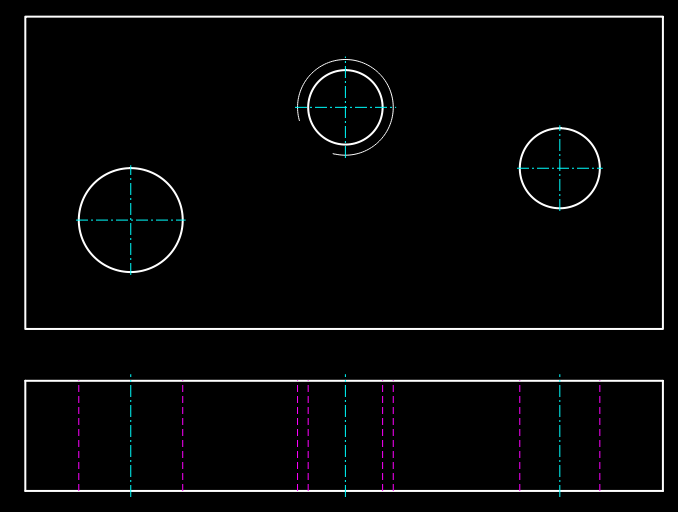
Just for the records - I don’t see the need for a cutting plan on this example. Just a Front view would give all needed information.

Me too. I work with blocks and Attributes.

Cutting plane.gif

Maybe someone else in the forum knows a better way … :blush:

Thank you for the confirmation guys.
I thought it was the case. but it is always better to ask… :wink: