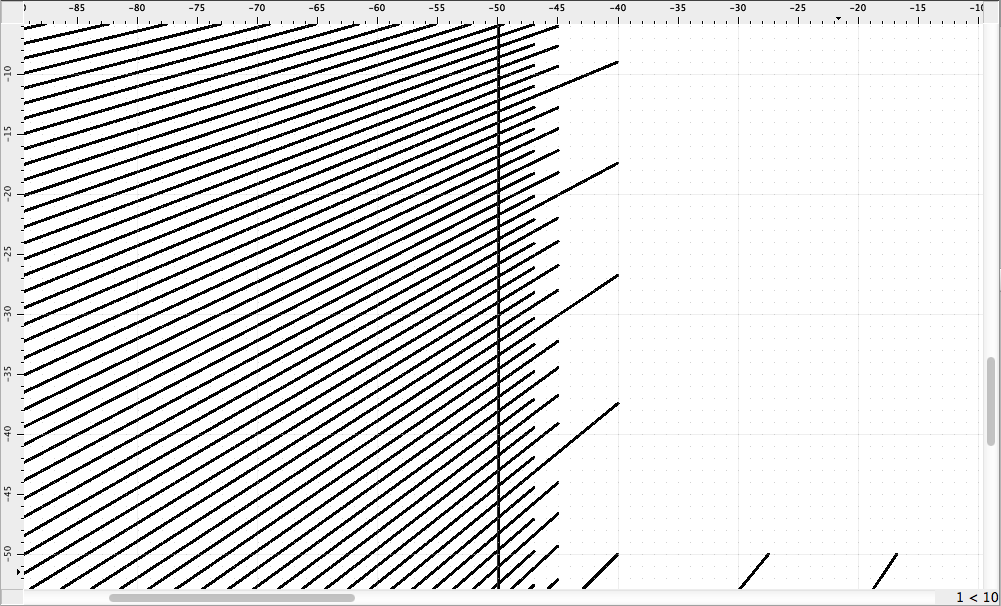
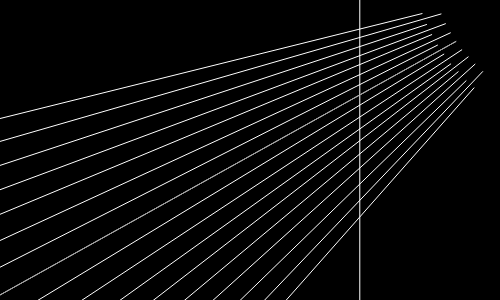
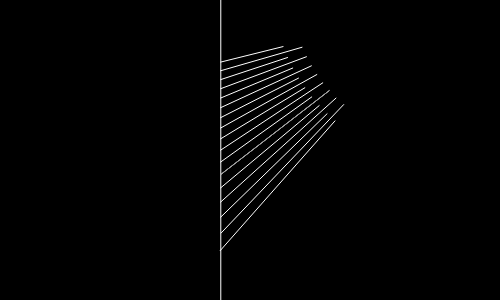
What I’m trying to achieve is getting the same result as if I was applying (D, 2) to all those lines, using the vertical line as guiding intersection. I’d like to apply this to the whole group, avoiding clicking on each line. Actually, the best case would be removing everything on the left of that vertical line, but I could do that using selection after applying (D, 2). I have no problems with doing it by means of a script, if necessary.
Yes, that is a very helpful tool but unfortunately only available in the QCAD Pro Version. It’s called “Clip to rectangle” and works like your “Wishlist”
Hello CVH, thank you for your answer!
I can’t remember whether back in 2017 I scripted a solution, or just did something different.
I might share the script, just for informational purposes, in case I find it.
Glad to know there’s a Break Out with line mode in addition to the clip to rectangle mode in the PRO version since at least 2021.
Due to the age of this post, I’m now marking it as solved.