[solved] ATTDEF text height and angle changed when save a DXF file if text start not same with alignment

Bug:

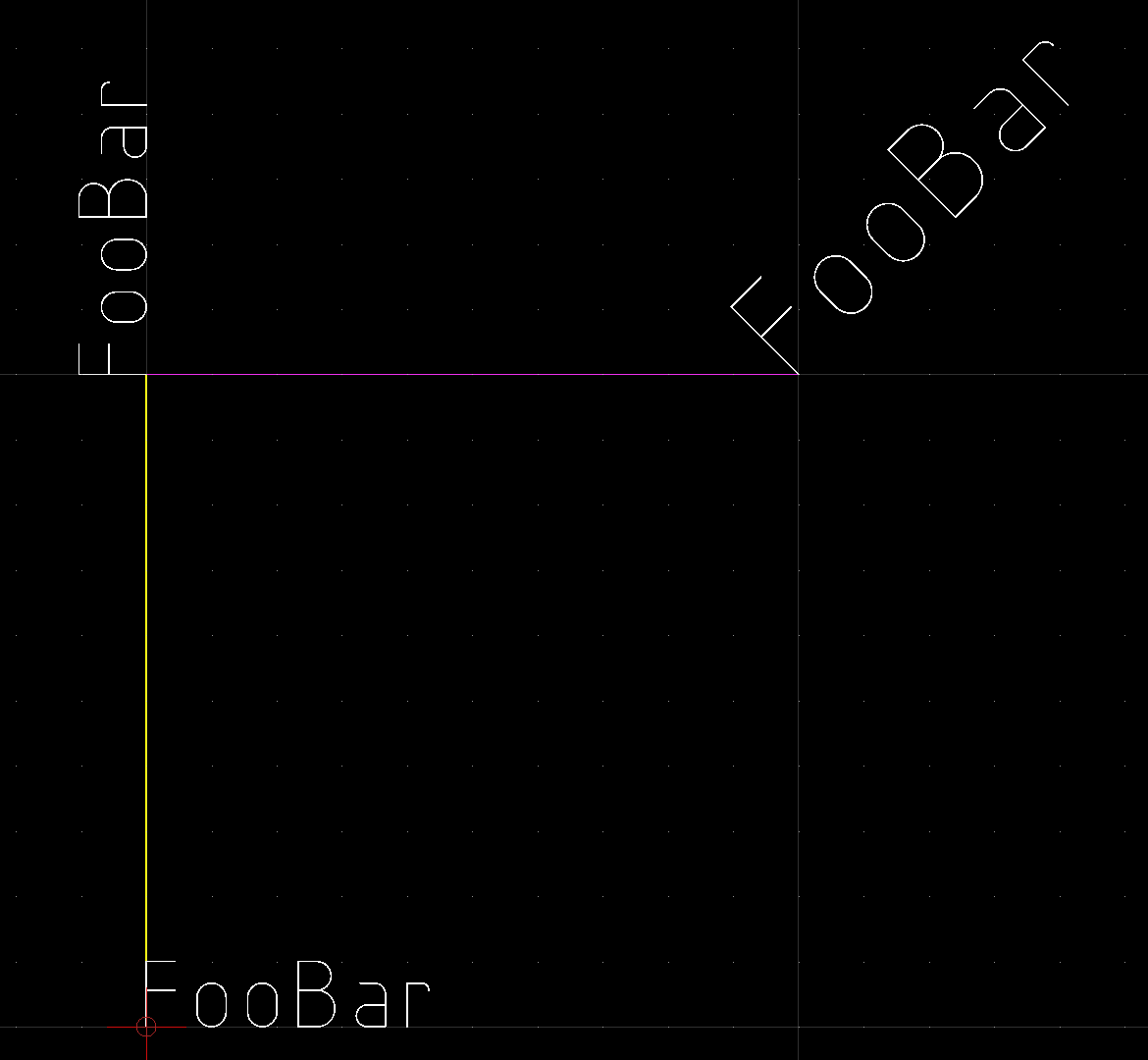
  • Current behaviour: ATTDEF text height and angle changed when you open and save a DXF file when text start(10,20,30) is different from alignment point(11,21,31)
  • Expected behaviour: ATTDEF text height and angle should not change when saved

OS/QCAD Version:

  • macOS 11.7
  • QCAD Pro 3.25.2.0 (3.25.2)

To replicate:

I can confirm this on Win7 32 bit with QCAD 3.27.6.0
The issue it is not depending on file format what was R11/R12.

There you first have to create a separate account. :wink:

Regards,
CVH

Hi,

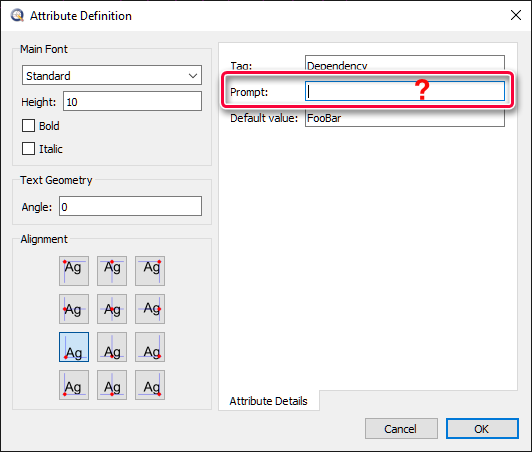
the prompt text in the attribute definition is missing. Please complete the dialog and try again to save/load the drawing.

Perhaps malpractice but probably still a bug, the prompt text was a single space.
IMHO this should not affect angle and size.
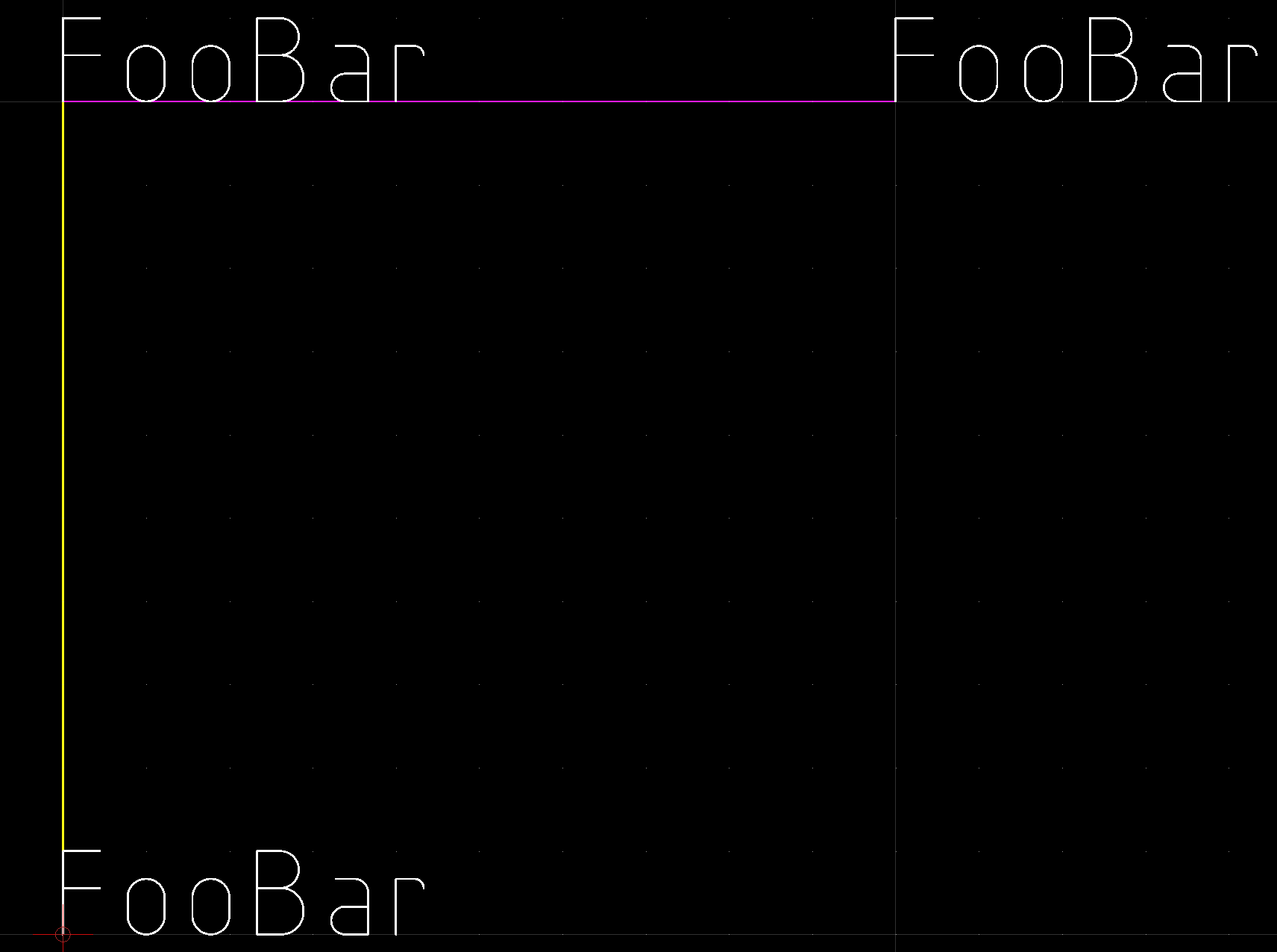
With a prompt starting with a space the file is saved/opened correctly.

Regards,
CVH


Hello @Husky,
The prompt text was a whitespace from other software. Changing that MAY have an unexpected result on the said software.

Which workaround do you suggest? that would be the least invasive

  • add placeholder prompt text for all missing entities: prompt text = a (whitespace and a) as you mentioned
  • edit text start point(10,20,30) to match alignment point(11,21,31)
  • contact the said software support

Note: I’ve tested both workaround. They DO work.

Hi toob,

I never told you to use white spaces as a prefix! I would suggest to use solution one without the prefix white space. BTW - it is not a workaround! If a QCAD tool is used as intended it will work.
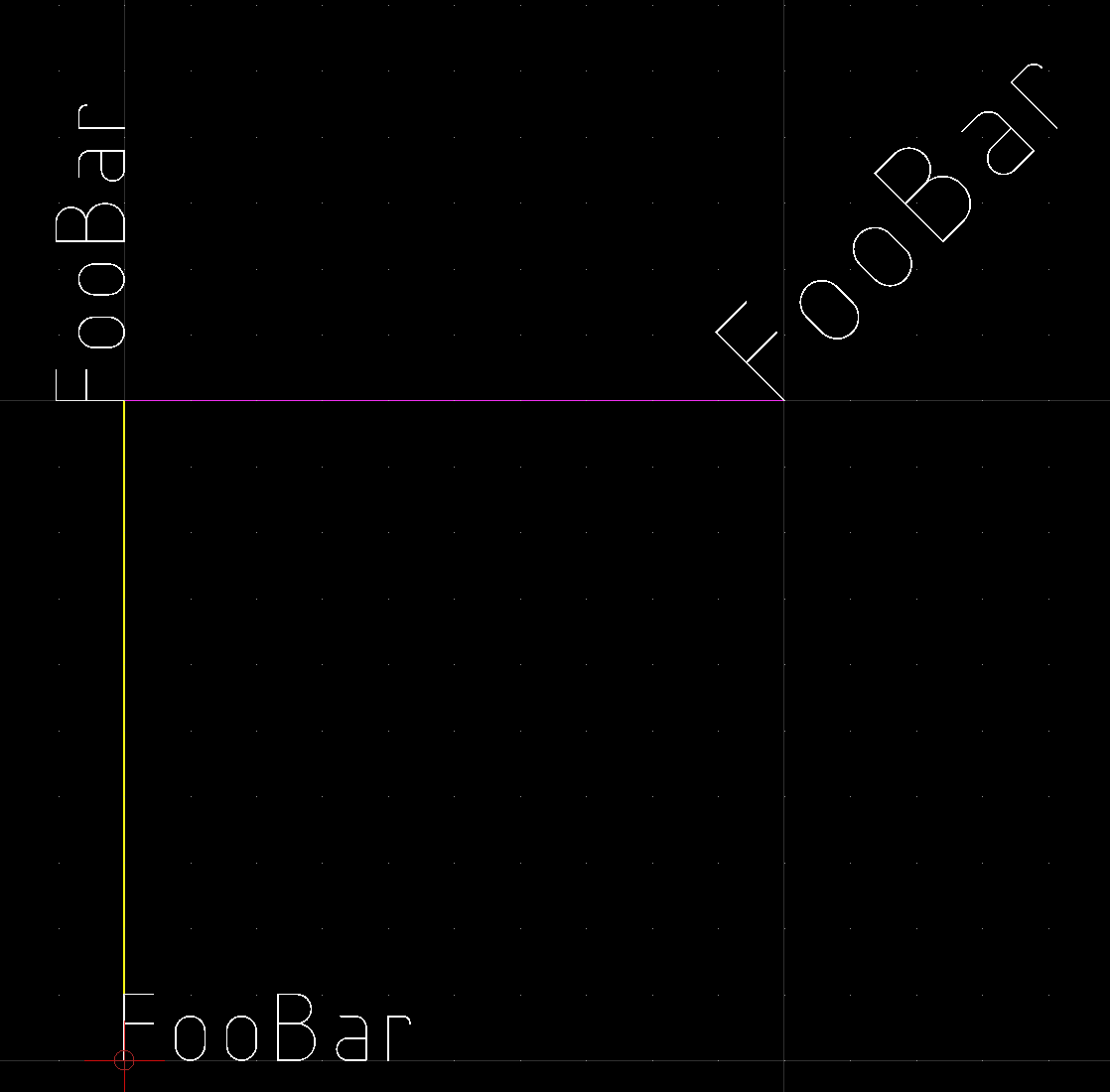
@Husky Thanks

  • I’ll use the prompt as you’ve suggested


SHOULD I put a [solved] in front of the topic’s subject? It seems like other members MAY think that this is a bug.

It seems to be a bug, please file a bug report, include file and a link to this topic.

Regards,
CVH

Yes - I’ll do it for you. :wink:

@Husky

Note: setting prompt will NOT solve the issue in QCAD scripting environment.

  • feel free to ping me to create a new topic for this

To replicate:

Note: the related code regions

          if (en.getPrompt() === ' ') {
            en.setPrompt('a'); // does NOT work (pic1)
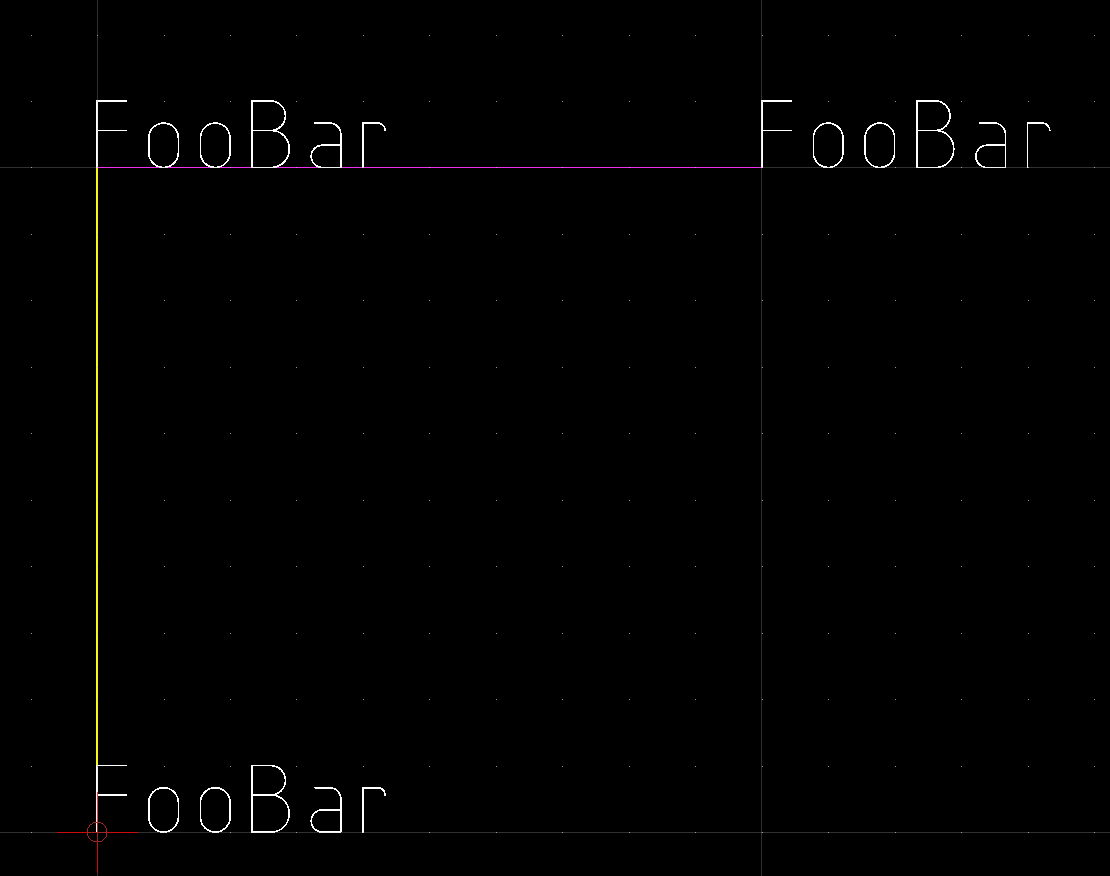
            // en.setPosition(en.getAlignmentPoint()); // does work (pic2)
          }

Screenshots:


For the record - I never said a script will fix the issue! Define Block Attributes as intended and it will work like a charm. :wink: