There are two preference settings that can greatly affect the display of texts:
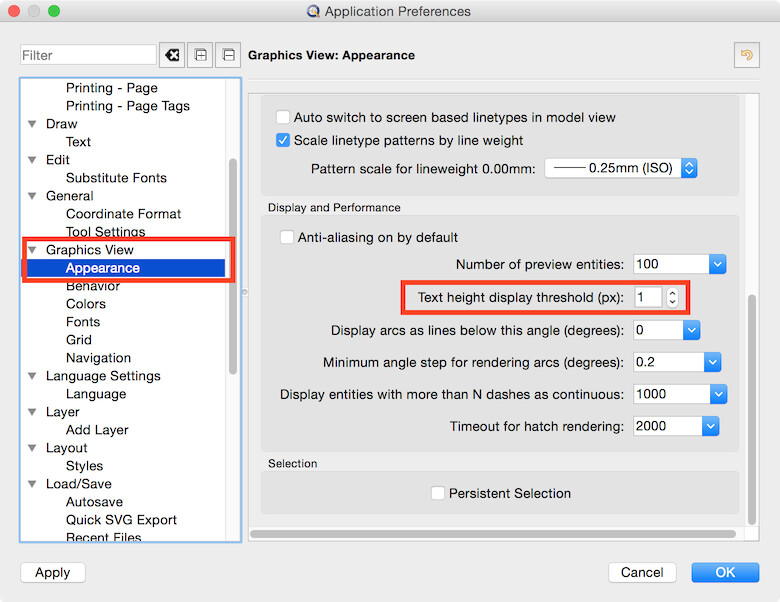
Edit > Application Preferences > Graphics View > Appearance > Text height display threshold (px):
Texts which are smaller than the given size in pixels are shown as rectangle instead of showing the actual text. This can help texts from becoming invisible and also speeds up display performance for large drawings with many texts.
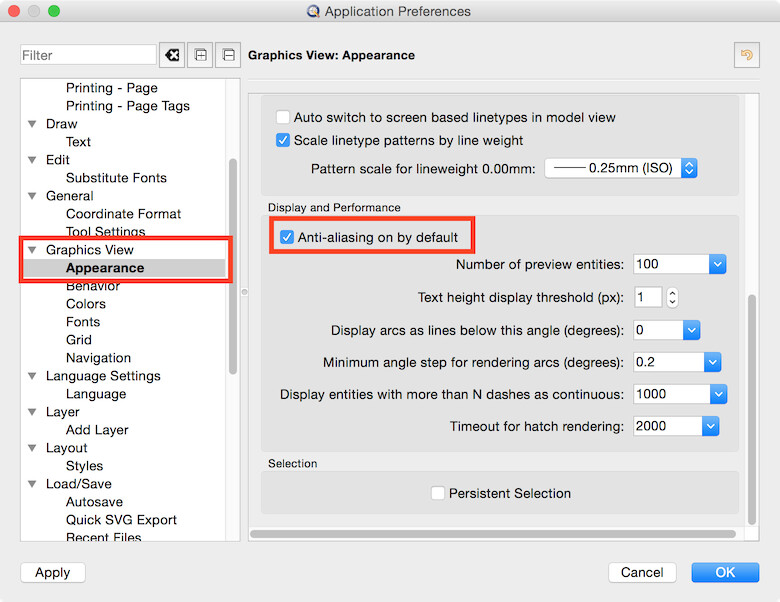
Edit > Application Preferences > Graphics View > Appearance > Antialiasing on by default:
This can help to improve readability of very small texts on screen.