Configuring the Drawing Unit
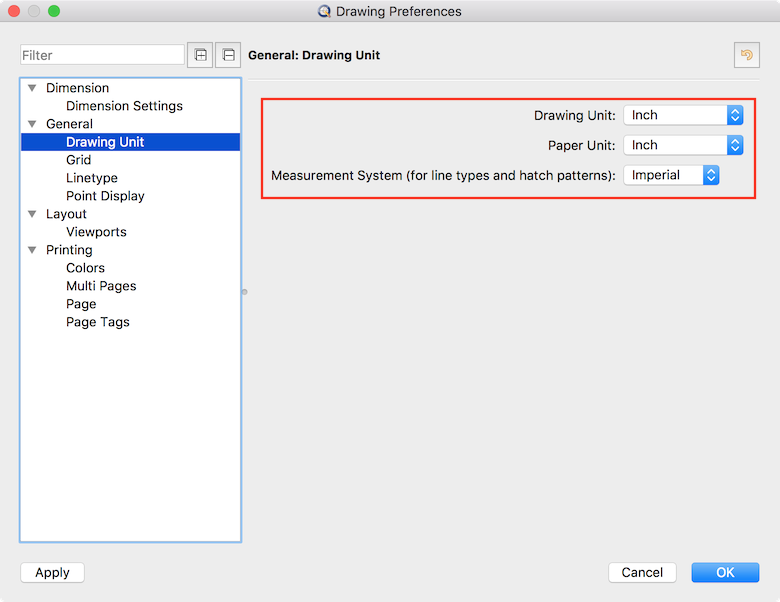
First, make sure that your drawing is actually configured to the desired unit, so QCAD can detect your drawing unit.
Edit > Drawing Preferences > General > Drawing Unit:
Configuring the Dimension Format
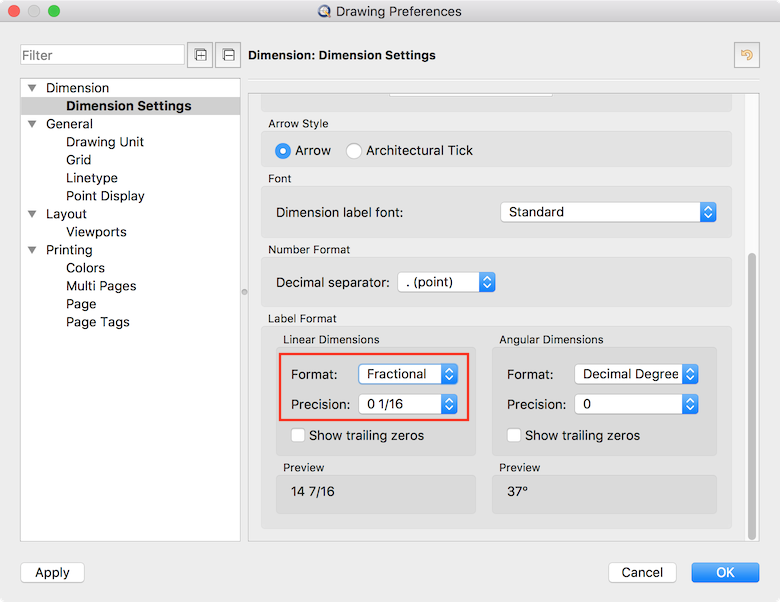
Imperial drawings often use a grid that is configured to a fraction of an inch (e.g. 1/8", 1/6", etc). If the grid gets too dense for QCAD to display, it will scale it up either by a factor of 10 (for decimal number formats) or by a factor of 2 (for fractional number formats). To make sure QCAD scales the grid up by a factor of 2, configure the dimension format to either Fractional or Architectural:
Edit > Drawing Preferences > Dimension > Dimension Settings:
Configuring the Grid
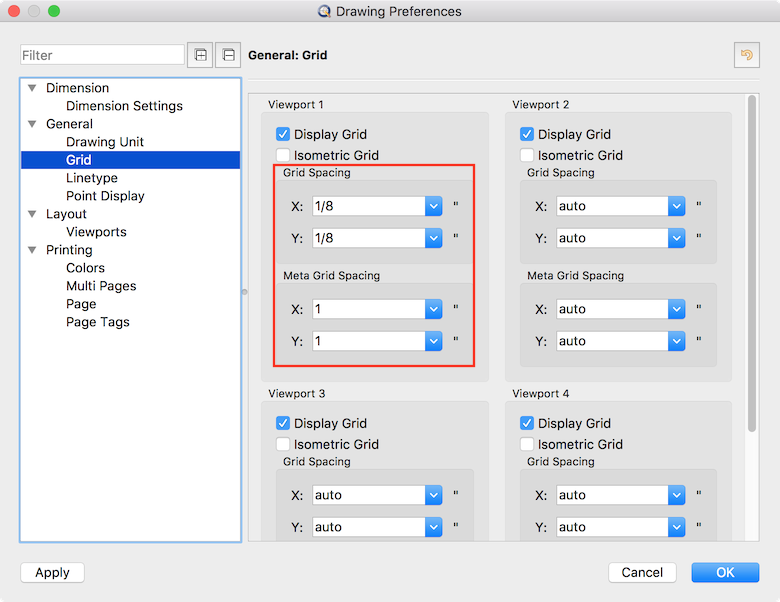
You can set up the desired grid spacing under
Edit > Drawing Preferences > General > Grid
Grid Autoscaling
If you do not want QCAD to automatically scale the grid depending on the zoom level, you can disable this setting under
Edit > Application Preferences > Graphics View > Grid:
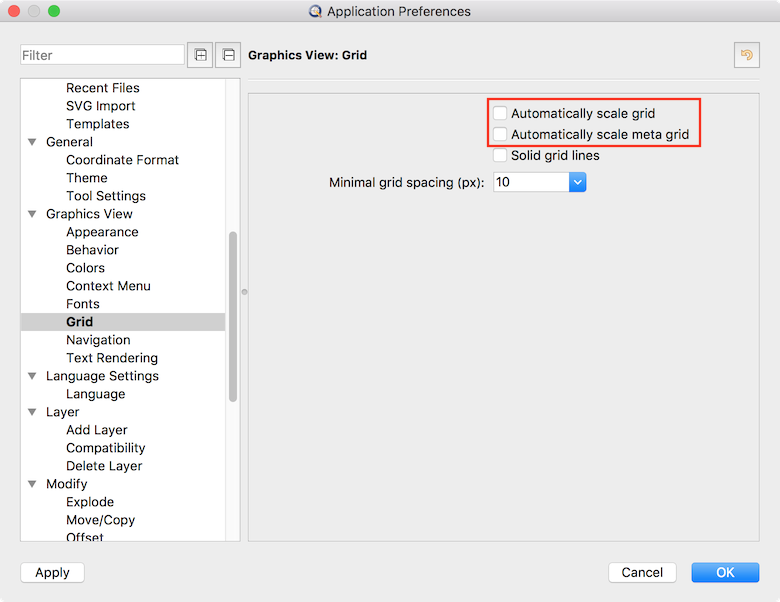
QCAD will then either display the grid at the configured setting or not at all if the grid would get too dense.