HI All
After upgrading to version 3.32.9 pro yesterday on a Windows 11 pc, the ruler does not show.
It does not show for old or new drawings. Version 3.32.4 pro worked perfectly.
I too regret uploading. I have sent them an email requesting clarification but they haven’t yet responded. I have promoted this software on my blog Journeymansjournel.wordpress.com to over a million readers and now I feel I may have mislead everyone.
@NeelsK Does the ruler not show at all (no gray bar above and left of the drawing area, GUI issue) or does it not show any numbers (drawing preferences issue). Thanks.
@DabblingSeer I can confirm that we usually do not reply to e-mail requests during the weekend. Please attach your drawing file (DXF/DWG) to your own post as that might at least be part of the issue.
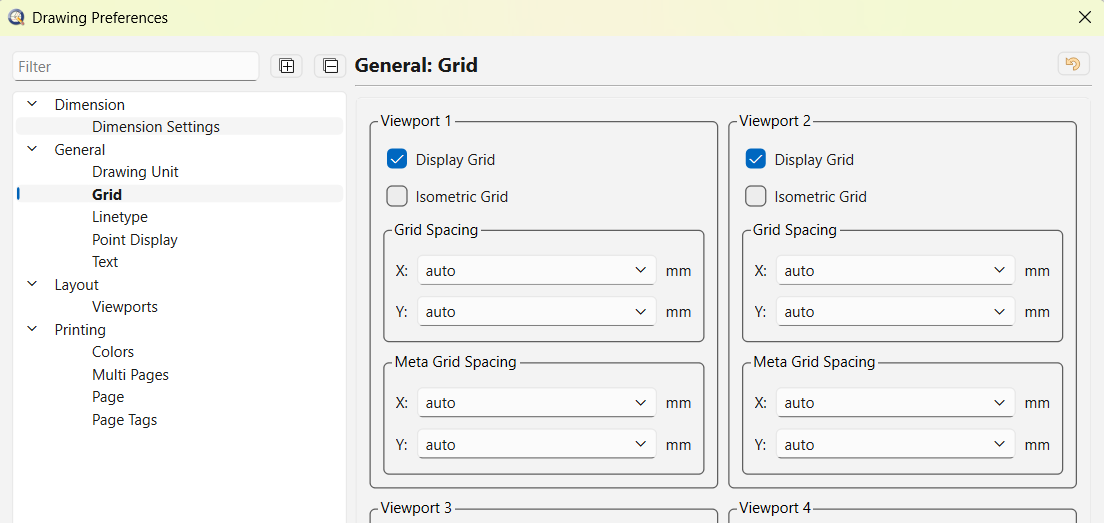
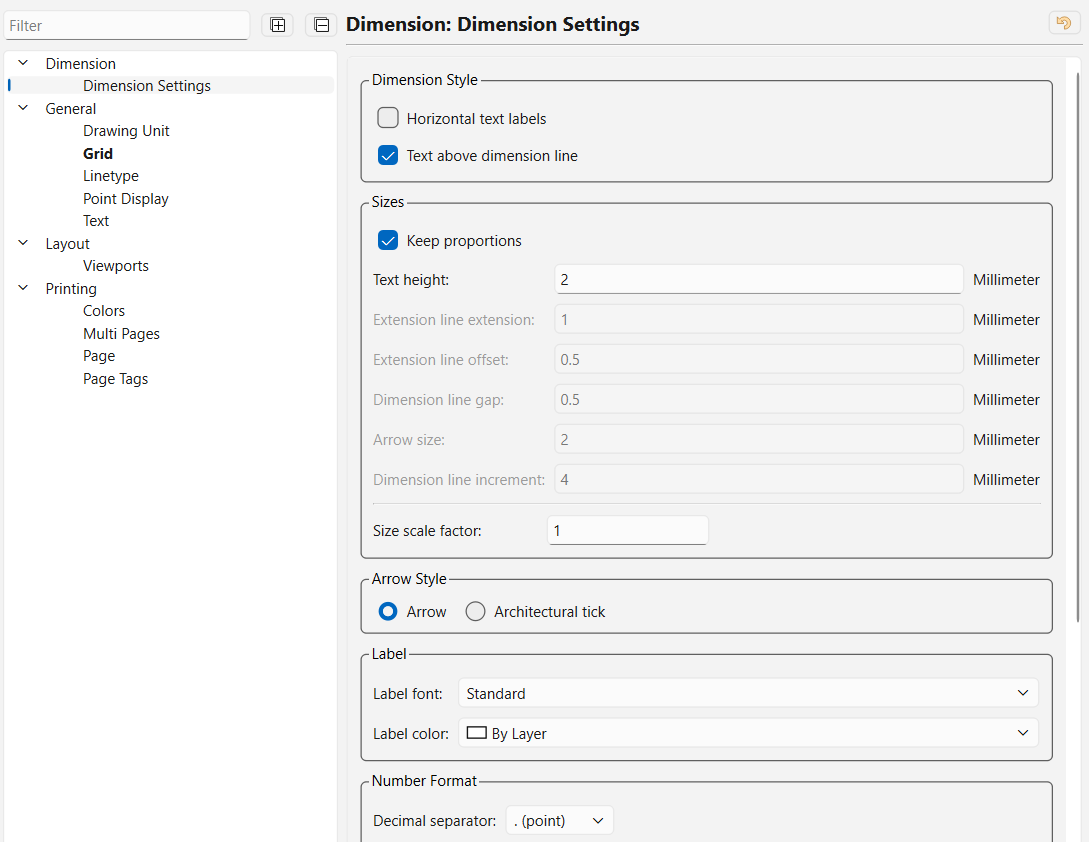
@NeelsK Please attach your drawing file, so we can see all the drawing preferences, thanks.
Hi Andrew
Please find attached as requested.
One of several drawings with the same issue.
Gears2.dxf (151 KB)
Normally I adjust settings in the application preferences.
Thanks, this looks fine.
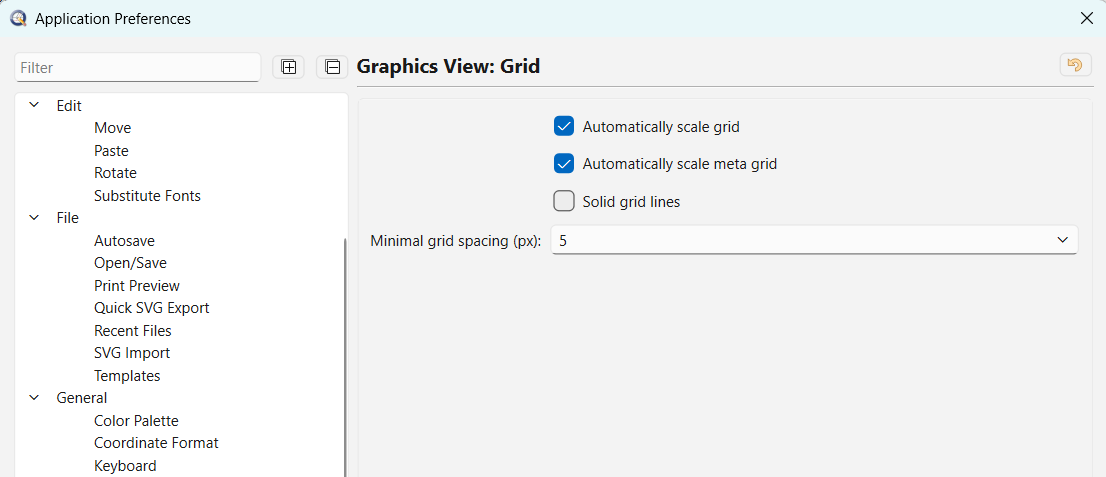
Can you post your application settings:
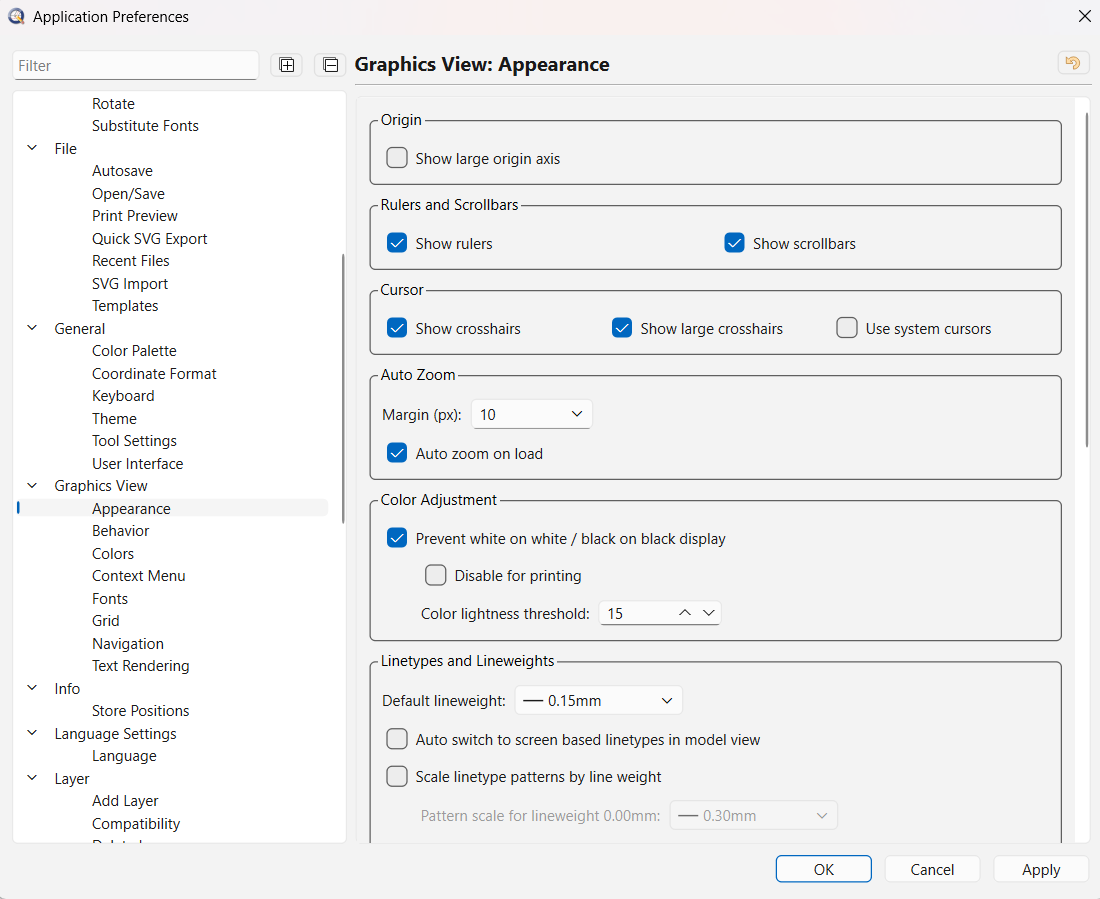
Edit > Application Preferences > Graphics View > Grid
and
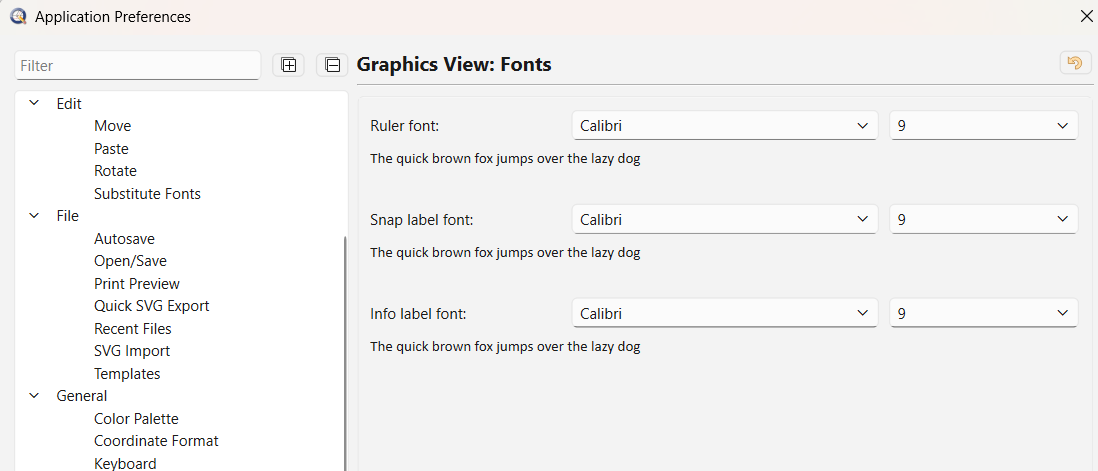
Edit > Application Preferences > Graphics View > Fonts
Thanks.
Thanks. The last bit missing is:
Edit > Application Preferences > Graphics View > Grid
Specifically, if auto scaling is on / off.
Thanks. There’s nothing here to suggest that the rulers should not render properly.
Nevertheless, you may want to try to reset your configuration:
If you have a lot of custom preferences, you might want to back up your QCAD3.ini instead of deleting it.
Hi Andrew
Thanks for the help.
Found the QCAD3 file from the previous version and it works perfectly.
New one does not work at all.
Old file even reduced the CPU load
Would you mind attaching the old and new QCAD3.ini files, indicating which one works and which one doesn’t? Something definitely changed in your configuration, this will tell us what.
Hi Andrew
Please see attached.
Currently using the QCAD3.ini file.
Tried uploading it as .ini file but the forum security properties rejected it.
QCAD3.zip (11.4 KB)
Thanks. Unfortunately, there’s nothing to see here anymore. The QCAD3.ini file works, as expected and the QCAD3_old.ini file is almost empty (works as well).
Will reinstall Qcad to see if the issue reappears
Uninstalling QCAD will not delete the QCAD folder, so you will have to delete it manually. This isn’t unusual, as not all software removes every folder when it is uninstalled. You will find the QCAD folders in AppData\Roaming, AppData\Local, and the Program Files folder.
I don’t know what has changed in this latest version, but 3.33.0.0 works flawlessly for me, so I’m a little nervous about upgrading. Thanks for posting your issue.