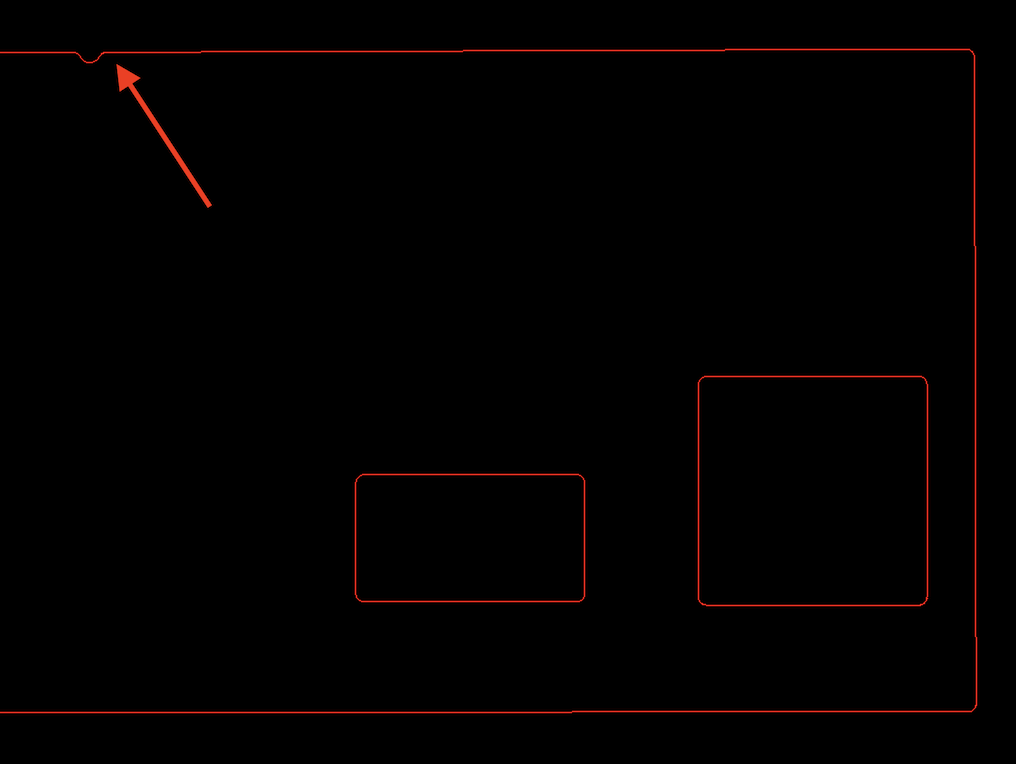
Hi.
Is there a way to round or fillet multiple corners in a single operation?
I make lots of drawings for glass splashback production and need to put an internal radius in every corner of power outlet cut-outs.
This process is quite laborious in QCad and put me off using it full time, although there are many useful features otherwise…
If I understand you correctly, you only want to round some of the corners (not the ones of the two half circles).
This is not possible as QCAD cannot know which ones to round, which ones not.
However, you can round all corners of a single polyline in one go if you’re willing to bear with me.
Quit QCAD
You need to open the text file QCAD3.ini and enable this experimental feature of the round tool. You can learn where to find this file on your platform from our tutorial Resetting the QCAD Configuration.
Open the file with a plain text editor of your choice (Notepad, TextEdit, …).
Find section [RoundPro] and under it, add the text Experimental=true:
[RoundPro]
Experimental=true
Start QCAD and load your file
Hide layers “Datum lines” and “0”
Select > Select all
Draw > Polyline > Polyline from Selection
This converts your edges to polylines.
Modify > Round
Enter the radius in the options toolbar and enable “Polyline mode”
Click each polyline once to round all corners.
Optionally, you can Modify > Explode the polylines again if you want to return to loose entities.
Note that this puts a radius on all corners, so you might want to pay special attention to those corners you don’t want to round: