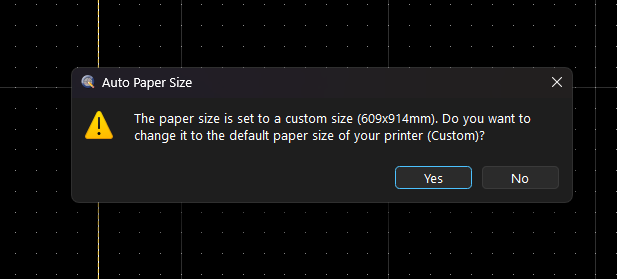
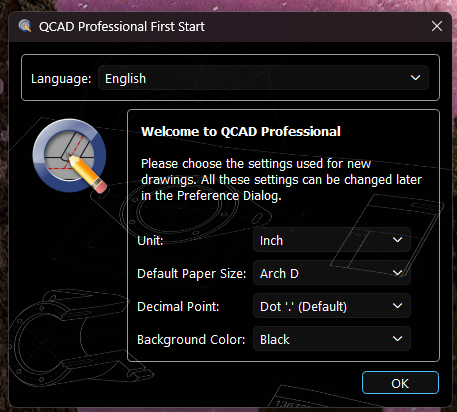
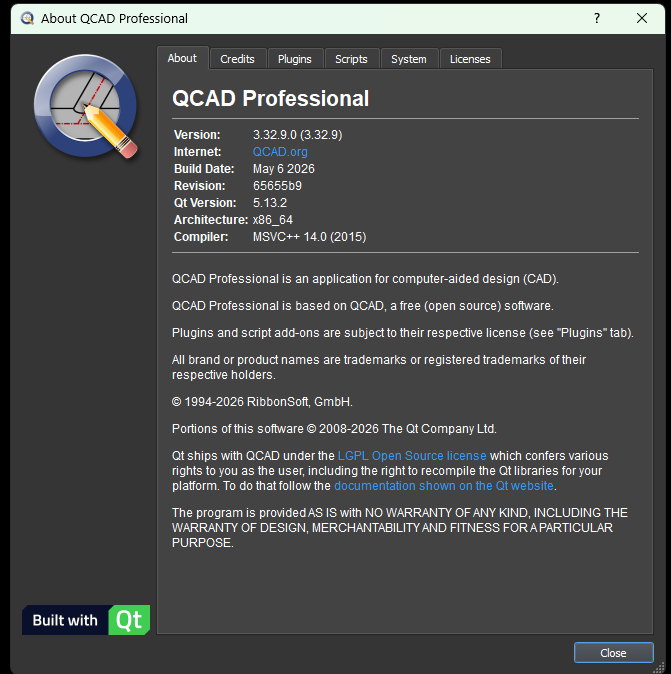
Hi, I hope you can help me with a problem I have. I updated to Version 3.32.9 running on windows 11 and every time I go to the layout block a dialog box asking if I want to change it to the default paper size pops up. I say yes but it is not the correct Arch D I previously set.
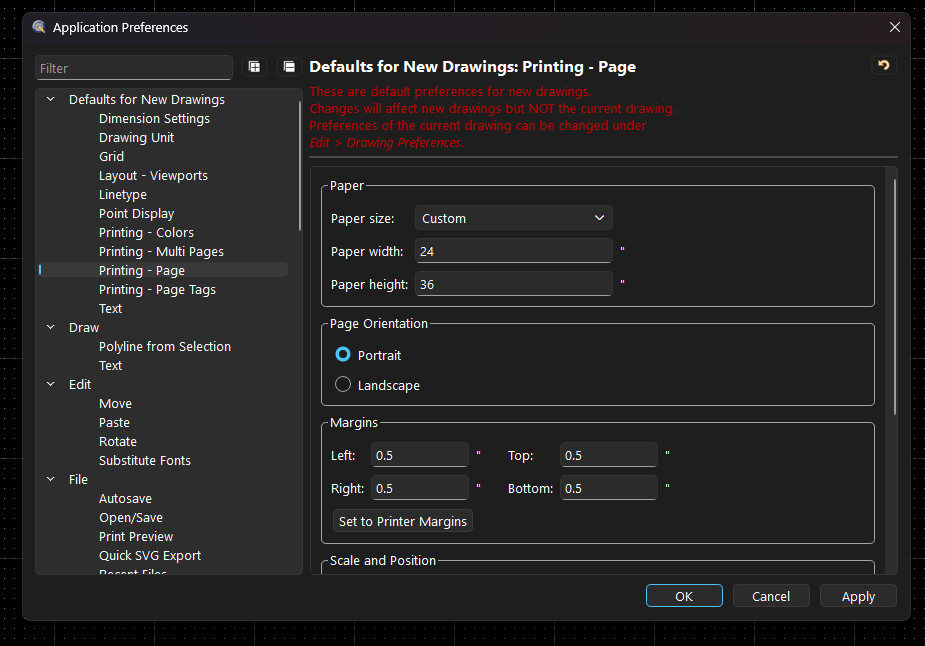
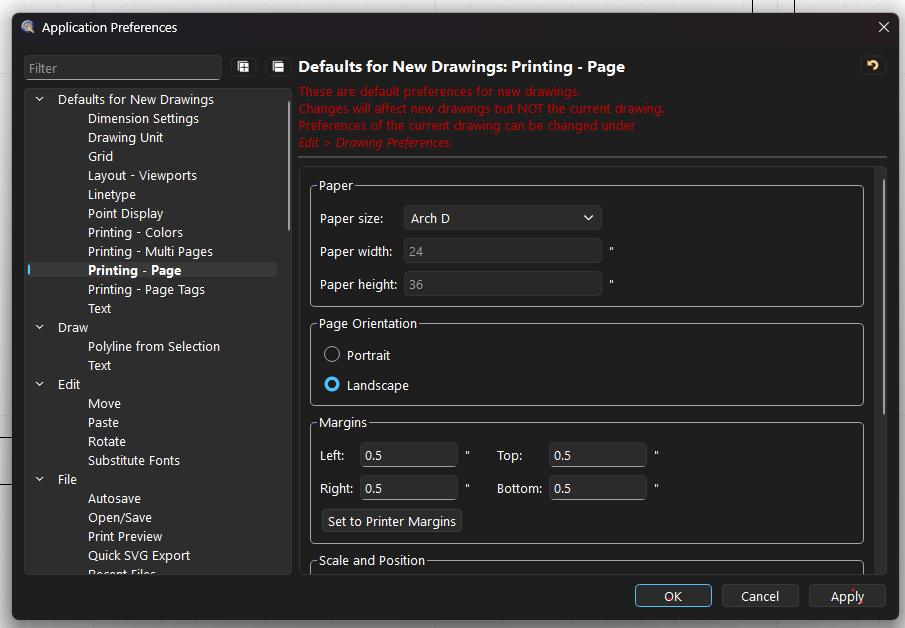
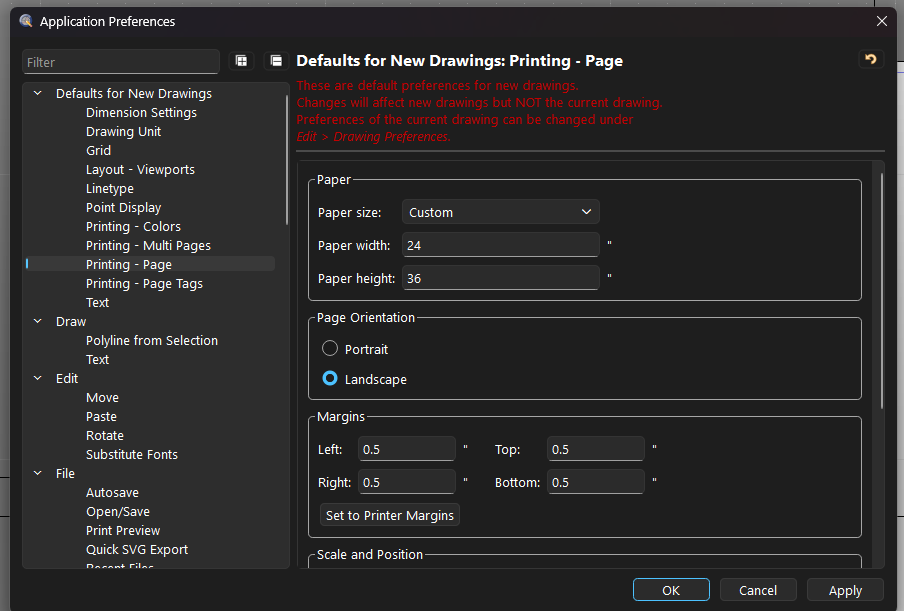
The problem is I have set the paper size default to Arch D. But the setting page for page size in both application preference and drawing preference lists custom instead of Arch D. Qcad will not save the setting and list custom instead of Arch D paper size. My printer also has an error due to the incorrect paper size.
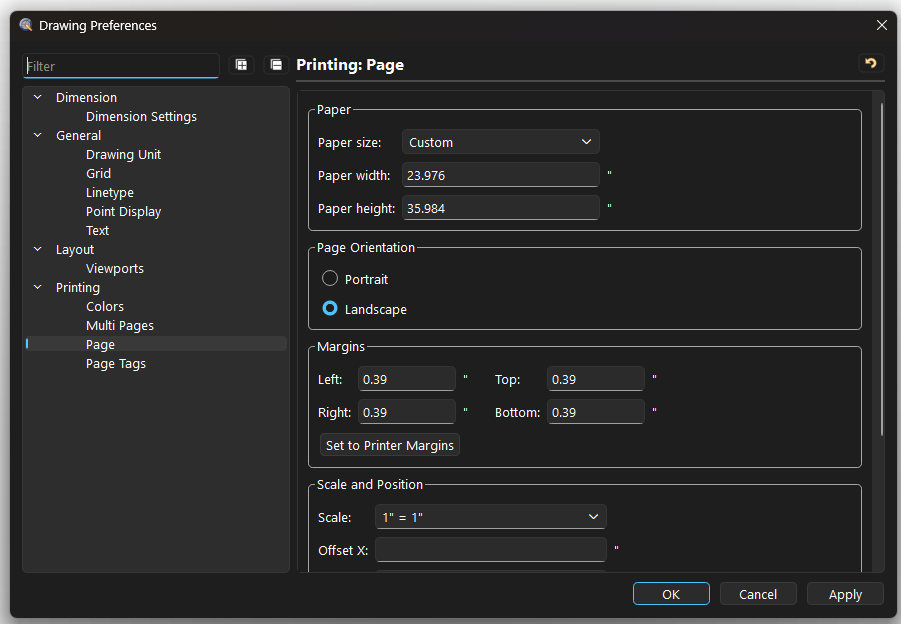
I tried uninstalling 3.32.9 and then reinstalled. I then removed the .ini configuration file before restarting the program and setting defaults. None of this helped. The drawing preference > printing > page lists the incorrect paper size (screen shot 7), I did not enter this setting. So there appears to be an issue with 3.32.9 related to the paper size setting. I also went back to version 3.32.6 which works as expected. Attached is a dwg file I used to test this as well as screen shots of the various settings.
Before anything else …
The red text should be clear.
Changing the defaults for new drawings will not affect the drawing preferences of an existent drawing. Once created, printing preferences for the current drawing are listed under the Drawing Preferences and stored with the drawing.
The dialog choices on first start are a quick and very limited selection of what can be configured within the Application Preferences.
Arch D is 24" by 36" (906.6mm by 914.4mm).
906mm by 914mm is custom and about 23.976" by 35.984"
Apart from rounding the math is sound but not storing any preference would be the issue.
Important information is the Qt version or package version you have installed.
Recently recommended downloads are Qt6, but it appears that this has more issues than the few it is supposed to resolve.
This is the file I downloaded and installed. qcad-3.32.9-pro-win64-qt6-installer . It is indeed the QT6 version. The 3.32.6 version that works properly in regard to paper size is this file: qcad-3.32.6-pro-win64-installer. This file does not appear to be QT6 (at least it is not in the file name.)
I understand the dialog at start up is limited so I go into the application settings to change the important settings and verify the paper size is correct. That is when I see custom (36x24) which seems to be the correct size but should say Arch D. If I change it to list the proper size paper it will always revert to Custom. The page size in drawing preferences that is listed at 23.976" by 35.984" is not something I have changed. It should be Arch D or Custom 36 x 24.
I am going to try installing the QT5 version of 3.32.9 to see if it works better as soon as I can. Thank you again for your help.
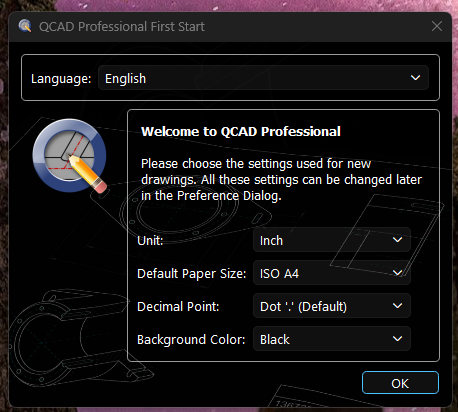
I just installed version 3.32.9 (qcad-3.32.9-pro-win64-installer) using the QT5 windows download and all is working better. I also deleted the configuration file and started fresh just to make sure. It looks like a problem with QT6 for some reason. Screen shot of the popup attached for reference.