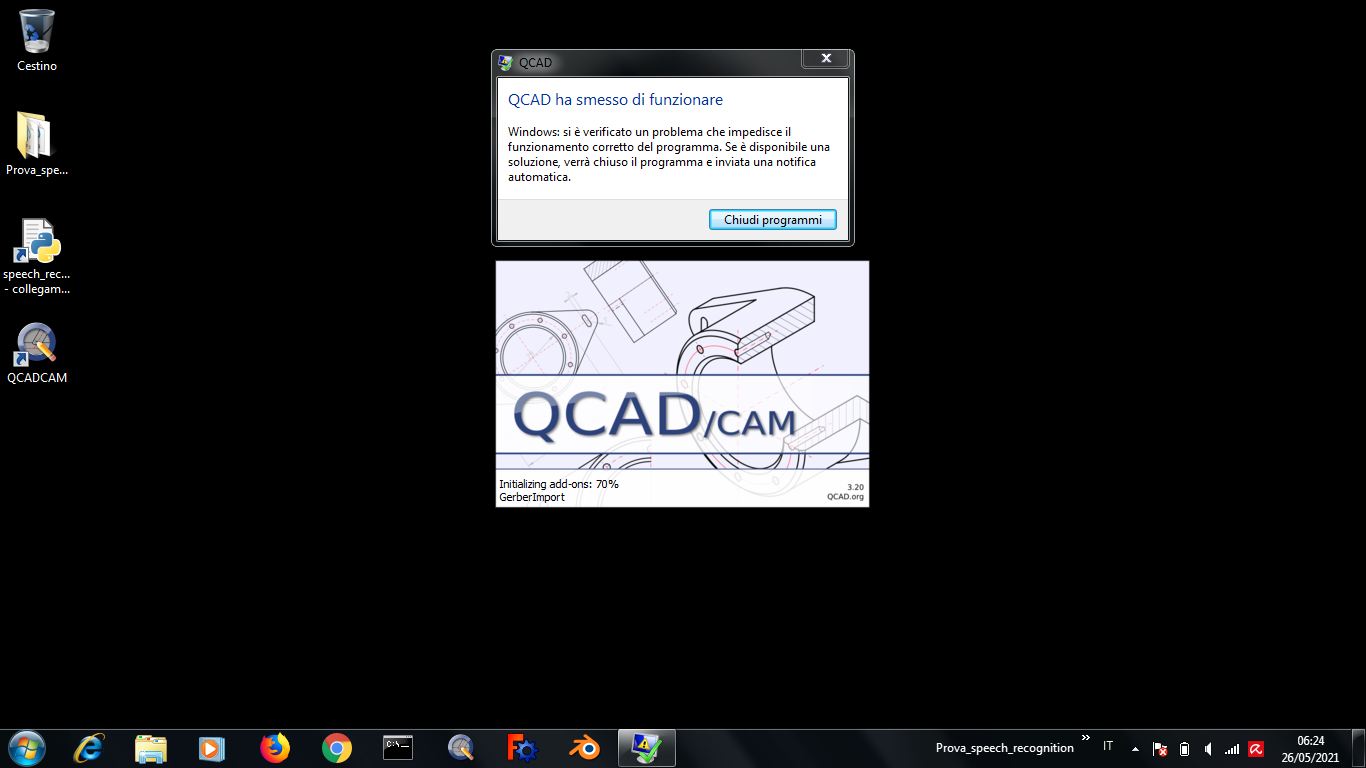
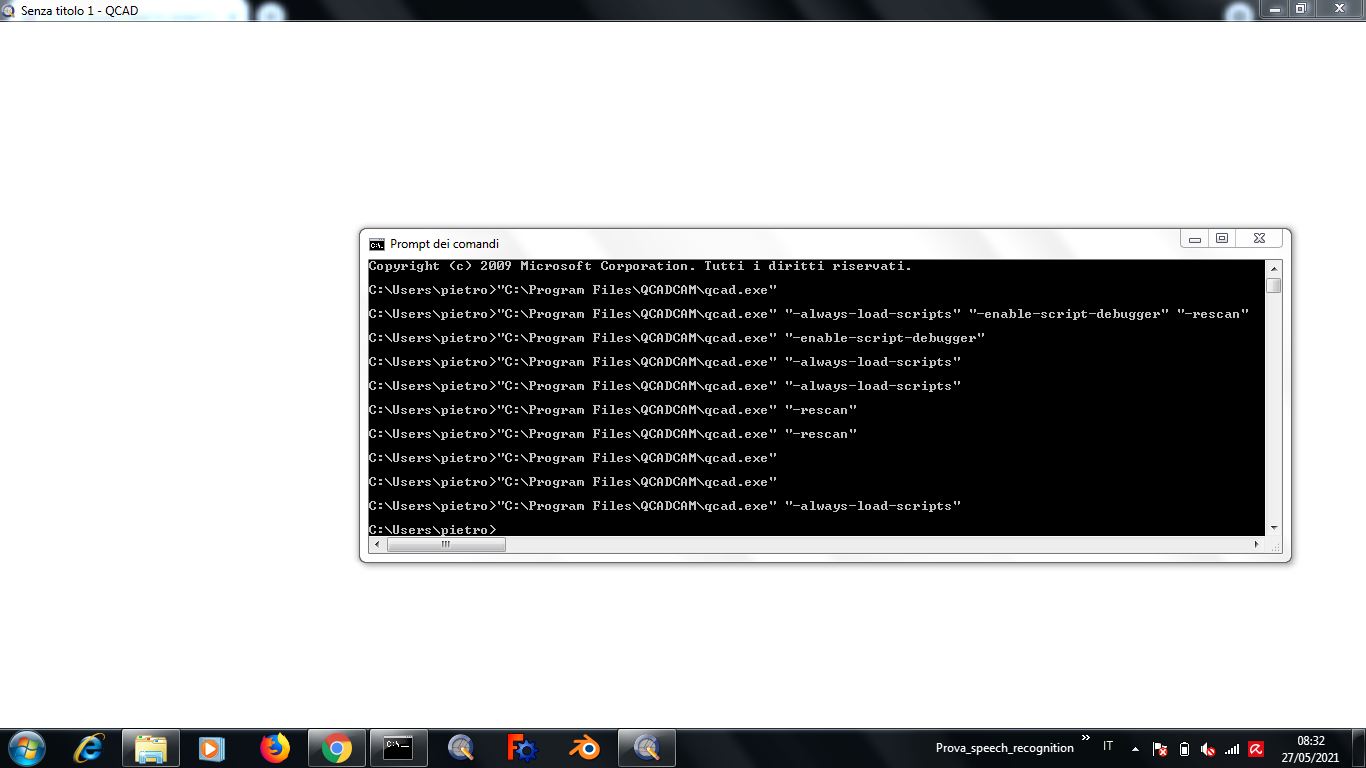
Ho provato l’ultima versione di QCAD/CAM trial, si carica completamente ma ottengo una finestra completamente bianca, non so, forse manca qualche aggiornamento di Windows 7 visto che non è più supportato e non lo utilizzavo da un po’ di tempo, ultimanente usavo Xubuntu Linux
(Mi funziona qcad-3.16.7-pro-win64 senza CAM)
(Non ho necessità che QCAD/CAM fuzioni per forza su Windows, attualmente sono disoccupato, stavo solo provando a costruire una sorta di comandi vocali per Linux e Windows tramite Python e Google, visto che non son riuscito a trovare qualcosa del genere che mi funzioni su Linux.)
Translation
I tried the latest version of QCAD / CAM trial, it loads completely but I get a completely blank window, I don’t know, maybe some Windows 7 update is missing since it is no longer supported and I haven’t used it for some time, lately I was using Xubuntu Linux
(I work qcad-3.16.7-pro-win64 without CAM)
(I don’t need QCAD / CAM to run on Windows, I’m currently unemployed, I was just trying to build some sort of voice commands for Linux and Windows using Python and Google, as I couldn’t find something like this that works for me on Linux.)
Puoi provare a rimuovere il plugin OpenGL “qcadgles3d.dll” sotto la cartella “plugins” nella tua installazione di QCAD/CAM?
Una configurazione OpenGL non funzionante sembra essere il colpevole più probabile di problemi con l’esecuzione di QCAD/CAM.
Ok grazie, ho provato, togliendo dalla cartella plugins il file “qcadgles3d.dll” e QCAD/CAM si avvia senza l’anteprima 3D della lavorazione
Allora deve esserci qualche problema con l’OpenGL, altri programmi 3D sembrano funzionare/funzionare in parte, forse prima o poi trovo il pezzo che gli manca, altrimenti pazienza.
Translation
Ok thanks, I tried removing the “qcadgles3d.dll” file from the plugins folder and QCAD / CAM starts without the 3D preview of the machining
Then there must be some problem with OpenGL, other 3D programs seem to work / work in part, maybe sooner or later I find the missing piece, otherwise patience.