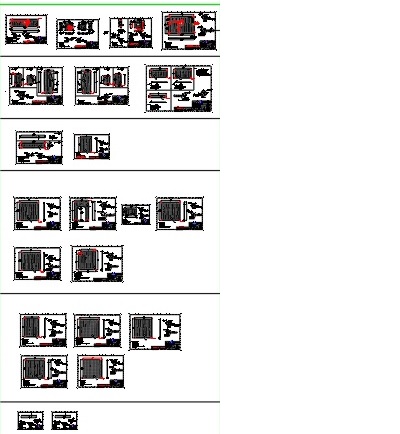
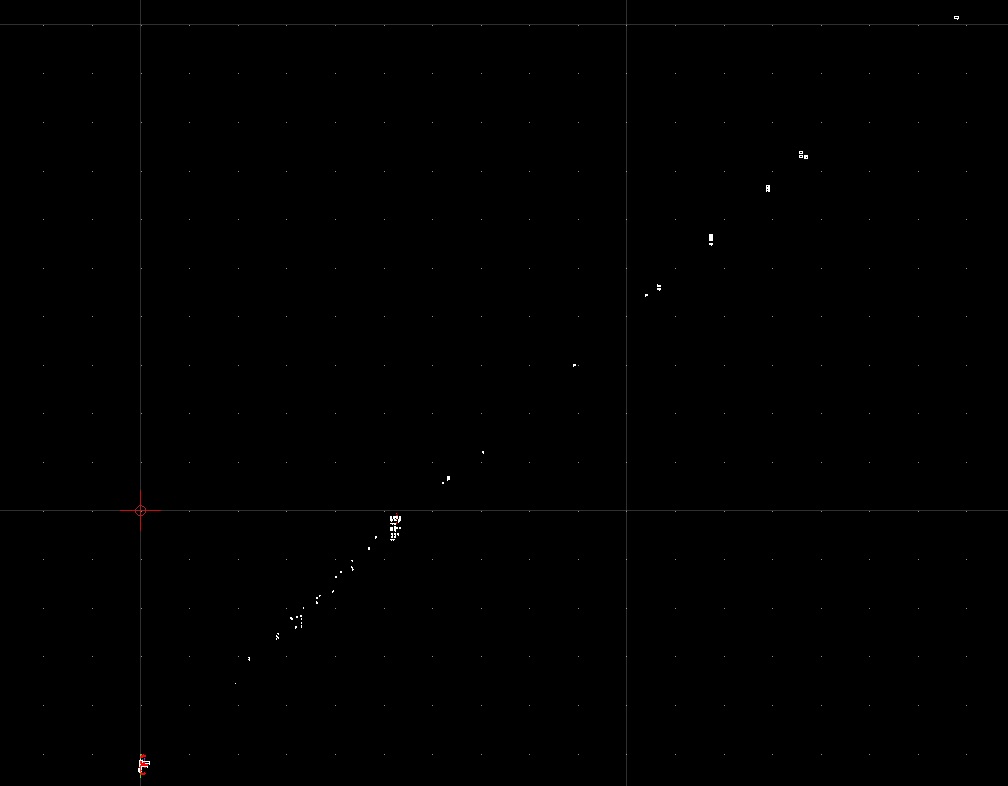
Im new to QCAD, (Version: 3.26.4.0 (3.26.4)
Win 10.
I get some files, it seems like Qcad have some issues opening them.
They are Autocad DWG and DXF,
It seems like Qcad is streatching the drawings, I think its a layer issue. the layers are not in same 0 point.
but is stringed out on Y/X direction, text and dimentions are clumped together.
Anyone have an idea what im doing wrong ?
I have used Autocad LT 2013 witch have no issie opening them.
i have tried to save the file in a lot of formats, with same result when opening i Qcad
That is a problem, as it is not my drawings, and i´m not allowed to publish the drawings,
Have you heard about this problem before ?
I can open them in Autocad viewer, Autocad LT2013,
From Autocad LT2013 I can save them in a lot of DWG and DXF versions, but same result.
Without the drawing it’s just a shot in the dark. Perhaps there are 3D entities that are not supported by QCAD or 3D transformations of entities. These are the most likely reasons I can think of.