Hi there,
I would like to buy QCAD but I have some performance issues with the Soft.
I have 2 GPUs in my Laptop, one Intel Iris Xe Graphics and one NVIDIA RTX A500.
It appears that QCAD runs only on the Intel Iris GPU, which causes enormous lag wenn I zoom into Architects-Floorplans.
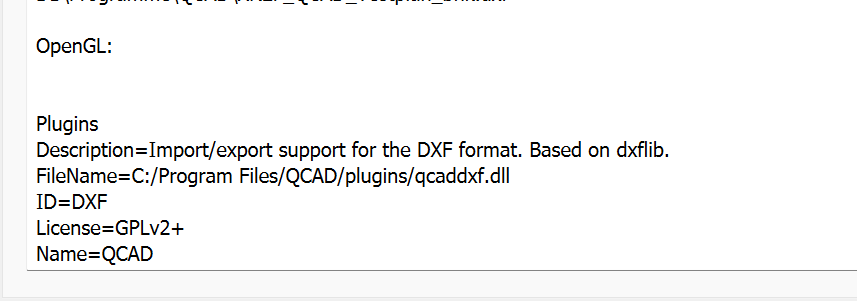
In the System-View of QCAD is there no indication of OpenGL, as seen in the attached file.
Is there a way to let run the soft on the NVIDIA-chip ? I found no clue in your documentation.
My Windows-Energysetting is set on Performance, not low consumption.
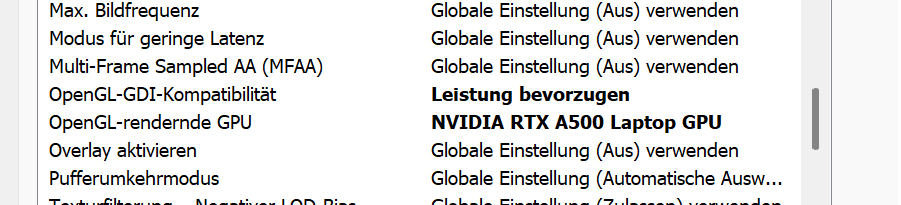
I also set up the OpenGL config in the NVIDIA-Systemsettings for QCAD (attached file).
System Windows 11 pro
QCAD Professional Trial version: 3.32.3.0
I hope you have a way.
Greetings, Fab