windows 10 pro
qcad/cam
version: 3.31.2.0 (3.21.2)
build date: 10/26/24
revision: bae1b88
Qt version: 5.13.2
architecture: x86_64
compiler: MSVC++14.0 (2015)
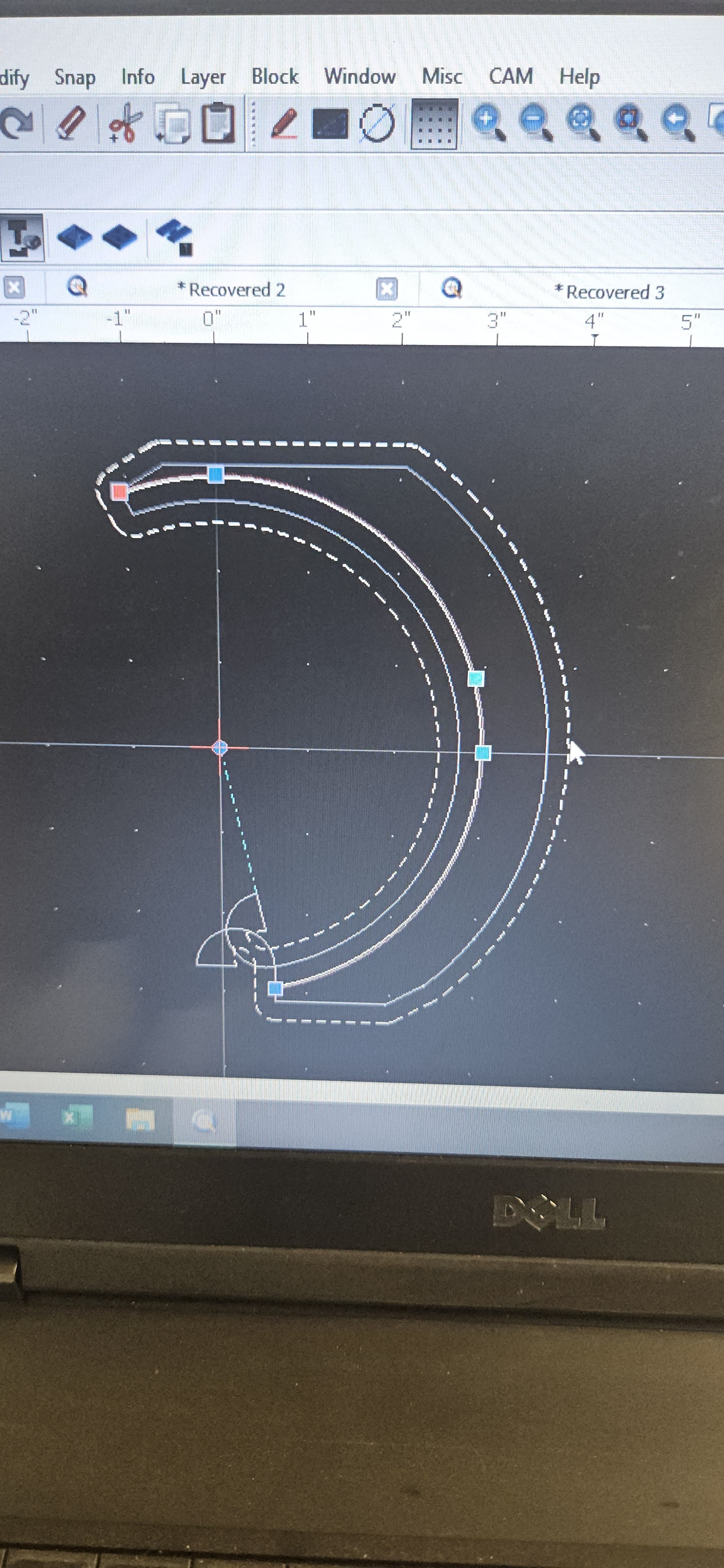
I was just wondering why when I program to make more than one pass for z depth on the same toolpath it doesn’t run the toolpath, it only will run it if I’m only doing 1 pass.
The “Cut depth (c)” is a distance, not a Z-level. I.e. it must be positive.
For example:
Safe Z (a): 0.2 in
Start Depth (b): 0.0 in
Cut Depth (c): 0.8 in
Passes: 2
This means the tool approaches the material at Z=+0.2. The material top surface is at Z=0.0in. The first pass cuts at Z=-0.4in, the second pass at Z=-0.8in.
thank you I just tried it and it worked, I sure was programming it wrong I was programming negative depth so it wasn’t coming up right, it kept going positive instead of negative.
Typically the top of your material is considered to be Z-zero.
This allows you to zero your setup in Z, best after zeroing in XY.
Zeroing on the milling bed is counter-productive and not really supported.
Tool length compensation is also not a QCAD/CAM feature.
Zeroing in Z then means that each tool is zeroed manually so that it will barely scratch the surface.
What I do is a bit different.
Depth of cut is critical for an engraver using a V-tip.
With the milling motor off I zero on a shim that is 0.20 mm thick.
0.18 mm should fit loosely, 0.22 mm should not go.
Then I alter the actual work height that is now set to zero to 0.20 mm above the surface.
Even more accurate than a fixed tool-setter sensor.
In your configuration dialog I remark Feed Rate = 6 and Plunge Rate = 30.
Many mills are not really configured to plunge straight down like a drill.
The settings should be rather the opposite.
Cutting sideways at FEED 30 and plunging gently at FEED 6.
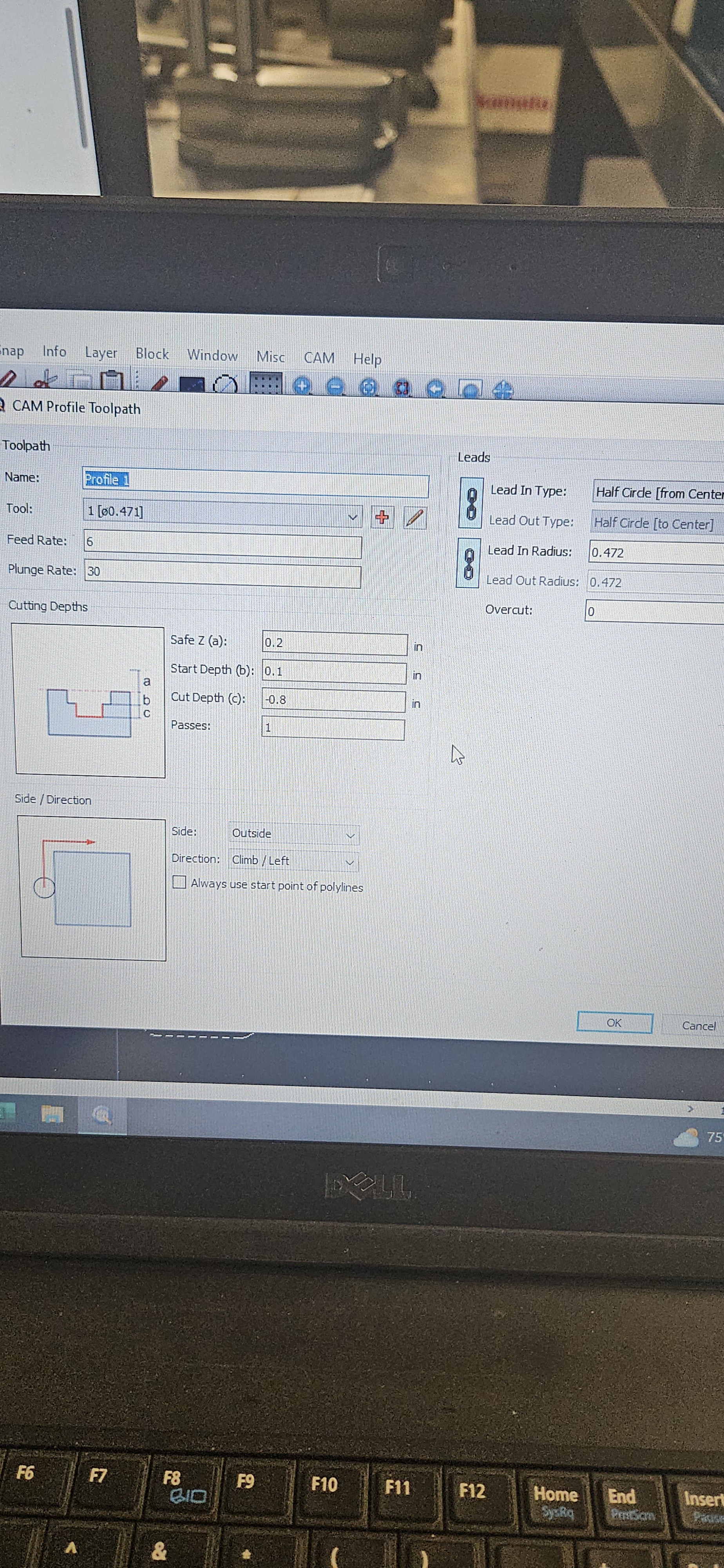
 In your configuration dialog I remark Feed Rate = 6 and Plunge Rate = 30.