QCAD Version: 3.32.9
Downloaded package (file name): qcad-3.32.9-pro-linux-qt6-x86_64.flatpak
Operating System: Debian 13
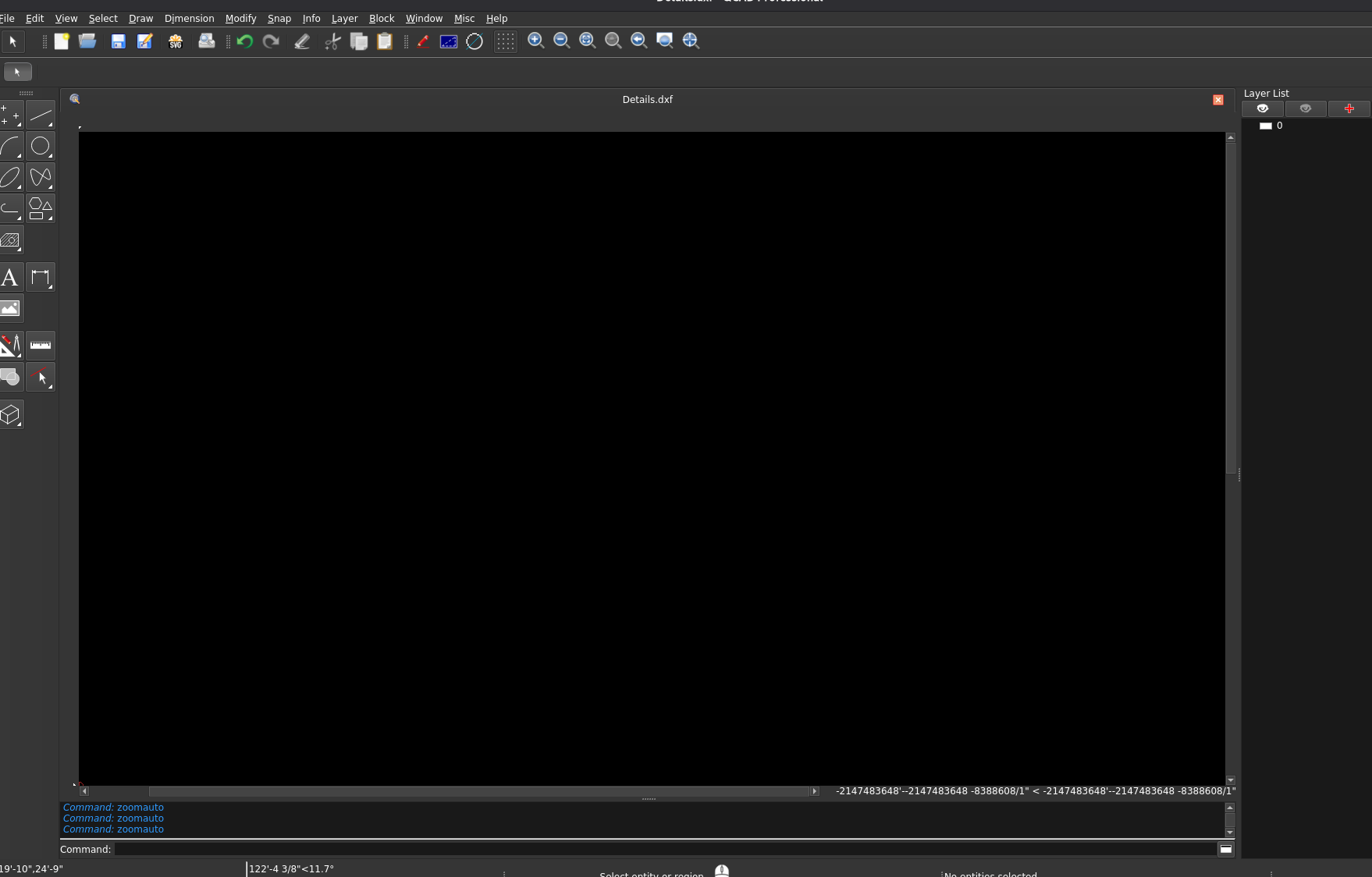
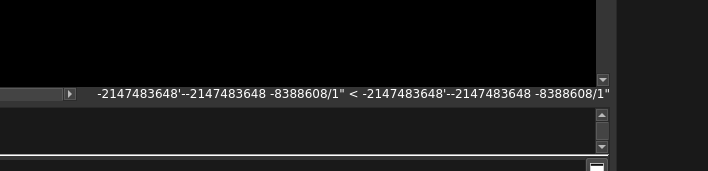
When I click the middle mouse button without panning, I understand an “incremental zoom” is supposed to happen. For me, the ‘drawing board’ goes blank, the grid disappears, and the scale info in the lower right corner reads a nonsense number as shown in the screenshot. The only way I can get back to normal is by clicking ‘Autozoom.’
If I accidentally click the middle mouse button while I am in the middle of a tool command, such as selecting a second point after having selected the first, QCAD will freeze and linux asks me to force quit the application.