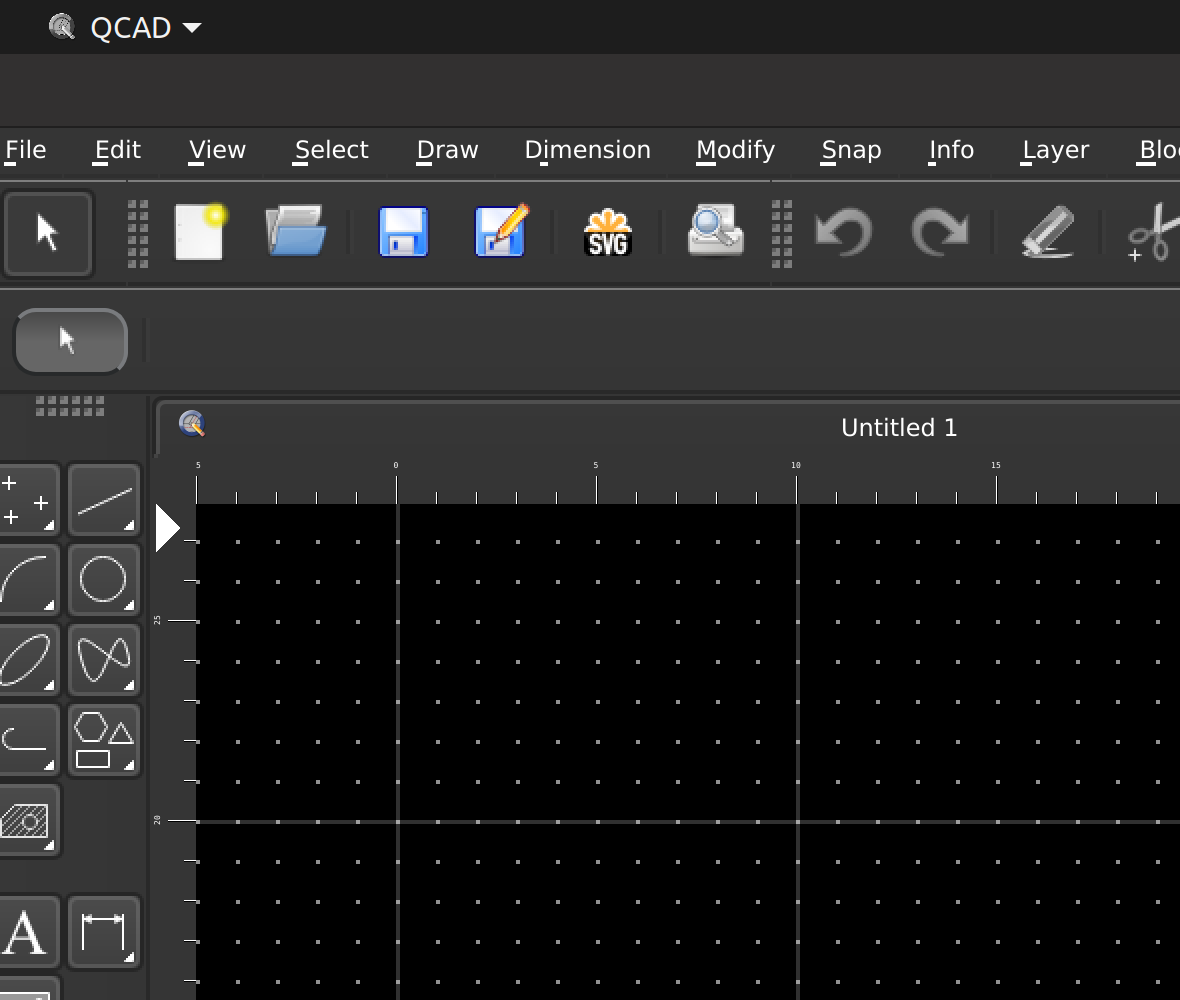
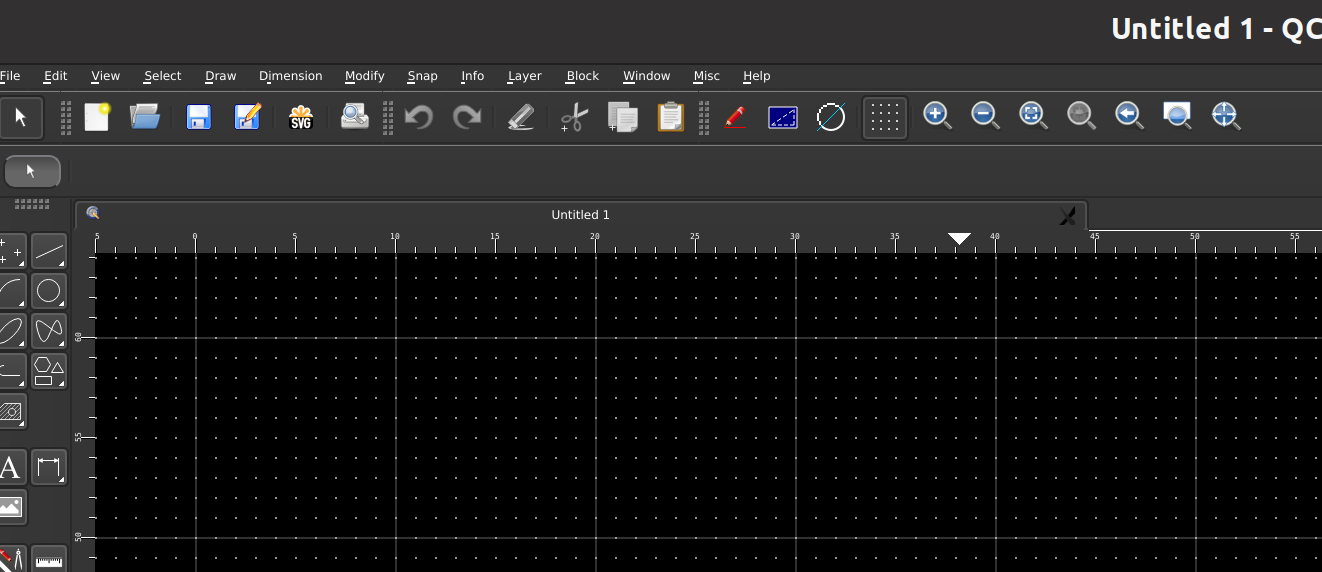
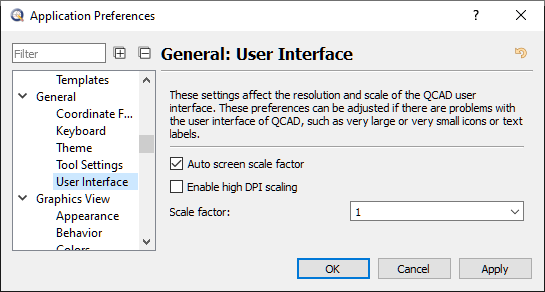
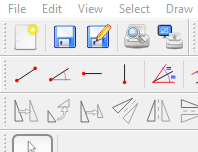
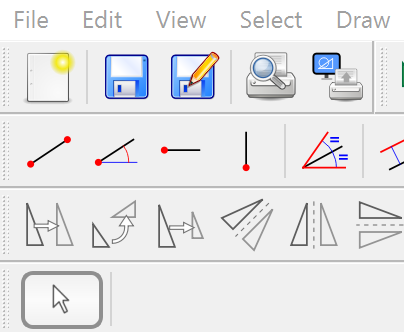
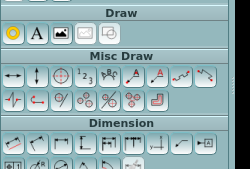
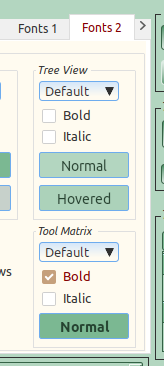
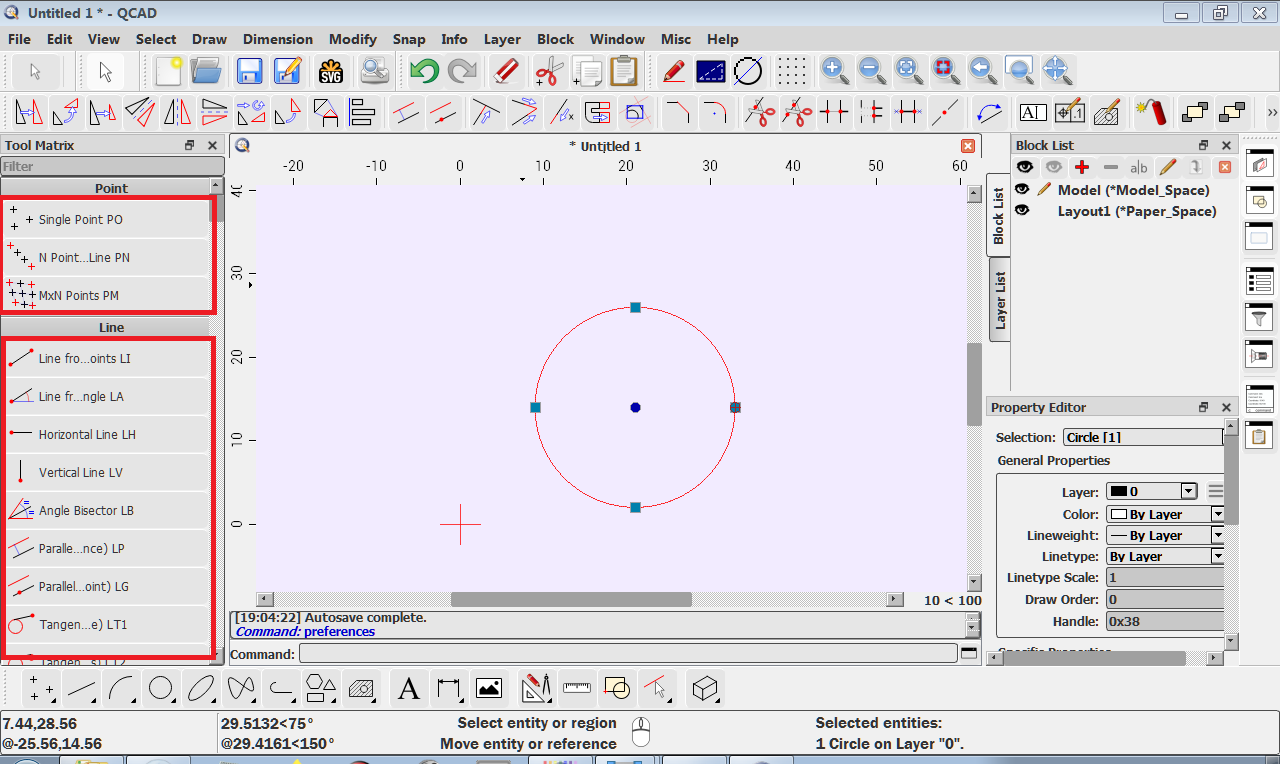
It looks like you are using a theme that ships with Qcad, what is the theme name you are using ?
You can try adding the code at line 489 which should be empty if it’s a theme that ships with Qcad.
Yes, I’m using theme Heather (a copy of it to keep the original one intact). Line 489 in that file is also not empty, it says:
/ move all the vertical tabs down so first tab is not floating /
Let me post the whole file:
/*
Heather theme
Created by Pete Vickerstaff
THIS FILE IS PROVIDED *AS IS*, WITHOUT WARRANTY OF ANY KIND, EXPRESS OR
IMPLIED, INCLUDING BUT NOT LIMITED TO THE WARRANTIES OF MERCHANTABILITY,
FITNESS FOR A PARTICULAR PURPOSE AND NONINFRINGEMENT. IN NO EVENT SHALL THE
AUTHORS OR COPYRIGHT HOLDERS BE LIABLE FOR ANY CLAIM, DAMAGES OR OTHER
LIABILITY, WHETHER IN AN ACTION OF CONTRACT, TORT OR OTHERWISE, ARISING FROM,
OUT OF OR IN CONNECTION WITH THIS FILE OR THE USE OR OTHER DEALINGS IN THIS FILE.
Updates------
v1 - 13/01/21 - changed the background color of the graphics view title bar
Groupbox and DockWidget title font now bold
Changed the background color of any PushButton that has focus
v2 - 15/01/21 - QTabBar added. I missed these objects originally
v3 - 19/01/21 - Font colour changed to fix unreadable text in certain disabled elements.
Disabled background lightened
Other minor GUI changes
v4 - 27/01/21 - Fix to prevent text moving in Layer, Color and Lineweight option lists
Also removed QMenu items for the same reason
v5 - 01/02/21 - RadioButton:hover changed to an icon.
Code added to fix MenuBar item selected background.
Fix for Version and Units text background display in FlexPainter dialog.
v6 - 24/02/21 - Tool Matrix widget header background colour changed.
Full set of Checkbox and Radio button icons added.
Tab bar and Tabs improvements.
General graphical and colour improvements.
Added a ToolButton checked state for on/off tool buttons
in the Reset, Options and Snap toolbars, possibly other locations.
v7 - 16/03/21 - Move all the bottom tabs right so first tab is not floating.
Bottom inactive tabs background fixed.
Bottom inactive tabs font color made more visible.
Tooltips section removed.
*/
/*-----QWidget-----*/
QWidget
{
background-color: #B7C4CC;
color: #000;
selection-background-color: #386B8C;
selection-color: #fff;
}
QDockWidget, QDockWidget:title
{
font-weight: bold;
}
/*-----QLabel-----*/
QLabel
{
background-color: transparent;
color: #000;
}
QLabel::disabled
{
background-color: transparent;
color: #6D6D6D;
}
/*-----QMenu-----*/
QMenuBar {
background-color: #72A0BF;
}
QMenuBar:item:selected {
background: #386B8C;
color: #fff;
}
QMenu
{
background-color: #72A0BF;
color: #000;
}
QMenu::item:selected
{
background-color: #386B8C;
color: #fff;
}
QMenu::item:disabled
{
color: #6D6D6D;
}
/* Current tool icon in options tool bar */
QToolBar#Options QLabel#Icon {
background-color: qlineargradient(x1:1, y1:0, x2:1, y2:1, stop:0 #C7D5DF,stop:1 #7A95A6);
border: 1px outset #72A0BF;
border-radius: 6px;
}
/* Tool bar button icons in options tool bar */
QToolBar QToolButton {
background-color: qlineargradient(x1:1, y1:0, x2:1, y2:1, stop:0 #C7D5DF,stop:1 #7A95A6);
border: 1px outset #72A0BF;
border-radius: 5px;
}
/*-----QToolButton-----*/
QToolButton
{
background-color: qlineargradient(x1:1, y1:0, x2:1, y2:1, stop:0 #C7D5DF,stop:1 #7A95A6);
border: 1px outset #72A0BF;
border-radius: 5px;
}
QToolButton::disabled
{
background-color: #3a6f92;
border: 1px solid #768995;
}
QToolButton::hover
{
background-color: qlineargradient(x1:1, y1:0, x2:1, y2:1, stop:0 #F9FAFB,stop:1 #94A5AF);
border: 1px inset #72A0BF;
}
/* checked state for on/off toolbar buttons */
QToolButton:checked {
background-color: qlineargradient(x1:1, y1:0.545, x2:1, y2:0, stop:0 #92b9d3,stop:1 #2c536d);
border: 1px inset #308CC6;
}
QToolButton::pressed
{
background-color: qlineargradient(x1:1, y1:0, x2:1, y2:1, stop:0 #92b9d3,stop:1 #2c536d);
border: 2px inset #72A0BF;
}
/*-----QPushButton-----*/
QPushButton
{
background-color: qlineargradient(x1:1, y1:0, x2:1, y2:1, stop:0 #C7D5DF,stop:1 #7A95A6);
border: 1px outset #72A0BF;
border-radius: 5px;
padding: 3px;
min-width: 6em;
}
QPushButton::disabled
{
background-color: #3a6f92;
color: #B7C4CC;
border-color: #768995;
}
QPushButton::hover
{
background-color: qlineargradient(x1:1, y1:0, x2:1, y2:1, stop:0 #F9FAFB,stop:1 #7A95A6);
border: 1px inset #72A0BF;
}
QPushButton:focus {
background-color: qlineargradient(x1:1, y1:0.545, x2:1, y2:0, stop:0 #92b9d3,stop:1 #2c536d);
border: 1px inset #308CC6;
}
QPushButton::pressed
{
background-color: qlineargradient(x1:1, y1:0, x2:1, y2:1, stop:0 #92b9d3,stop:1 #2c536d);
border: 2px inset #72A0BF;
}
/*-----QLineEdit-----*/
QLineEdit
{
background-color: #99B0BF;
color: #000;
border: 1px solid #7A8E9A;
border-radius: 3px;
}
QLineEdit::disabled
{
background-color: #3a6f92;
color: #B7C4CC;
border: 1px solid #051a39;
}
/*-----QTextEdit-----*/
QTextEdit
{
background-color: #B7C4CC;
color: #000;
border: 1px groove #3A6F92;
border-radius: 3px;
}
QTextEdit::disabled
{
background-color: #3a6f92;
color: #B7C4CC;
border-color: #051a39;
}
/*-----QComboBox-----*/
QComboBox
{
background-color: qlineargradient(x1:1, y1:0, x2:1, y2:1, stop:0 #C7D5DF,stop:1 #7A95A6);
border: 1px solid #86A2B3;
border-radius: 3px;
}
QComboBox::disabled
{
background-color: #3a6f92;
color: #B7C4CC;
border-color: #051a39;
}
QComboBox:hover
{
background-color: qlineargradient(x1:1, y1:0, x2:1, y2:1, stop:0 #F9FAFB,stop:1 #7A95A6);
border-color: #768995;
}
QComboBox:on, QListView QAbstractItemView:on
{
color: #dbe8f0;
}
QComboBox QAbstractItemView
{
background-color: #72A0BF;
color: #000;
border: 1px solid darkblue;
border-radius: 3px;
selection-background-color: #386B8C;
selection-color: #fff;
}
/*-----QGroupBox-----*/
QGroupBox
{
background-color: #B7C4CC;
margin-top: 20px;
font-weight: bold;
border: 1px solid #3A6F92;
border-radius: 3px;
}
QGroupBox::title
{
subcontrol-origin: margin;
subcontrol-position: top left;
font-weight: bold;
}
QGroupBox::disabled
{
border-color: #898988;
}
QGroupBox::title::disabled
{
border-color: #051a39;
color: #898988;
}
/*-----QCheckBox-----*/
QCheckBox{
background-color: #B7C4CC;
}
QCheckBox::disabled
{
color: #656565;
}
QCheckBox::indicator:checked
{
image:url(icons/checkbox-checked.png);
}
QCheckBox::indicator:unchecked
{
image:url(icons/checkbox-unchecked.png);
}
QCheckBox::indicator:checked:hover
{
image:url(icons/checkbox-checked-hover.png);
}
QCheckBox::indicator:unchecked:hover
{
image:url(icons/checkbox-unchecked-hover.png);
}
QCheckBox::indicator:checked:disabled
{
image:url(icons/checkbox-checked-disabled.png);
}
QCheckBox::indicator:unchecked:disabled
{
image:url(icons/checkbox-unchecked-disabled.png);
}
/*-----QRadioButton-----*/
QRadioButton
{
background-color: #B7C4CC;
}
QRadioButton::disabled
{
color: #656565;
}
QRadioButton::indicator:checked
{
image:url(icons/radio-checked.png);
}
QRadioButton::indicator:unchecked
{
image:url(icons/radio-unchecked.png);
}
QRadioButton::indicator:checked:disabled
{
image:url(icons/radio-checked-disabled.png);
}
QRadioButton::indicator:unchecked:disabled
{
image:url(icons/radio-unchecked-disabled.png);
}
QRadioButton::indicator:checked:hover
{
image:url(icons/radio-checked-hover.png);
}
QRadioButton::indicator:unchecked:hover
{
image:url(icons/radio-unchecked-hover.png);
}
/*-----QStatusBar-----*/
QStatusBar
{
border: 1px solid #051a39;
border-radius: 3px;
}
QStatusBar::item {
border-width: 0px;
}
/*-----QScrollBar-----*/
/*---Vertical---*/
QScrollBar:vertical
{
background-color: #99B0BF;
width: 15px;
margin: 18px 0 18px 0;
}
QScrollBar::handle:vertical
{
background-color: #386B8C;
border: 1px solid #d3d7df;
border-radius: 2px;
min-height: 20px;
}
QScrollBar::add-line:vertical
{
height: 18px;
subcontrol-position: bottom;
subcontrol-origin: margin;
}
QScrollBar::sub-line:vertical
{
height: 18px;
subcontrol-position: top;
subcontrol-origin: margin;
}
/*---Horizontal---*/
QScrollBar:horizontal
{
background-color: #99B0BF;
height: 15px;
margin: 0px 18px 0 18px;
}
QScrollBar::handle:horizontal
{
background-color: #386B8C;
border: 1px solid #d3d7df;
border-radius: 2px;
min-height: 20px;
}
QScrollBar::add-line:horizontal
{
width: 18px;
subcontrol-position: right;
subcontrol-origin: margin;
}
QScrollBar::sub-line:horizontal
{
    width: 18px;
    subcontrol-position: left;
    subcontrol-origin: margin;
}
/* remove border from dockable widgets */
QWidget#PropertyEditor,
QWidget#ViewList,
QWidget#BlockList,
QWidget#EcmaScriptShell QFrame,
QWidget#LayerList,
QWidget#LayerListPro {
border: 0px;
}
/* make sure certain elements still have a border */
QTreeView, QListView {
alternate-background-color: #72A0BF;
border: 1px solid #3A6F92;
border-radius: 3px;
}
QTreeView::item:hover {
background: #386B8C;
color: #fff;
}
QTreeView#ToolMatrix {
background-color: #99B0BF;
}
/* border in Application Preferences>General>Tool Settings */
QTabWidget::pane {
top: -1px;
border: 1px solid #3A6F92;
}
QTabWidget::pane:disabled {
top: -1px;
border: 1px solid #898988;
}
QTabBar::tab:top:disabled,
QTabBar::tab:top:!selected:disabled {
border-left: 1px solid #898988;
border-top: 1px solid #898988;
border-right: 1px solid #898988;
color: #898988;
}
/* move all the vertical tabs down so first tab is not floating */
QTabBar::tab:first:left,
QTabBar::tab:first:right {
margin-top: 40px;
}
/* move all the bottom tabs right so first tab is not floating */
QTabBar::tab:first:bottom {
margin-left: 10px;
}
/* VERTICAL LEFT TABS */
QTabBar::tab:left {
border-left: 1px solid #3A6F92;
border-top: 1px solid #3A6F92;
border-bottom: 1px solid #3A6F92;
padding: 12px 3px;
color: #000;
background: #B7C4CC;
border-bottom-left-radius: 3px;
border-top-left-radius: 3px;
margin-right: 1px;
}
QTabBar::tab:left:!selected {
border-left: 1px solid #3A6F92;
border-top: 1px solid #3A6F92;
border-bottom: 1px solid #3A6F92;
margin-left: 3px;
padding: 12px 3px;
color: #666666;
background-color: qlineargradient(y1:1, x1:0, y2:1, x2:1, stop:0 #898988,stop:1 #B7C4CC);
}
QTabBar::tab:left:!selected:hover {
border-left: 1px solid #3A6F92;
border-top: 1px solid #3A6F92;
border-bottom: 1px solid #3A6F92;
color: #000;
font: italic;
margin-left: 0px;
}
/* VERTICAL RIGHT TABS */
QTabBar::tab:right {
border-right: 1px solid #3A6F92;
border-top: 1px solid #3A6F92;
border-bottom: 1px solid #3A6F92;
padding: 12px 3px;
color: #000;
background: #B7C4CC;
border-bottom-right-radius: 3px;
border-top-right-radius: 3px;
margin-left: 1px;
}
QTabBar::tab:right:!selected {
border-right: 1px solid #3A6F92;
border-top: 1px solid #3A6F92;
border-bottom: 1px solid #3A6F92;
margin-right: 3px;
padding: 12px 3px;
color: #666666;
background-color: qlineargradient(y1:1, x1:0, y2:1, x2:1, stop:0 #B7C4CC,stop:1 #898988);
}
QTabBar::tab:right:!selected:hover {
border-right: 1px solid #3A6F92;
border-top: 1px solid #3A6F92;
border-bottom: 1px solid #3A6F92;
color: #000;
font: italic;
margin-right: 0px;
}
/* HORIZONTAL TOP TABS */
QTabBar::tab:top {
border-left: 1px solid #3A6F92;
border-top: 1px solid #3A6F92;
border-right: 1px solid #3A6F92;
padding: 3px;
color: #000;
background: #B7C4CC;
border-top-left-radius: 3px;
border-top-right-radius: 3px;
}
QTabBar::tab:top:!selected {
border-left: 1px solid #3A6F92;
border-top: 1px solid #3A6F92;
border-right: 1px solid #3A6F92;
margin-top: 3px;
margin-bottom: -1px;
padding: 3px;
color: #666666;
background-color: qlineargradient(x1:1, y1:0, x2:1, y2:1, stop:0 #898988,stop:1 #B7C4CC);
}
QTabBar::tab:top:!selected:hover {
border-left: 1px solid #3A6F92;
border-top: 1px solid #3A6F92;
border-right: 1px solid #3A6F92;
color: #000;
font: italic;
margin-top: 0px;
}
/* HORIZONTAL BOTTOM TABS */
QTabBar::tab:bottom {
border-left: 1px solid #3A6F92;
border-bottom: 1px solid #3A6F92;
border-right: 1px solid #3A6F92;
padding: 3px;
color: #000;
background: #B7C4CC;
border-bottom-left-radius: 3px;
border-bottom-right-radius: 3px;
margin-top: 1px;
}
QTabBar::tab:bottom:!selected {
border-left: 1px solid #3A6F92;
border-bottom: 1px solid #3A6F92;
border-right: 1px solid #3A6F92;
margin-bottom: 3px;
padding: 3px;
color: #666666;
background-color: qlineargradient(x1:1, y1:0, x2:1, y2:1, stop:0 #B7C4CC,stop:1 #898988);
}
QTabBar::tab:bottom:!selected:hover {
border-left: 1px solid #3A6F92;
border-bottom: 1px solid #3A6F92;
border-right: 1px solid #3A6F92;
color: #000;
font: italic;
margin-bottom: 0px;
}
/* Fix for Version and Units text background display in FlexPainter dialog. */
QObject#FlexPainterDialog QLineEdit#lineEdit,
QObject#FlexPainterDialog QLineEdit#UnitsLabel
{
padding: 0px;
margin: 0px;
border: 0px;
border-style: none;
background-color: transparent;
color: #000;
}