I upgraded to mint mate 21 and lost the qcad icon on my dwg files, the files are assosiated with qcad but geniric icon
qcad version 3.27.6.0 (3.27.6
never happend before i can change icon manually but thats not an option for 100+ files
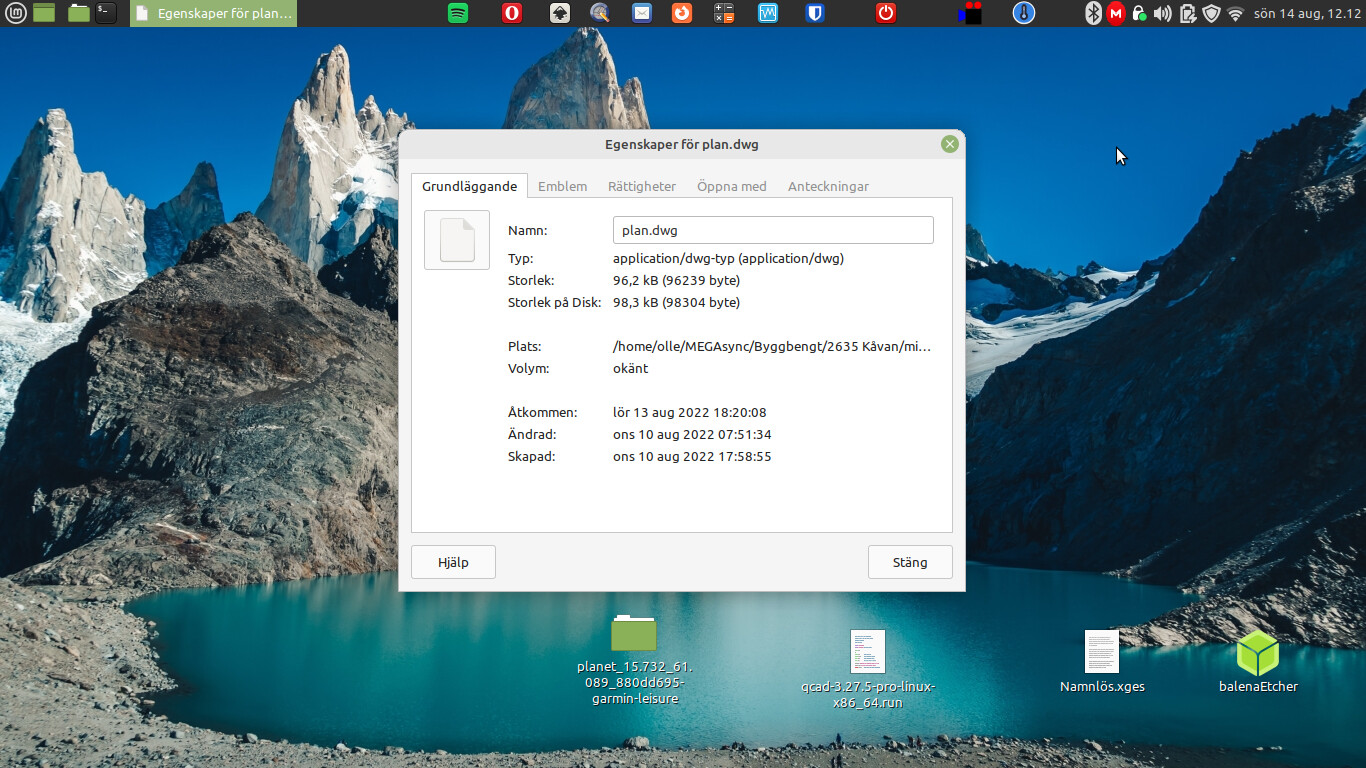
Make sure the MIME type for DWG (and DXF, etc.) files hasn’t had its icon changed. I’m not sure how it’s done in Mint (or Mate?) but there’s usually a MIME type editor that where you can configure such things. If the association is still there and double-clicking a DWG file launches QCAD, that’s means probably just the icon got somehow changed. Usually system icons are found under /usr/share (somewhere) but there may be one in the QCAD installation folder.