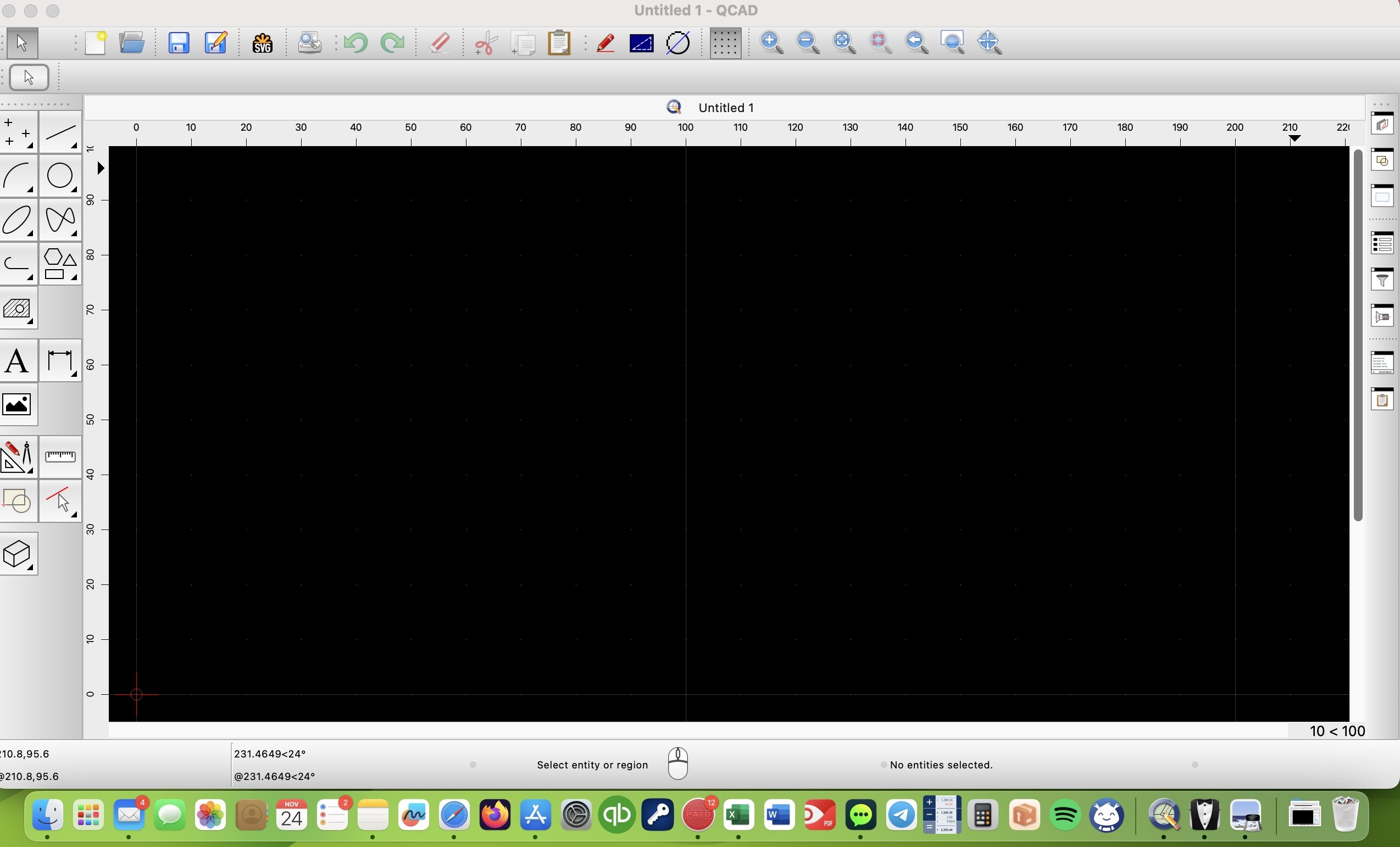
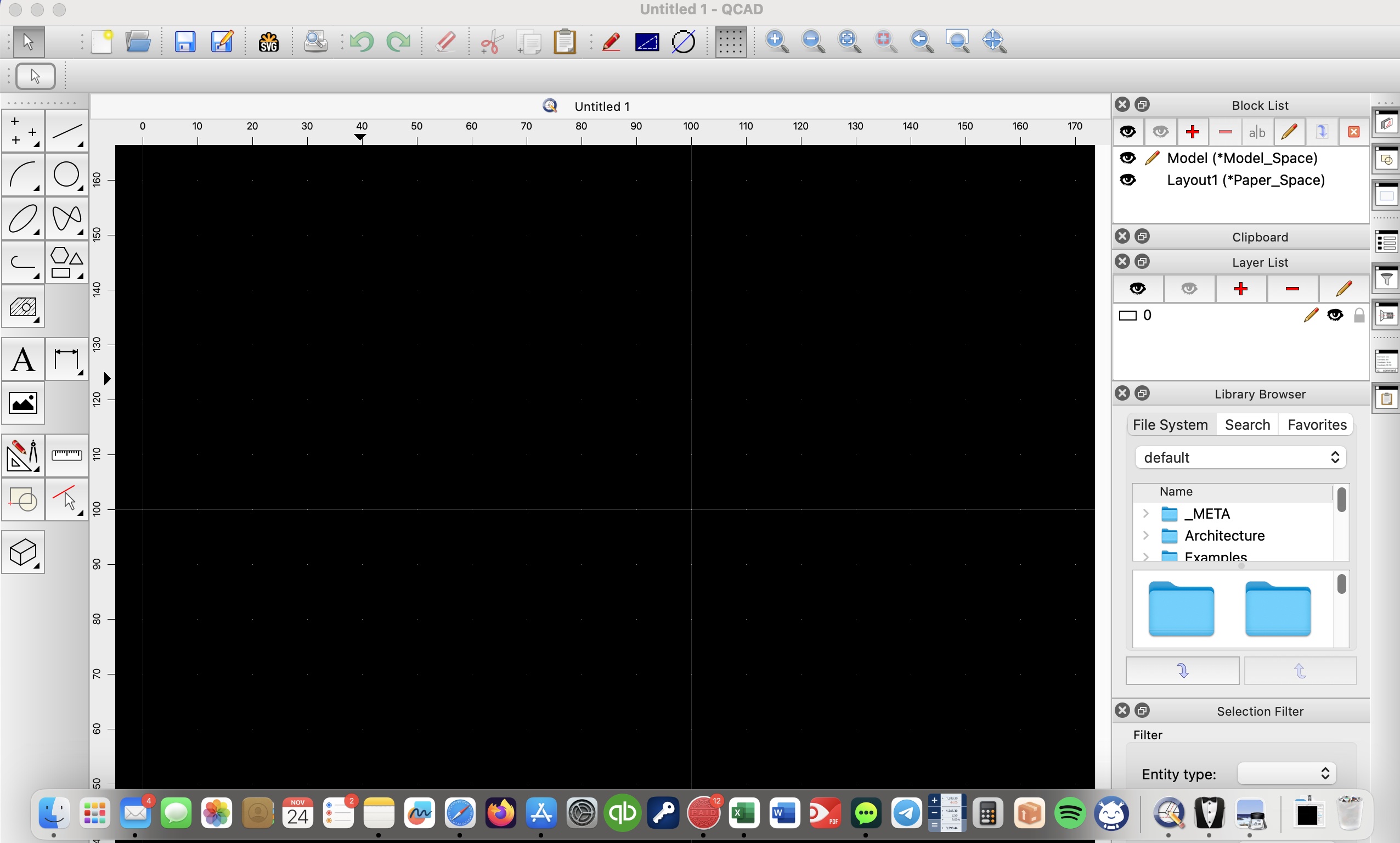
I hope this message finds you well. As a new user to QCAD, I am currently facing an issue with the latest QCAD version (qcad-3.28.2.4-trial-macos-11-13-qt6-arm64) on my MacBook running macOS Sonoma 14.1.1. (Apple Silicon M1 Mac)
The problem I’m encountering is that the QCAD window seems to “snap” to the top of the MacBook screen, and as a result, I am unable to see the status bar at the bottom. I’ve been trying to resize the QCAD window to make it shorter, but it does not allow me to do so. The window continues to snap to the top, and consequently, I can’t access the bottom of the window.
This is impacting my workflow, and I’m reaching out to the QCAD community for insights or suggestions. If anyone, especially those with a similar system configuration, has experienced a similar issue or has any advice on how to resolve this, your assistance would be greatly appreciated.
I’ve attempted adjusting window settings and preferences within QCAD, but so far, I haven’t been successful in overcoming this challenge. As a new user, I’m eager to explore and learn the software, and any guidance would be immensely helpful.
Can you try closing some or all of the widgets that are docked at the right (layer list, block list, etc.). This should allow you to resize the application window.
If you cannot solve the problem, please attach an image using the “Attachments” tab under your post. Note that linking in images from other sites is not recommended and might not work.
If you need help with attaching an image, please refer to the tutorial at:
Successfully resolved the issue by closing all the widgets docked on the right, I had to “pull down” the window twice but made the trick. Your assistance was invaluable—thank you! Seems like it might be related to how MacOS handles windows. I’m attaching an image for future reference.
What happens if you re-dock the Widgets?
I wouldn’t be happy with all these Widgets floating over my Model Viewport …
What happens with more than 1 GUI Viewport (1-4)? Again Widgets.