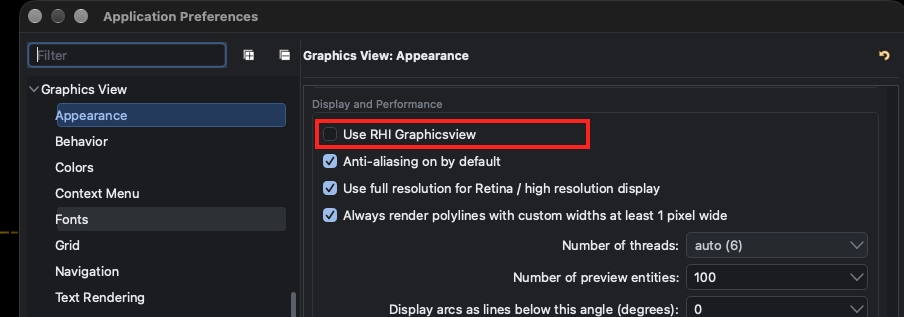
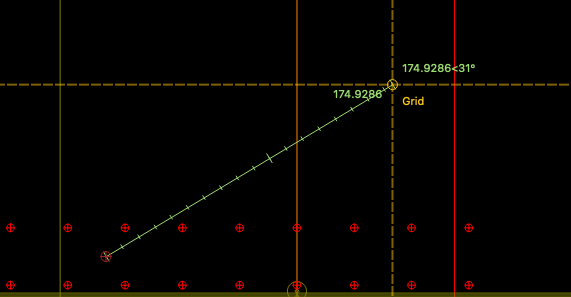
Good afternoon! I’m now using version QCAD/CAM 27.0.2 after an upgrade from 3.33.1.
I’m unable to figure out where to reenable display of the measurement value of the infodist command (shortcut “I” “P”). Google AI had several false starts - it’s hallucinating menu entries that do not exist in QCAD/CAM 27.0.2 - it appears it hasn’t trained on any discussion covering this.
Is this something I can reenable from an Application Preferences setting page, or is this a bug?
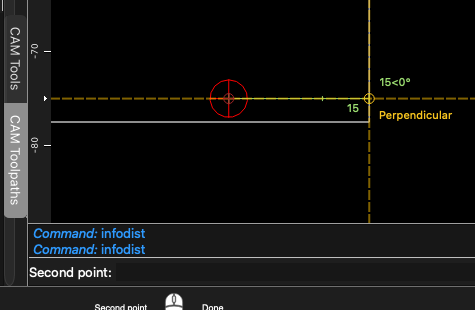
I’m expecting a tooltip to be displayed at the second point, as below (in 3.33.1):
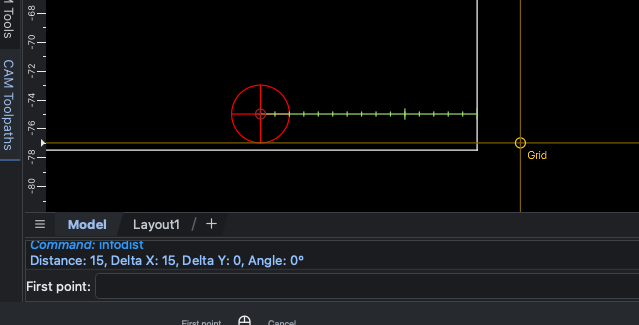
This is what I’m seeing performing the same onscreen measurement in 27.0.2:
Any feedback will be greatly appreciated.
Thanks!