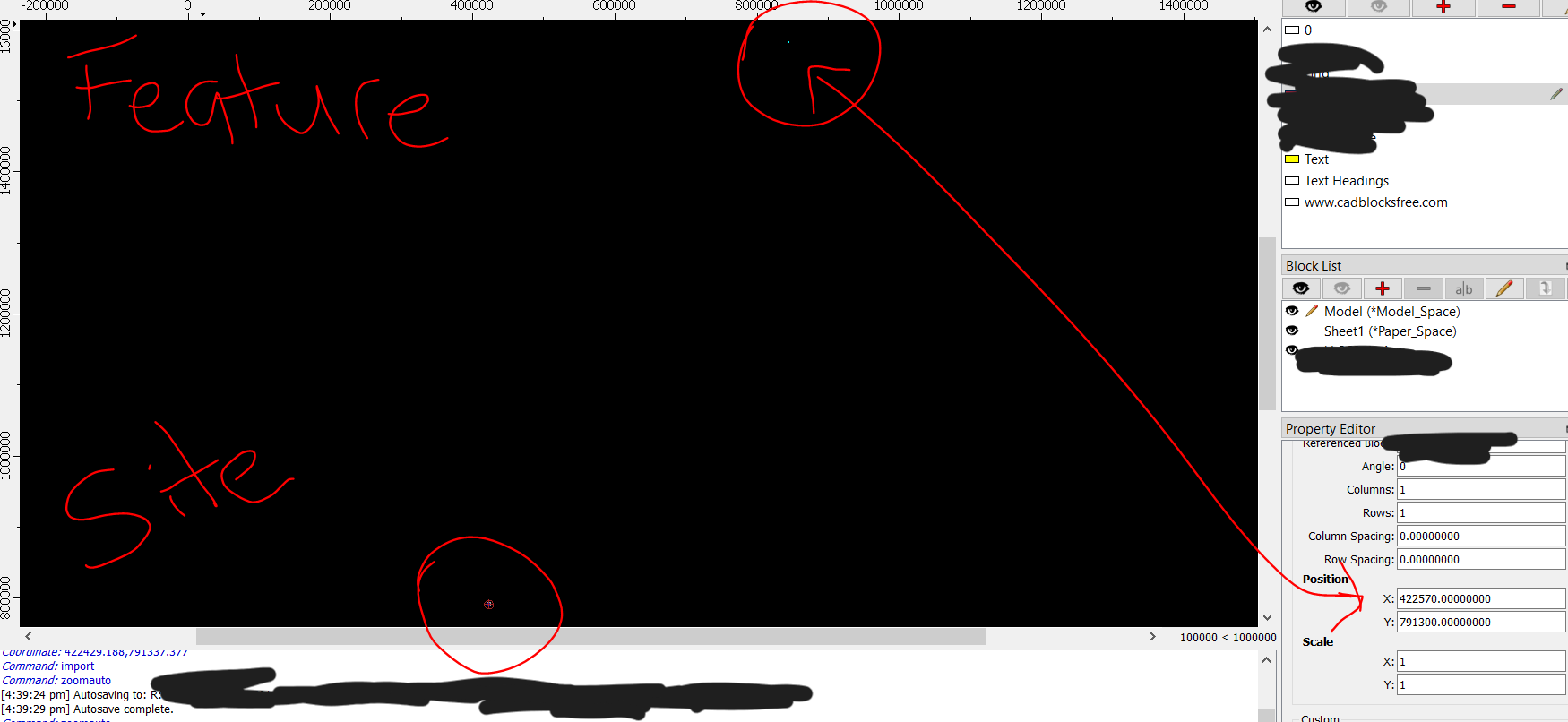
I am working in a drawing of a site (geo-referenced with coordinates) and would like to import a dxf containing a surveyed feature into the existing drawing and have the imported dxf position itself correctly.
The only way i have figured is by importing the dxf then manually: modify \ move/copy \ select the feature and then pasting the coordinate into the command line.
Is there a way that I can simply import the dxf and have it appear based on the coordinate automatically?
(draftsight not an issue at this)
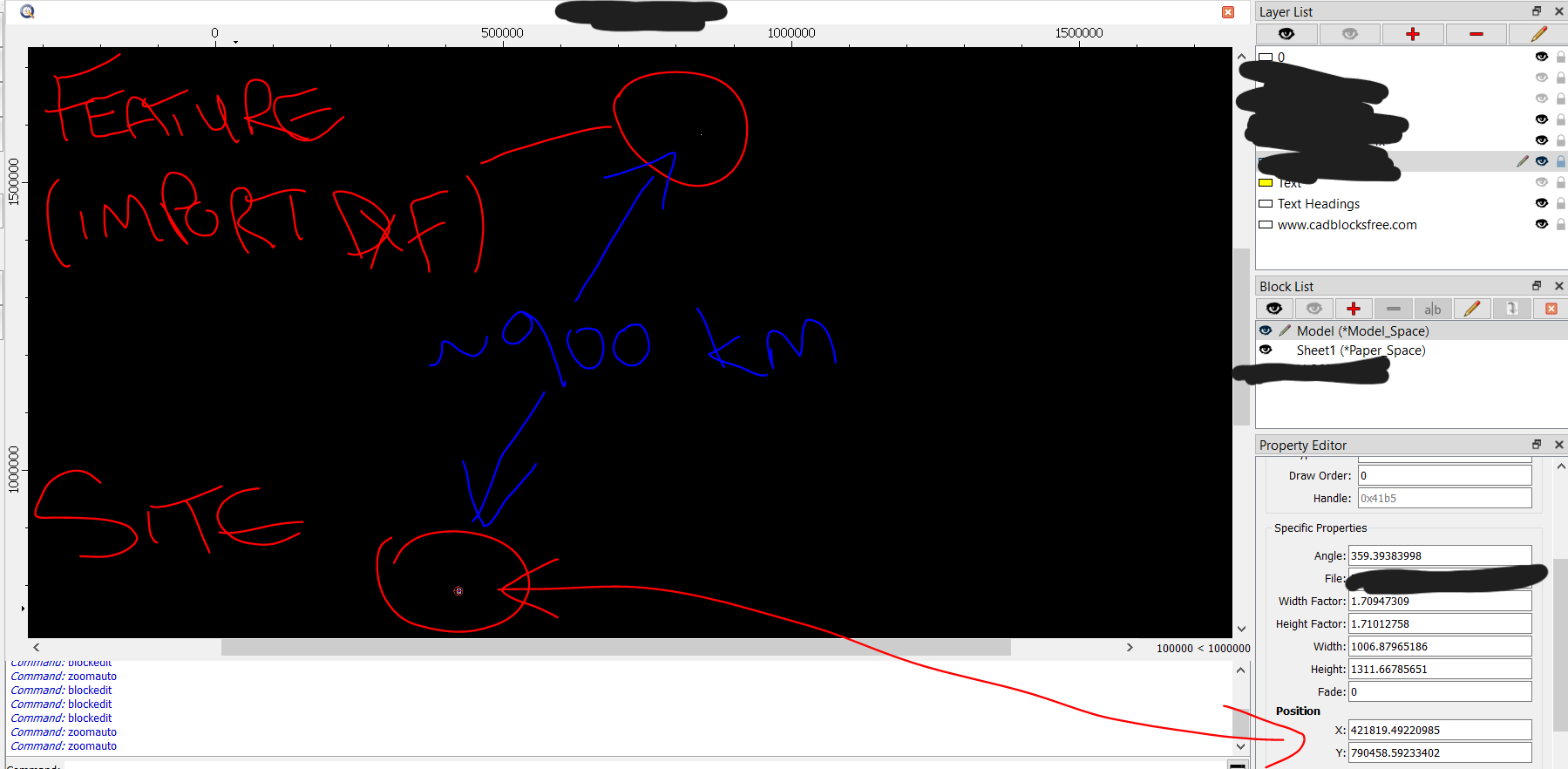
From the second screen capture it seems that ‘SITE’ is a bitmap file.
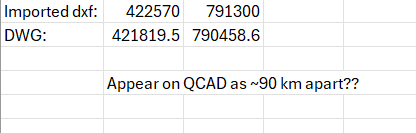
Some picture inserted at (421819.5, 790458.6) as 1006.8 by 1311.7 units, nearly horizontal, slanted for 0.60616002 degrees.
The insertion point is then the lower left corner of the picture.
‘Feature’ DXF seems to be imported as a Block.
The Block Reference position is at (422570.0, 791300.0) and it is not angled.
The insertion point is the origin of the Block and also the origin of the imported DXF file.
The distance between the two positions is 1127.47692216 drawing units what does not correlate with 90, nor with 900km
Remark that importing drawings may trigger drawing unit conversion when the source is not identical to the target unit.
Except when one or both drawing units are ‘None’, then there is no defined conversion factor.
We have too little information on:
What the content of the ‘Feature’ Block and/or file is and how it relates to the drawing/block origin.
Why the ‘SITE’ DWG is a bitmap.
What the content of the DWG would be if imported as drawing file.
Please attach the relevant data.
If considered to be proprietary then you could still provide that information by Private Message (PM)
See top right on the forum page.
The sent data will be treated with the utmost confidentiality.
The easiest way to PM a moderator or a user is to click on the user name and take it from there.
Please also compare the licensing costs: QCAD: Lifetime Single user license, one year of updates. DraftSight: Annual license fee.