QCAD Version: 3.33.0.0
Downloaded package (file name): qcad-3.33.0-pro-linux-qt6-x86_64.run
Operating System: Linux (OpenSuse Tumbleweed)
I proceed like this:
Importing/inserting an image (here: *.jpg) with shortcut “IM”
This is what I expect to happen:
Image is inserted at the choosen location with the appropriate width and height.
This is what happens instead:
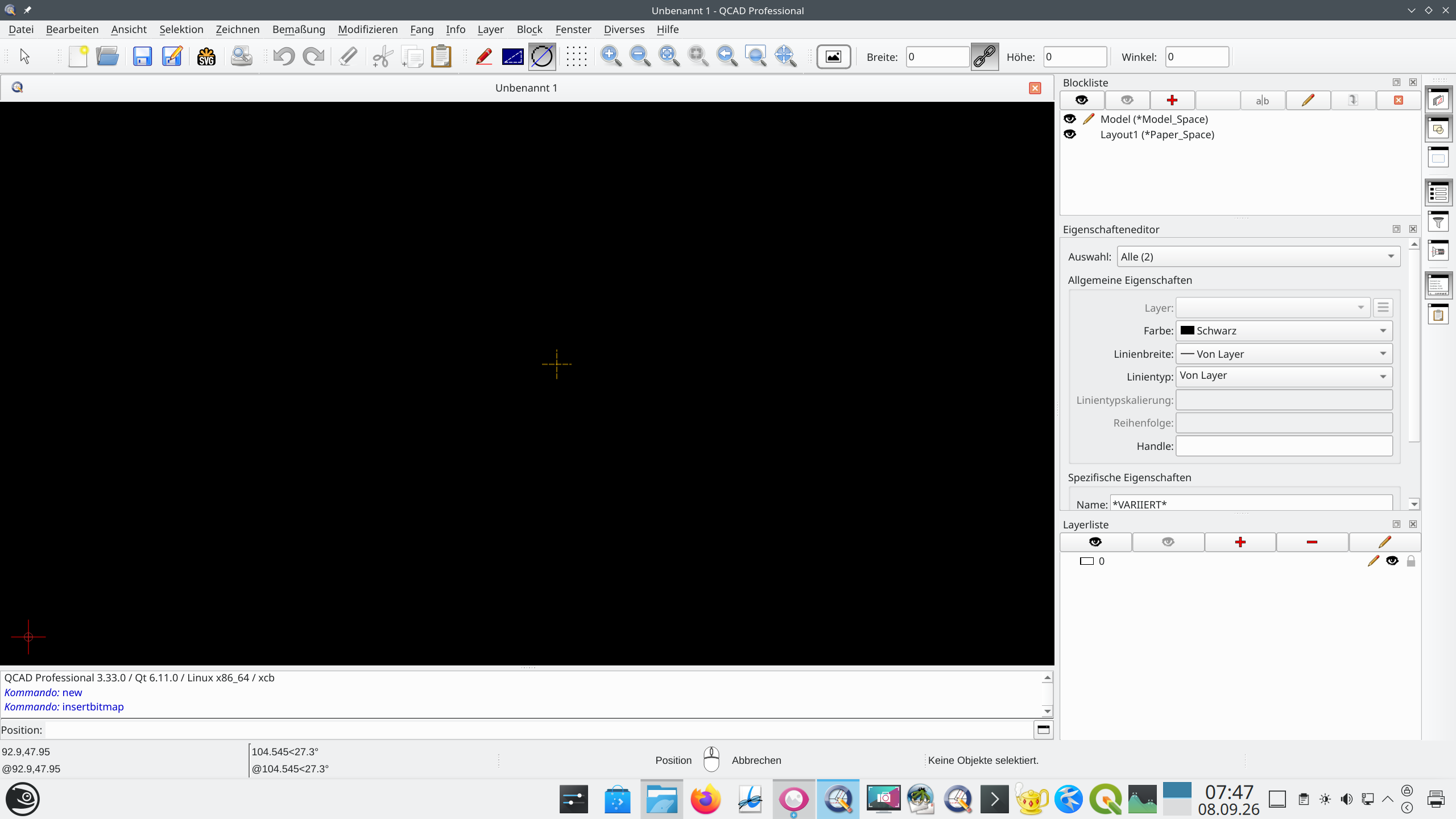
- Large images (here: 18000 x 15000) are not shown at the cursor.
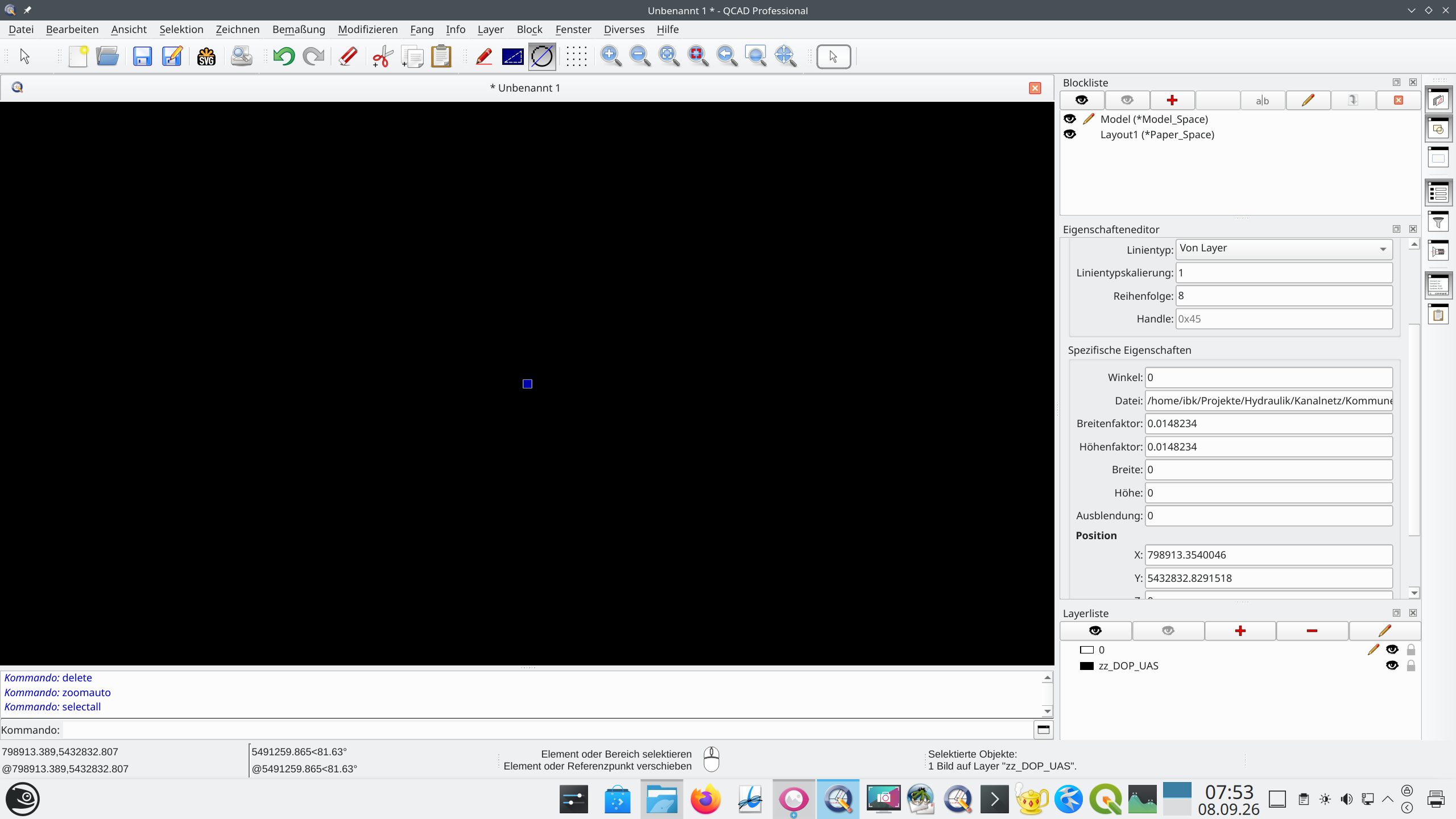
- Image is inserted as a point with width 0 and height 0.
- No possibility to apply width and height before and after insertion (input gets reset to zero).
There is no problem with smaller images (e.g. 2000 x 2000 pixels).
There is also no problem in QCADPro version qcad-3.32.6-pro-linux-qt5.14-x86_64.
I have attached to screenshots. Second one shows the selection of the image missing at the cursor. First one shows the inserted and selected image as a point with size zero.