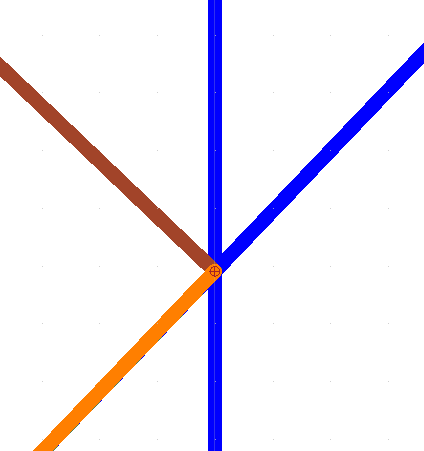
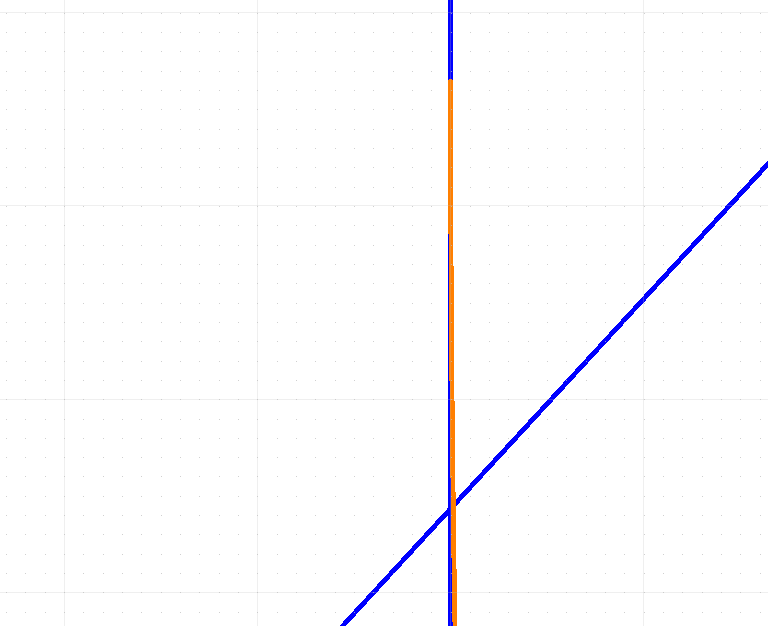
If a position is required then QCAD will show the Snap tools in the CAD Tools toolbar, typically at the left.
There you can activate ‘Intersection’ (SI) or ‘Intersection Manual’ (SY) for the position.
With SI indicate near the intended intersection.
SY requires you to indicate two entities that intersect in the long run.
Hints beside the mouse icon in the Status Bar will guide you.
If the CAD Tools toolbar is set to be NOT visible then you can still select the snap mode in the Snap menu.
Or you could activate the required Snap directly with the keyboard shortcuts.
Beside that, typically snapping is in Auto mode what will automatically detect a nearby intersection.
One can configure what is included in the Auto mode.
See menu Edit .. Application Preferences .. Snap .. Auto Snap
Assure that the cursor snap tip says ‘Intersection’ … Some snapping positions may be close together or coincide.
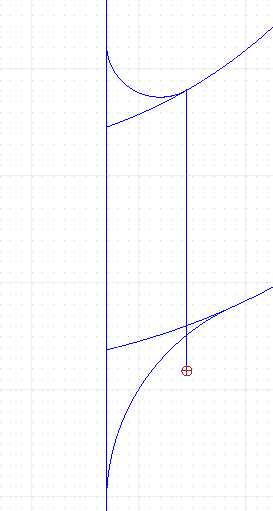
# EDIT # Question 2 with picture deleted … 
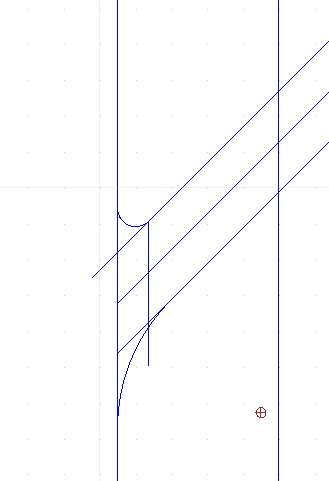
In your second example the slanted lines seems to be Arcs instead of Lines.
The solution is practically the same but there are (not yet) methods in QCAD to do that.
A screenshot is fine where pictures tell more than words. 
But here I would expect an attached drawing file for knowing the exact details. (See the above forum rules in red)
For some situations there might be an easier route than the exact method below.
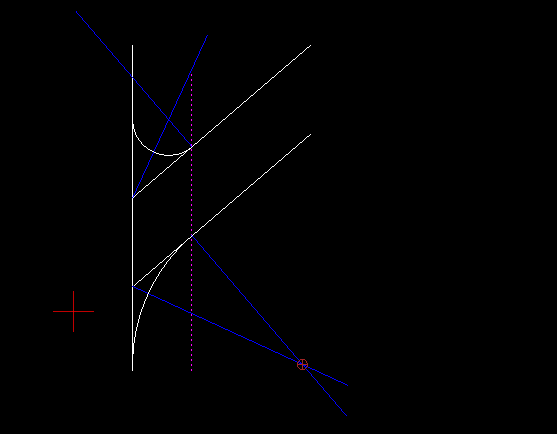
We could also fall back on the tangents what is again a Line-Line rounding problem.
Where the rounding Arc connects to the curved edge is defined by the offset Line (dotted in my case).
Curved edge an rounding Arc are tangentially connected at that point.
The rules for (both) tangent(s) and (both) normal(s) are just the same in the point of contact.
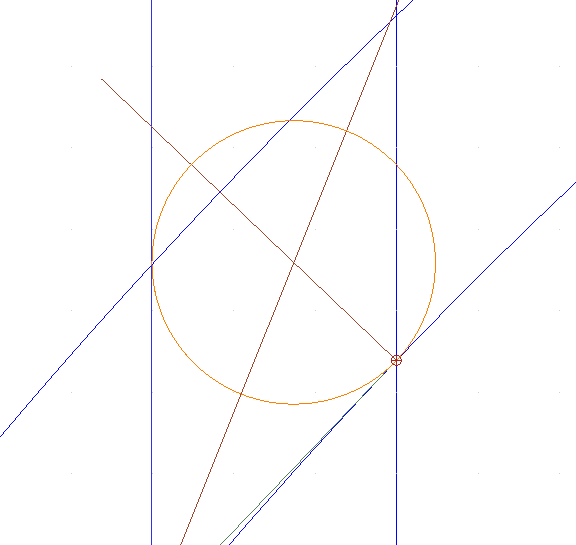
The rounding center will be situated on the normal through that point.
However:
The locus of the center points for any rounding of two Lines at an angle is the angle bisector.
Here a bisector is thus a line of equal distances seen from the two Lines in question.
But the locus of equal distances from a Line and an Arc is a Parabola.
The center of the intended rounding is then the intersection of the normal and the Parabola.
A Parabola can be drawn with the Control Point Spline tool using degree 2 and 3 points, as not closed.
Correct placement of the 3 points is the key problem but perfectly doable.
How correct the intersection of a Spline and a Line is calculated will be a next issue.
This is mostly close enough to be usable. 
- = - = - = - = - = - = - = - = - = - = -
I have a custom tool that draws the locus of equal distances between:
Point-Point, Point-Line, Line-Line, Point-Arc, Line-Arc and Arc-Arc.
Line-Line looks easy enough although an endless bisector is only true for endless intersecting lines.
Where a line segment ends it is no longer a Line-Line case, instead it is a Line-Point case.
And beyond the end of the other line segment it becomes a Point-Point case.
All very similar with a limited Arc-segment and its endings.
But then:
For Arc-Arc not tangentially connected the locus would be a Hyperbola.
Did not find a good method to mold a Spline to mimic such a Hyperbola shape.
Basically a limitation of the Splines supported by QCAD.
For now it is an approximation based on 12 trial points.
Not correct enough in my book and thus unfinished or not ready to propose the tool as an addition.
Regards,
CVH
 )
)