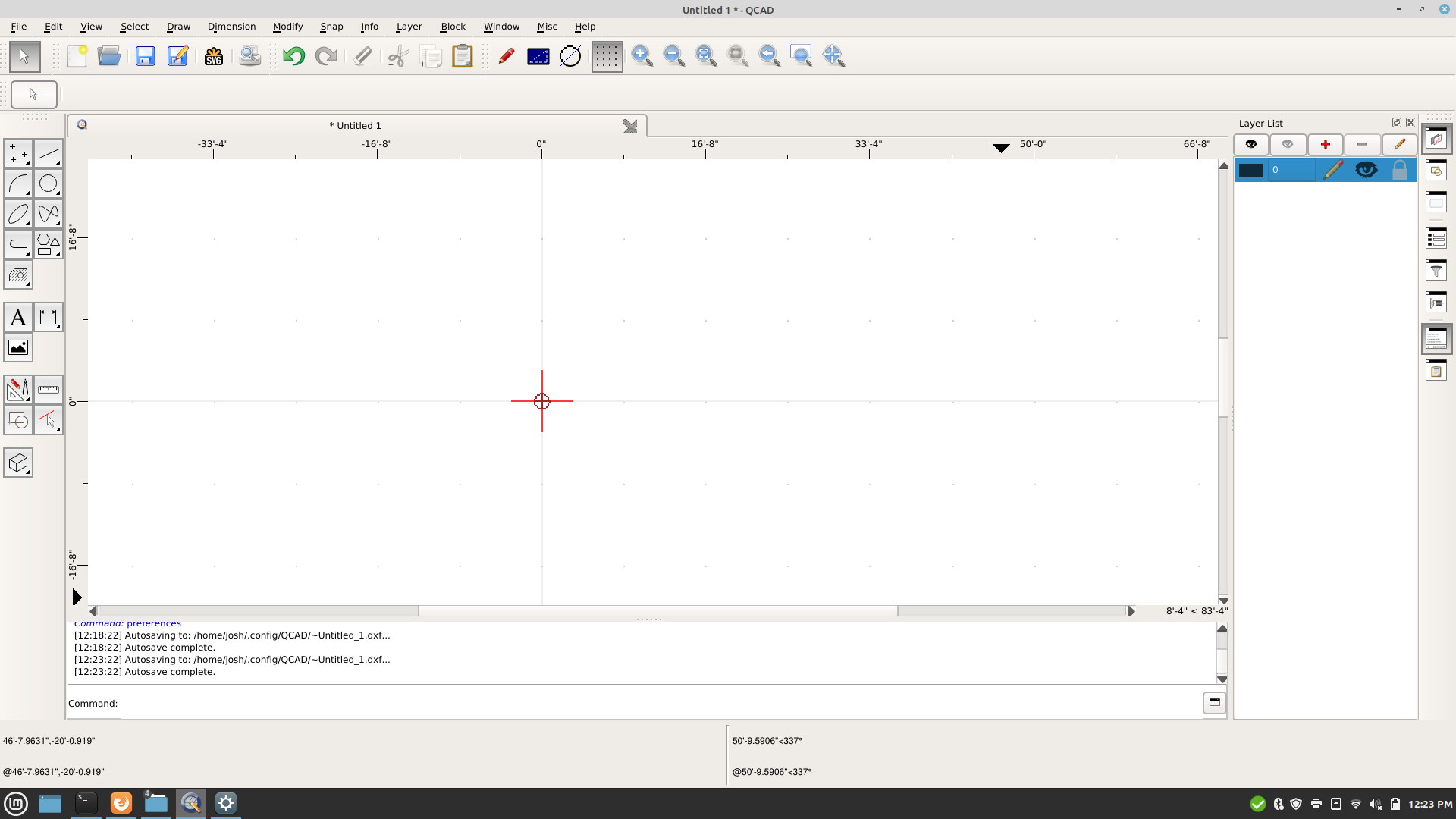
I just installed qcad 3.25.2.0 x64 on linux mint 20.1 Cinnamon, and the UI elements seem to all be larger than normal, giving me a small working window. I found how to change icon size, all of them were 32px, changed to 16px and that helped, but now my status bar is 2 lines high, and the icons still seem larger than i’m used to on the windows version. is there any way to make these elements display smaller? Screenshot attached
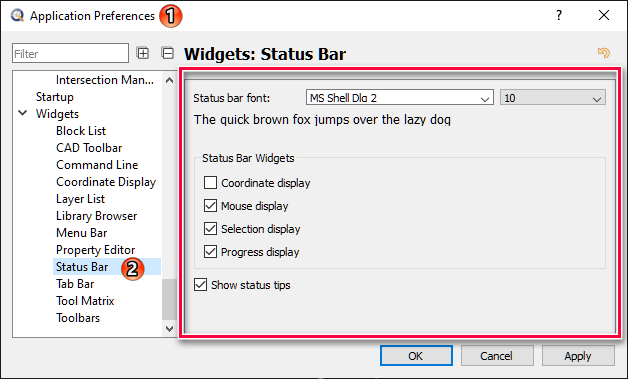
Thanks, but that doesn’t quite do it. It changes the font, but not the actual height of the bar.
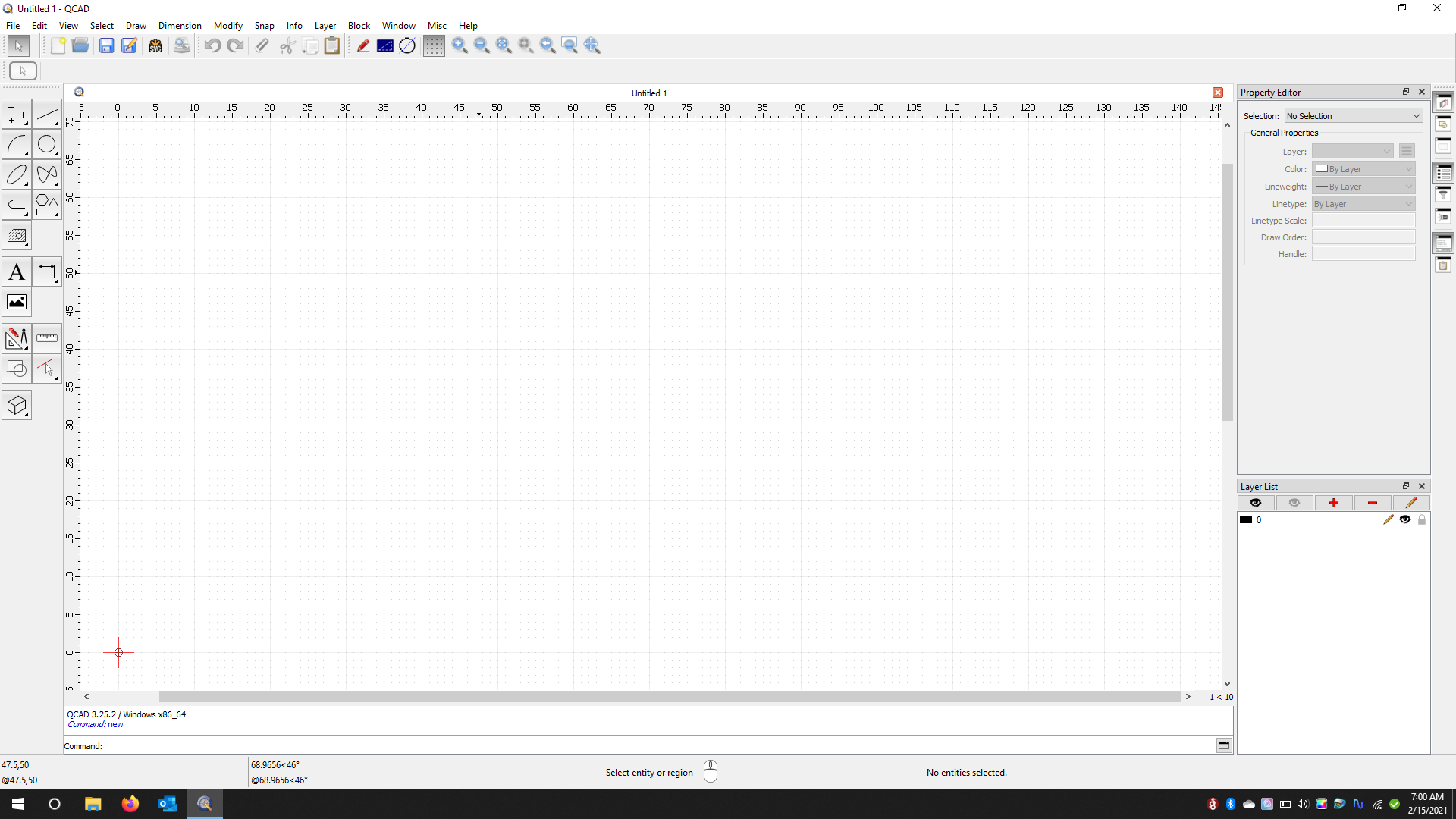
For comparison, I switched back to the windows version (I’m dual booting so this is on the same laptop screen) The interface is much more usable, see screenshot below. This might have something to do with my mint settings although I’m not using text scaling of any kind and the resolution of other programs seems to be normal. Or it might have something to do with QT, I don’t know much about it but it seems that the linux interface is built on QT libraries (?)
I use Qcad under Linux Mint 20.1, my command line is, and always has been, one character high. Do you know which version of QT you have. You could also try using a specific QT version of Qcad from the snapshots section of downloads.
 Maybe somebody else can help you with that …