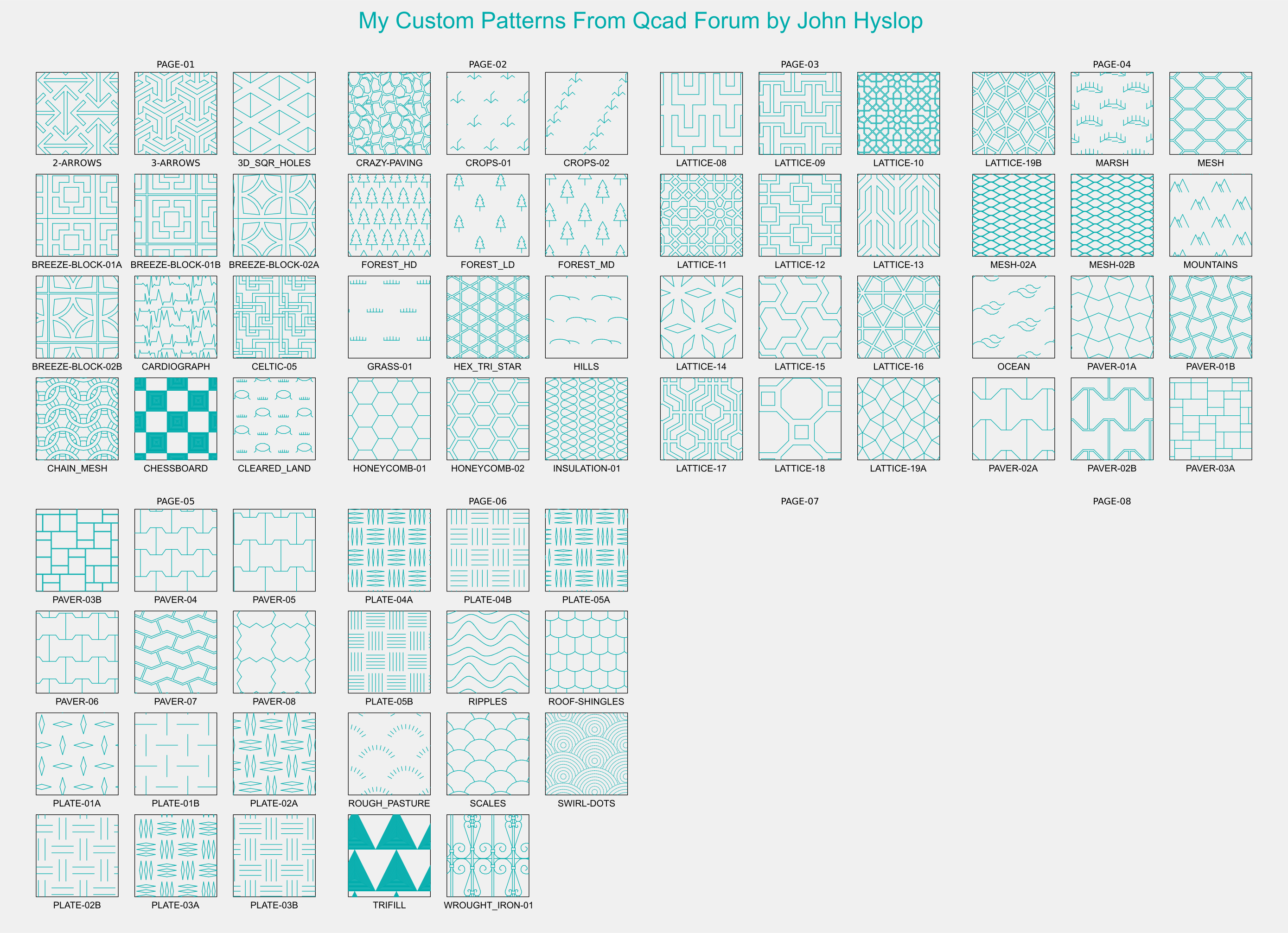
I have a collection of hatch patterns spread over quite a few pages
So after a little bit of persuasion I have decided to upload a complete set to date.
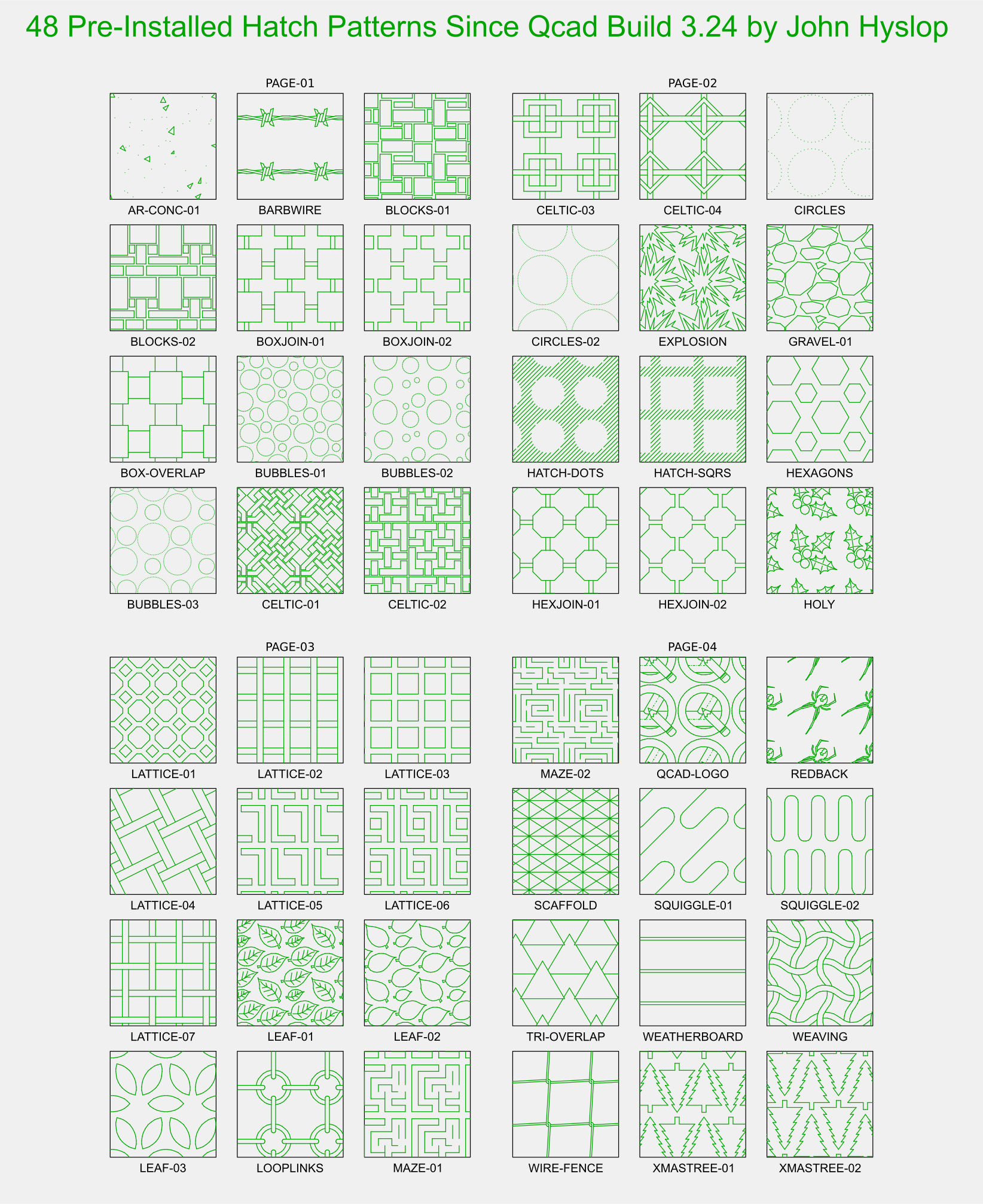
Since build 3.24 Qcad & Qcad/CAM some of my patterns have been included so I see no need to include the “PAT” files but I have included a catalogue for your convenience.
These are the PAT files to date uploaded on this topic, I will continue to upload single patterns but when I get to the next full page I’ll upload a new catalogue including an updated set of “PAT” files.
. These are my Hatch files that are already included in Qcad.. Qcad Hatch Pattern Catalogue.pdf (211 KB)
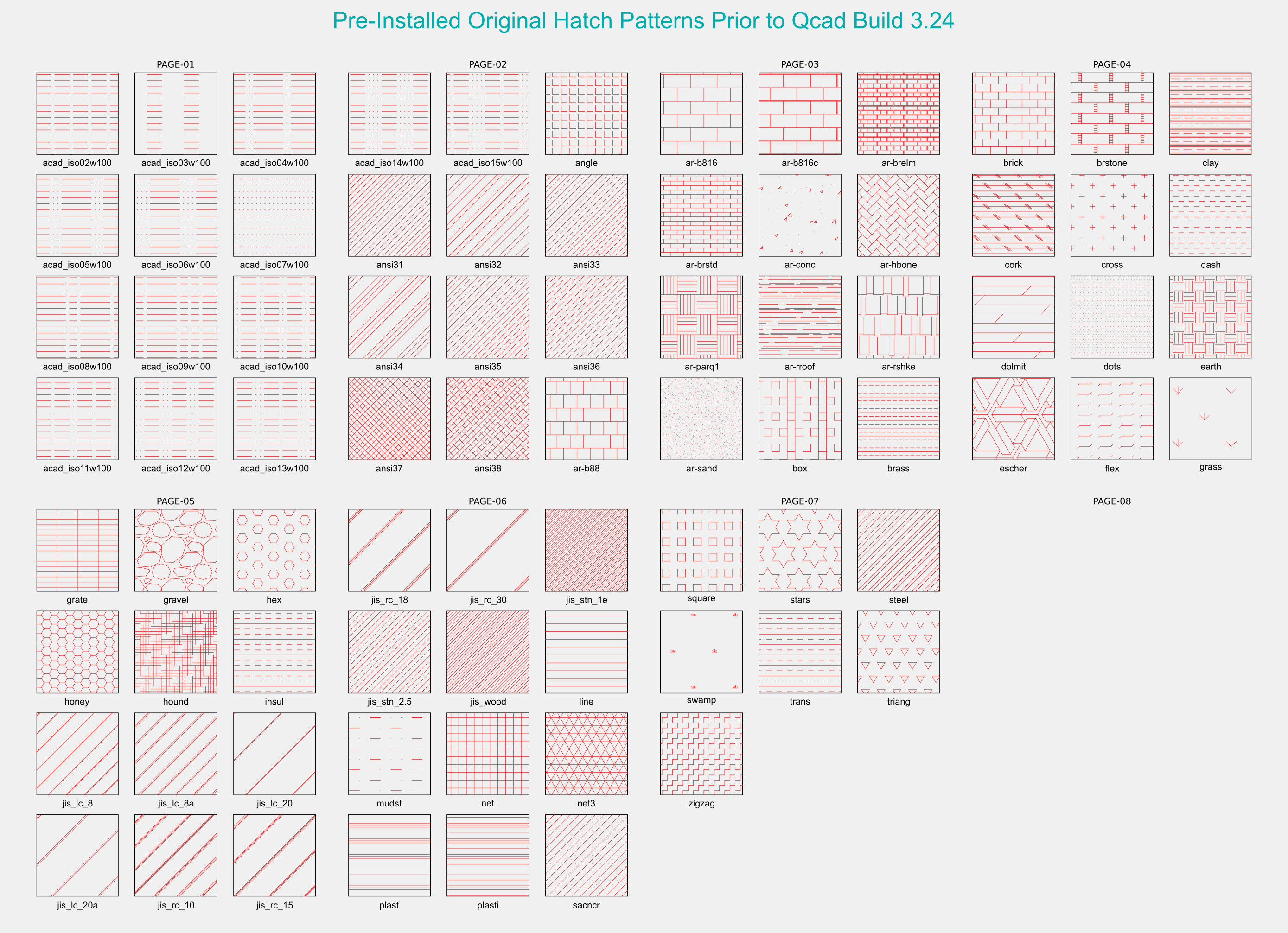
. These are my forum uploads not included in Qcad. Forum Hatch Pattern Catalogue - 19-11-22.pdf (288 KB)
. These are all the PAT files from my forum uploads Metric & Imperial.. My Current Metric Hatch Patterns - 19-11-22.zip (79.9 KB) My Current Imperial Hatch Patterns - 19-11-22 .zip (69.1 KB)
.
I hope this makes it easier for you all..
This topic has been tidied up as requested “thank you”
Here are the images relating to the downloads above, I’ve added these as a reference so they can be viewed online prior to any downloads, you can then easily see which patterns you may be interested in without downloading them blindly.
I hope this makes it easier for anyone interested in them.
The files below are in PNG format … and are named appropriately..
Happy Hatching
John Hyslop Available in page PDF format in the first two posts.
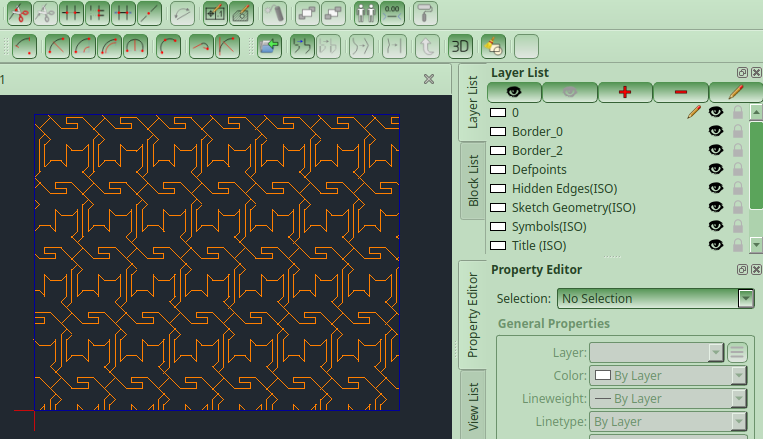
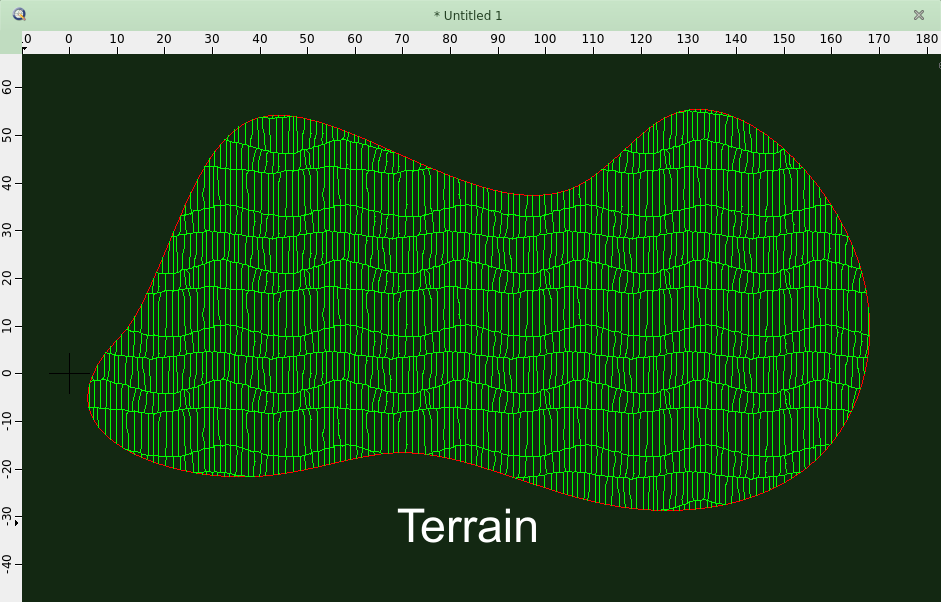
It’s been a while since my last post in this topic so here’s a hatch that can be used for terrain or cliff faces or whatever you like
. Terrain - Metric and Imperial.zip (5.38 KB)
Nice job you two , I see already a max cloning load of 5 for some entries.
306 entries and a total cloning load of 714 per tile starts to show some latency when rendering for somewhat larger areas.
Meaning that you are supporting more orientations.
4 tiles to the right an 1 tile up is then atan(1/4) = 14.0362434679264…°
The amount of clones to shift one tile up in any direction is then 1+4=5.
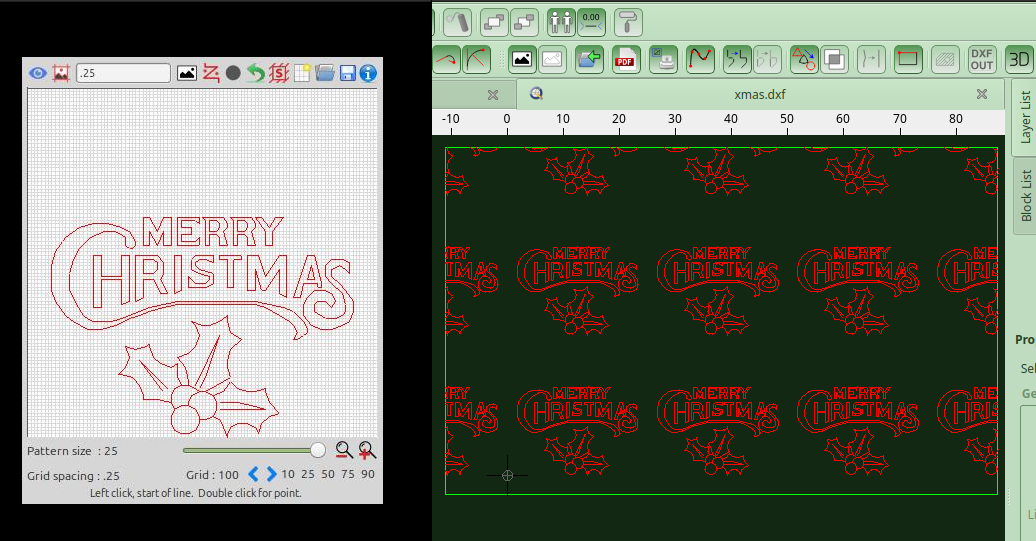
The fix to the QCAD logo pattern comes to my mind.
14.036243,1.96,17.92,24.44759098,-6.11189774,1.15446958,-102.7477923
Can also be written as:
14.0362434679264,1.96,17.92,-24.4475910036623,6.11189775091559,1.15446958,-102.747792185565 (Tile2Hatch, Full FP, Load:5)
Being more stable in the long run by the negation of 2 values, not taken into account that the definition is more precise with more decimals.
This was something detected when mimicking the results of Hatchkit patterns.
When to inverse and when not has to do with the angle … I need to verify my Tile2Hatch code for that.
For the record: 25.2 by 25.2 tiles, 4 right and 1 up are point per point 103.902261765565 apart.
The sum of the dash and the space of the example is somewhat more: 103.9022619
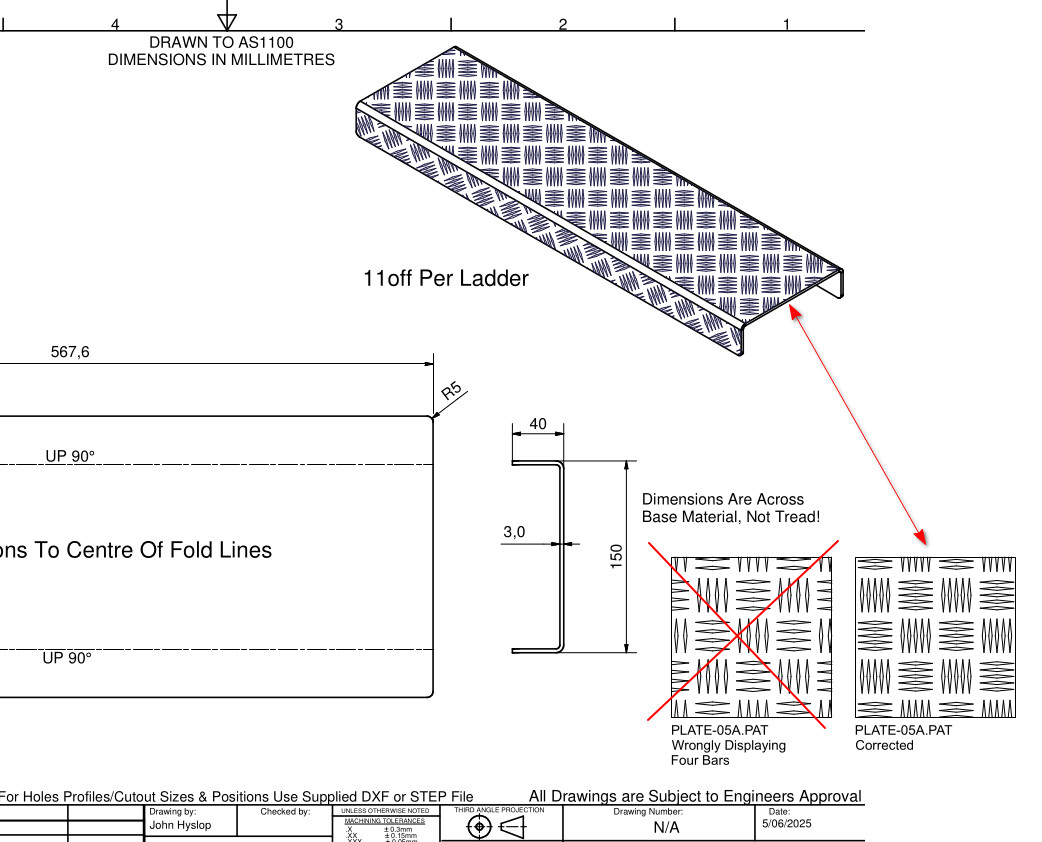
I needed to apply a hatch to an Inventor drawing (yes, these hatches can be used in Autodesk Inventor too! ).
While doing that, I noticed an issue: the PLATE-05 Type A metric hatch was showing 4 bars instead of 5
Since 5-bar tread plate is one of the most commonly used types here in Australia, and I needed it for a job yesterday, I went ahead and fixed it.
I’ve attached the corrected version—just overwrite the existing metric one with this: PLATE-05A - Metric - Corrected.zip (937 Bytes)
Here’s the job I was working on (screenshot below):
Thank you! I wish you, Pete and Andrew the same from the bottom of my heart. Thank you all for using your time and knowledge to make Qcad even better and for not forgetting to have fun with it.
Productivity and fun — there’s no better combination! Right?



 , I see already a max cloning load of 5 for some entries.

 Grab it here: