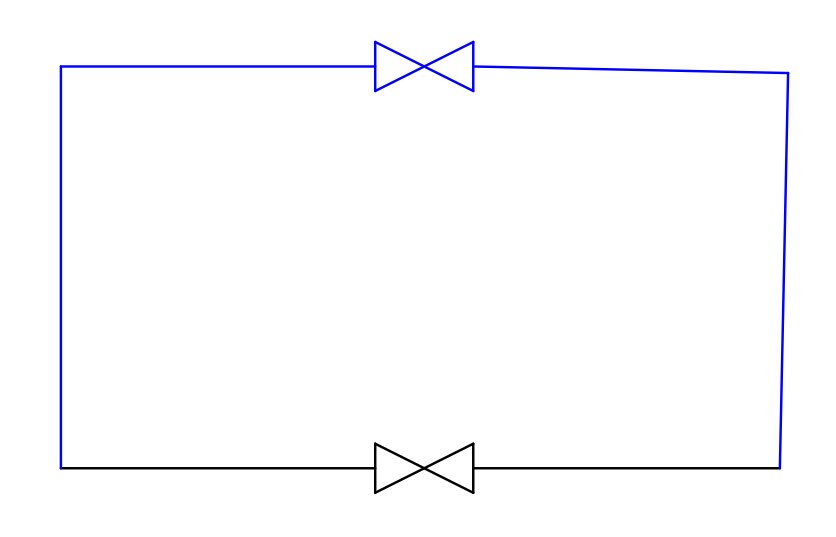
I am building 2D flow diagrams (valves, connectors, tanks, etcetra…) I want to draw a valve and a line connecting the valves together. Then I want to drag the valves around but keep them connected.
I know it is a standard feature in flow chart software. Not sure how to do it here, of it is is possible.
The valve should be a Block or a Library item,
Assuming you already inserted the blocks in the drawing and connected them with a line then you have a bunch of options to move / rotate them:
move and copy tool,
move with arrow keys on your keyboard,
rotate with the rotate tool,
rotate with the Function keys on your keyboard (F5 and F6),
Other software like Microsoft Visio Pro has a built in routing tool (routing connections). Dragging and moving the valve redraws the lines automatically.
QCAD hasn’t such a functionality.