QCad 3.22.1 macOS
Hi, being new to QCad I wonder whether there is a way to export a drawing into DXF format (or some other format) which I can import into Blender?
Thanks,
Christoph
QCad 3.22.1 macOS
Hi, being new to QCad I wonder whether there is a way to export a drawing into DXF format (or some other format) which I can import into Blender?
Thanks,
Christoph
Yes, you can save your drawing as DXF using “File > Save as…”. DXF is the standard format used by QCAD.
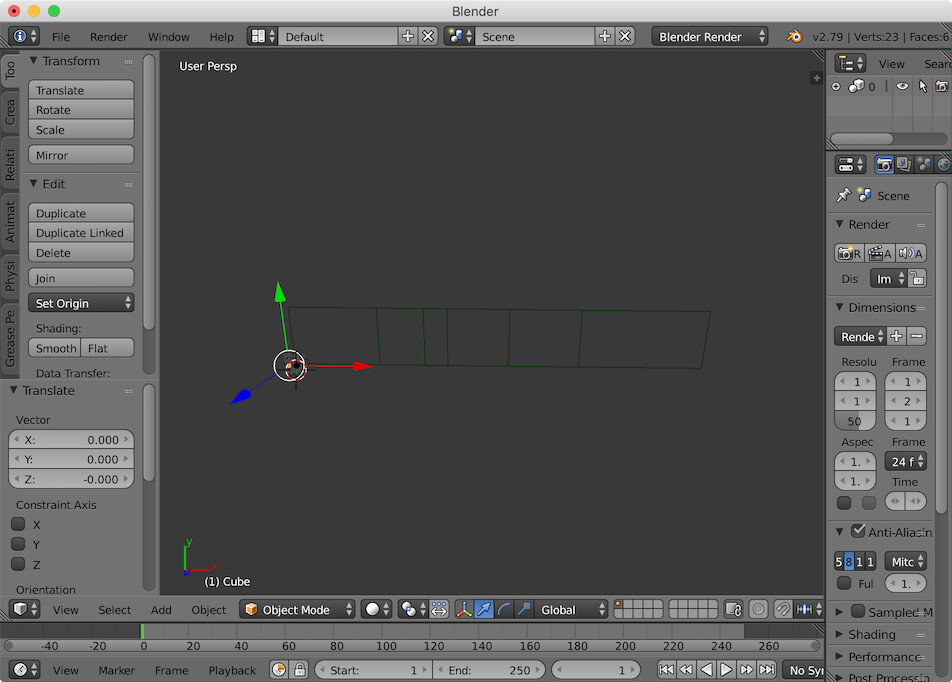
OK. Fine. Thank you. Next I tried to import that file into BLENDER. I wanted to use the 2D contour as the geometry to build a 3D object from.
But nothing happens. The file doesn’t seem to be recognized as DXF at all when viewing it in the Blender File->Import->AutoCad DXF
menu.
I’m uploading the file here for further examination.
Thank you.
–
Christoph
shape_1.dxf (21.4 KB)
Thanks. The color were so dark and the object was out of the View, that I simply didn’t see it. Sorry.
–
Christoph