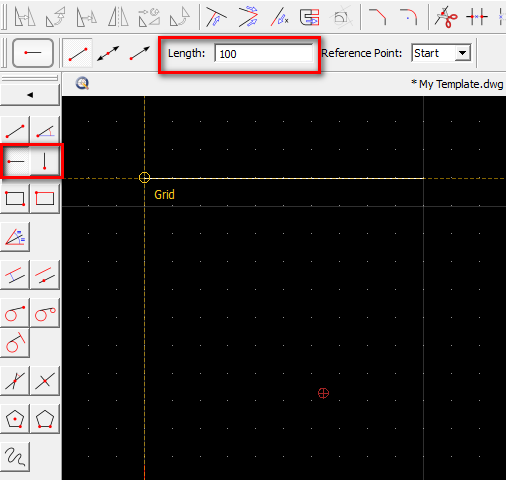
There are several ways to draw a line with a certain length.
If you also know the angle of the line in degrees, you can use the line with angle tool:
Draw > Line > Line from Angle
- Enter the angle and length of the line
- Place the line in the drawing
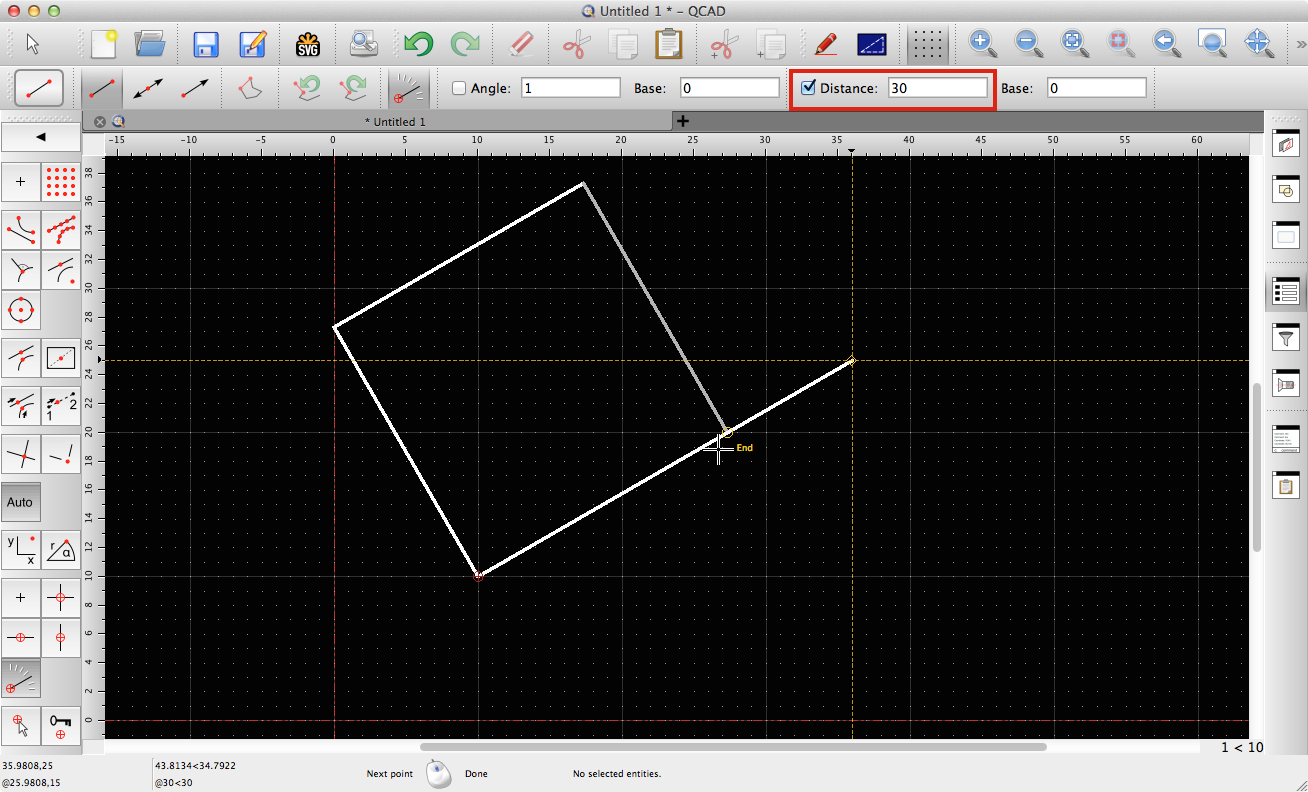
If the angle is not known as value but rather visible in the drawing, you can use the regular line tool:
Draw > Line > Line from 2 Points
- Click the start point of the line
- Click the “Restrict Angle or Length” button in the options tool bar:

- Enter the desired length in the options tool bar:
- When placing the end point of the line now, the line automatically has the desired length (or a multiple thereof):
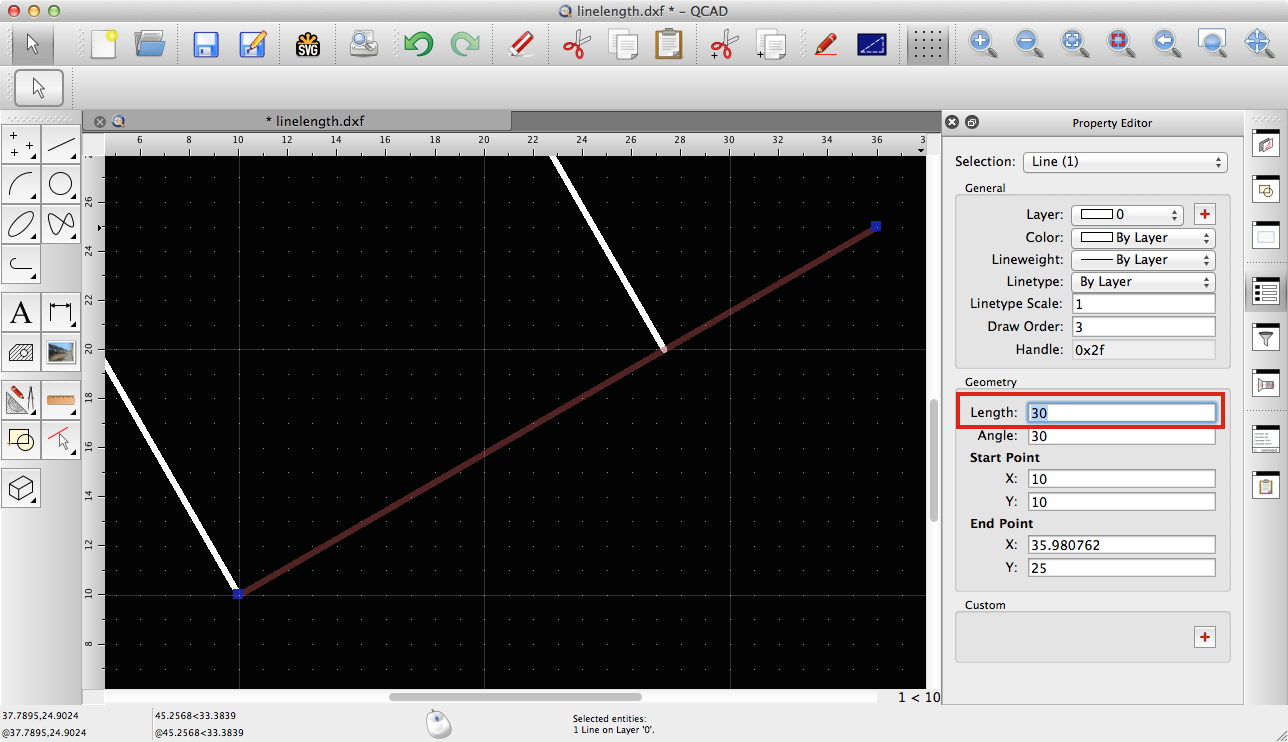
Another way is to draw the line with the wrong length first and then use the property editor to adjust the length:
There are also other ways to specify a length of a line, for example by trimming, trimming by a given amount, entering the end coordinates relative to the start point, etc.
 .
.