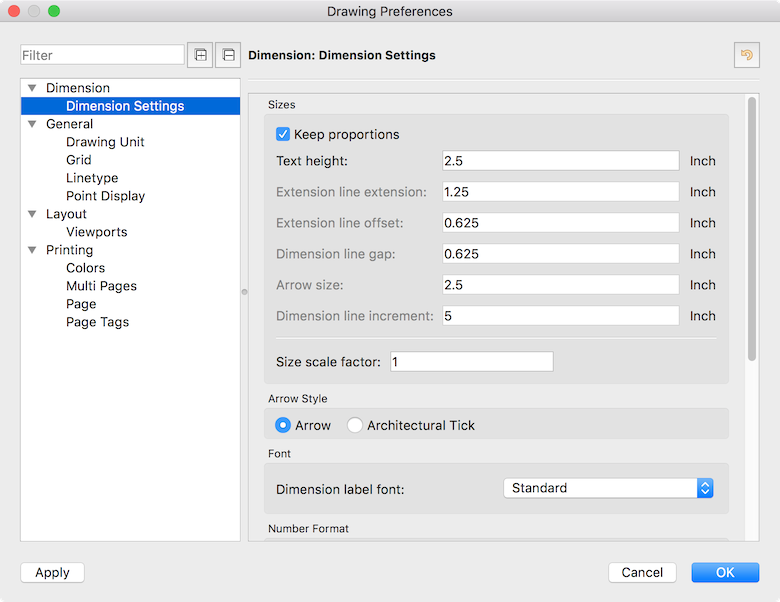
I’m new to QCAD so maybe this is a simple fix but I can’t seem to get the dimensions to change from millimeters to inches. I’ve changed the settings in the Edit|Drawing Preferences but nothing changes. Also the text size won’t change as well as the decimal point doesn’t show up even though I’ve set the decimal point to be 4 pixels. I’ve set the scale to 1" = 1"
You have to convert the drawing (Menu/Edit/Convert Drawing Unit). Your Method within the Drawing Preferences will “only” change the name of the Unit. e.g. 120 mm is then 120 inches.
I’m not sure what do you mean with: You set the decimal point to 4 pixel?
If your measurements are “tiny”, you will have to scale your drawing to correct the scale of your drawing to 1:1. If a distance that is supposed to be 10" is shown as 1", you’d have to scale by a factor of 10.
If you are referring to the size of the dimension labels as being “tiny”, you’d have to adjust the dimension settings under Edit > Drawing Preferences > Dimensions > Dimension Settings: