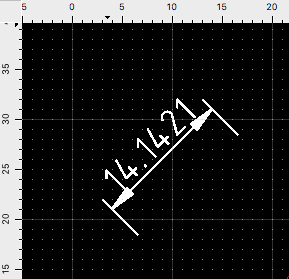
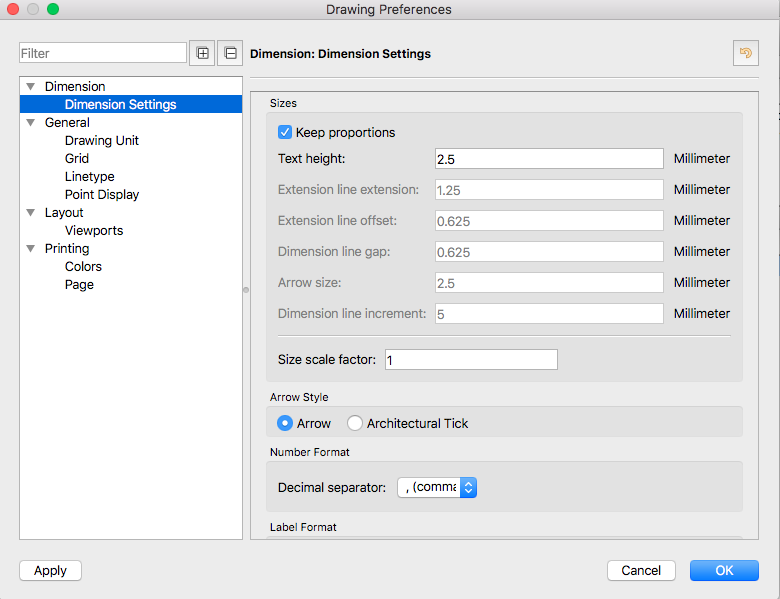
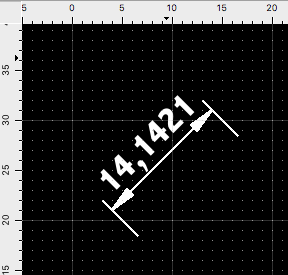
I am using the compiled version of the Community Edition on macOS 10.12. After changing a setting of the Dimensions, the font “suddenly” changes from “Standard” to “Abadi”. “Abadi” is the first in the alphabet of the fonts installed by the OS. Maybe QCAD does not find a valid font in this situation?
Try to reproduce this behaviour.
Create a dimension line. The font that is used is “Standard” (OK)
I can’t reproduce it here on a Win OS. Was a QCAD Trial installed on your system?
For a test: Please reset temporary QCAD.
Close QCAD, Rename(!) the QCAD3.ini, (like QCAD3_old.ini) start QCAD again and try to reproduce this font changing issue again.
This link explains where to find the QCAD3.ini
If this test shows no difference you can undo it with closing QCAD, deleting the new QCAD3.ini and rename back the old QCAD3.ini.
Keep us posted.