From a QCAD/CAM user:
How can I delete or edit existing toolpaths?
From a QCAD/CAM user:
How can I delete or edit existing toolpaths?
To delete a toolpath, please make sure that the “CAM Toolpaths” list is visible or show it using
CAM > Show CAM Toolpaths List
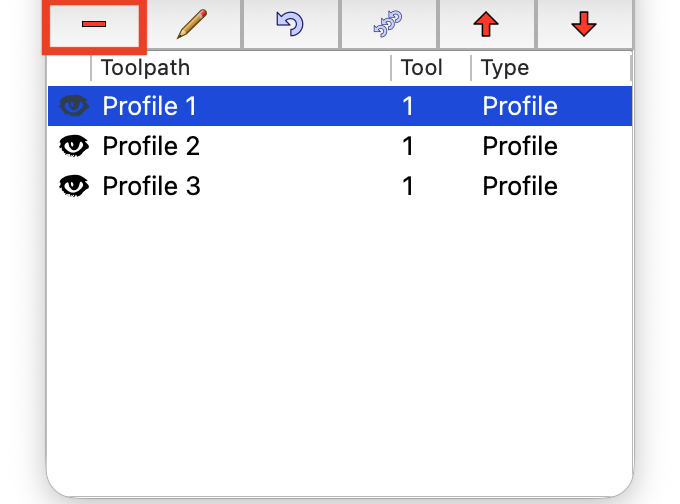
You can then select a toolpath from the list and delete it using the delete button above the list:
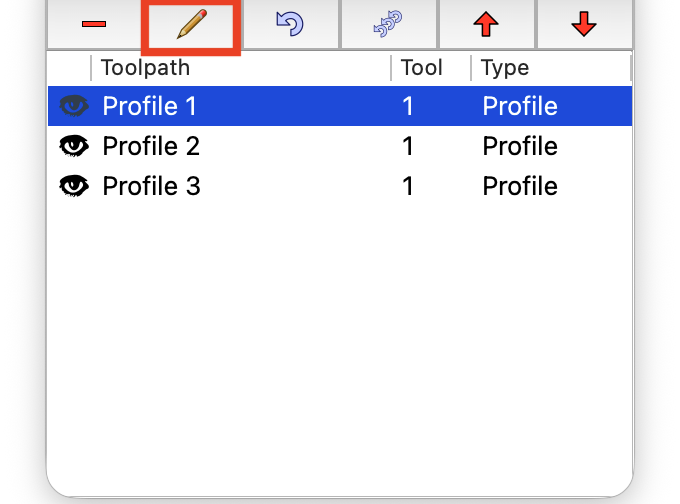
To edit an existing toolpath, you can double-click it in the toolpath list or select it and click the pen icon above the list:
You can also use the toolpath list to manually reorder or regenerate toolpaths.