Hi,
The hidden line would at best be excluded for this process.
For example by defining it on a dedicated (sub-) Layer for hidden lines.
Refer to: QCAD - Tutorial: Working with Layers
And then not showing it for the time being: Toggle the visibility.
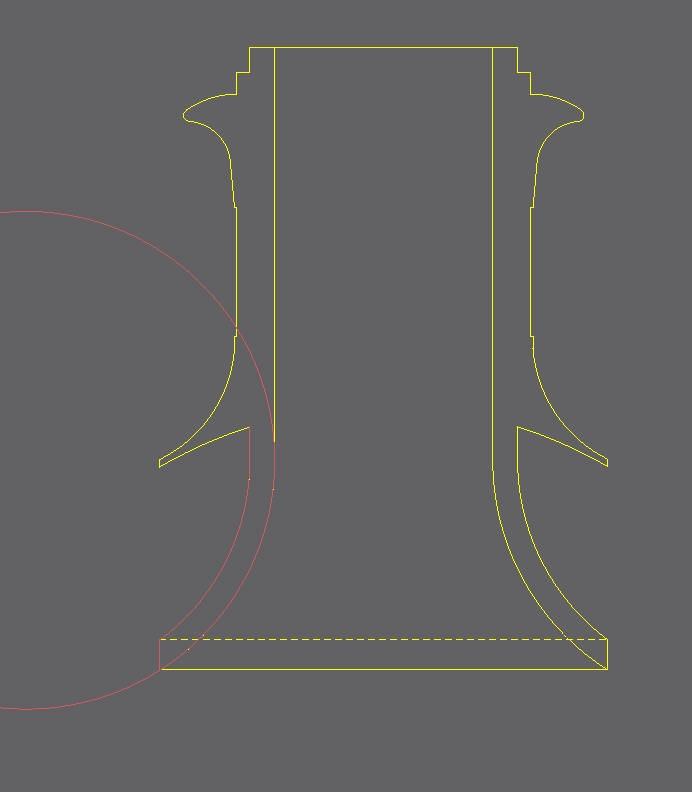
The issue is probably closely related to tangent arcs (circles) and where these would touch or connect to another shape.
Itself a mathematical problem that QCAD attempt to solve with various tolerances.
It is well known that using different (fixed) tolerances in different resources may conflict.
Fixed, minute to small tolerances also means that the exception may occur more frequent for smaller designs.
QCAD is a living entity and is updated on regular base …
… Not all changes to core resources are always for the best.
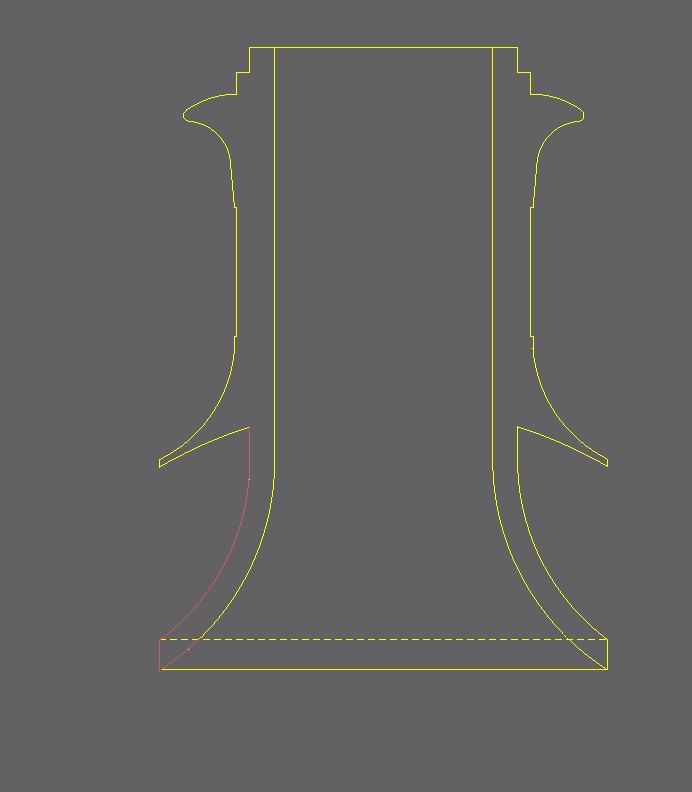
Also note that for the cross-sections in your design there are 4 arcs that don’t connect 2 by 2.
Connection point near (88.4737, 86.1025) and (104.1116, 86.1025)
Trim those arcs piece-wise with ‘Trim Both’ (TM)
Now also cut up the top horizontal lines at the cross-sections with ‘Divide’ (DI).
You can then construct 2 well-closed polylines from the contours.
Select all segments, then ‘Poyline from Selection’ (OC)
That should result in a logically closed polyline for each.
See Property Editor when selected.
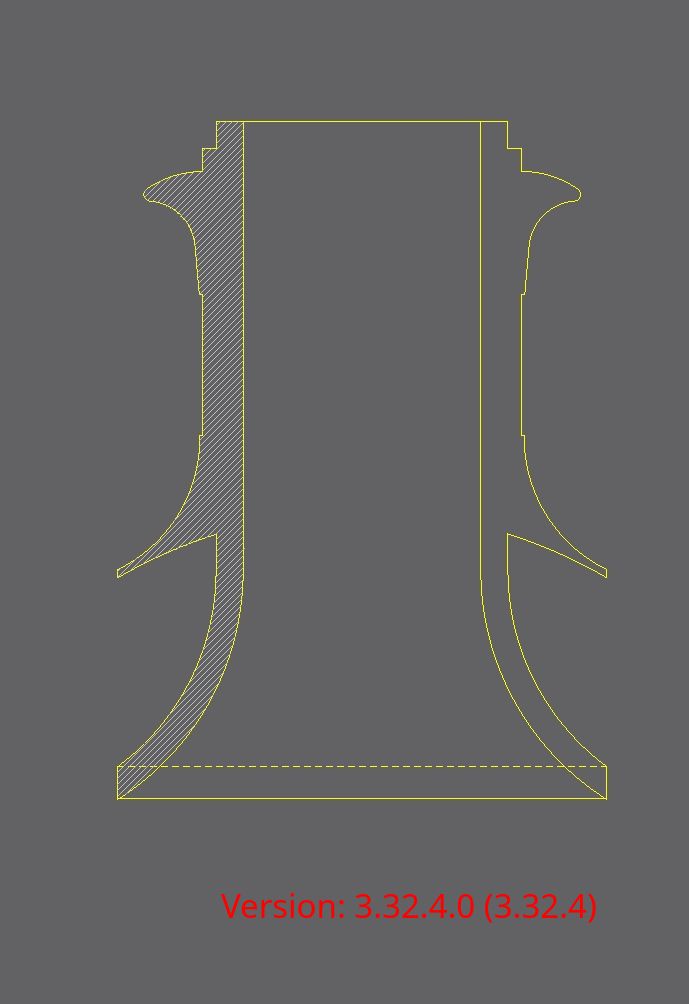
These can be hatched with ‘Hatch from Selection’ (HA), individually or as a set.
Why? Because segments of a (closed) polyline are assumed to connect piece-wise by default.
You may want to explode (XP) the polylines afterwards.
Second part is a work around for the reported exception with your design.
Until the issue is fixed in an new release.
But I tend to do it this way with a helper polyline as boundary shape.
When that is perfectly logically closed then hatching won’t pose a problem.
Open boundaries are more easily found than with the failure notice on the Command History from the Hatching methods.
It is open where it ends without connecting to the start.
I thus rarely use HS … Think of thousands of segments.
Any minute flaw will not result in a Hatch when you think to have indicated all.
I also keep a copy of the helper polyline.
Easier to edit that and redo the Hatch than restarting over new.
((( I even suspect to have documented such a more than circular result from trimming an arc to given intersections )))
To no avail … I tend to circumvent such flawed resources in my scripts.
Select the resulting polyline (near one of them, single click).
If it is logically closed then the boundary is fully defined.
If not but it looks like closed then it is open near the end-start connection, see red reference marker.
If not and and there are typically more than one single created (See Command History) then look near the start reference in red and/or near the end reference in blue of the selected.
Fix the connection and re-create a polyline of those two (OC)
With more than 2 repeat this for the next pair.
Selecting (nearly) interconnected entities is with a double-click.
But that may select really all connected if a contour connects with others near any ending.
For the record:
The presumed fix is buried in a large commit also affecting ShapeAlgorithms.js
(Once more)
Why some content is displayed here is related to the new forum, hit ‘show original’ in the above.
On GitHub hit ‘History’ and search for ‘ShapeAlgorithms’ in the extensive commit of Jun 19, 2026.
Goto the third hit.