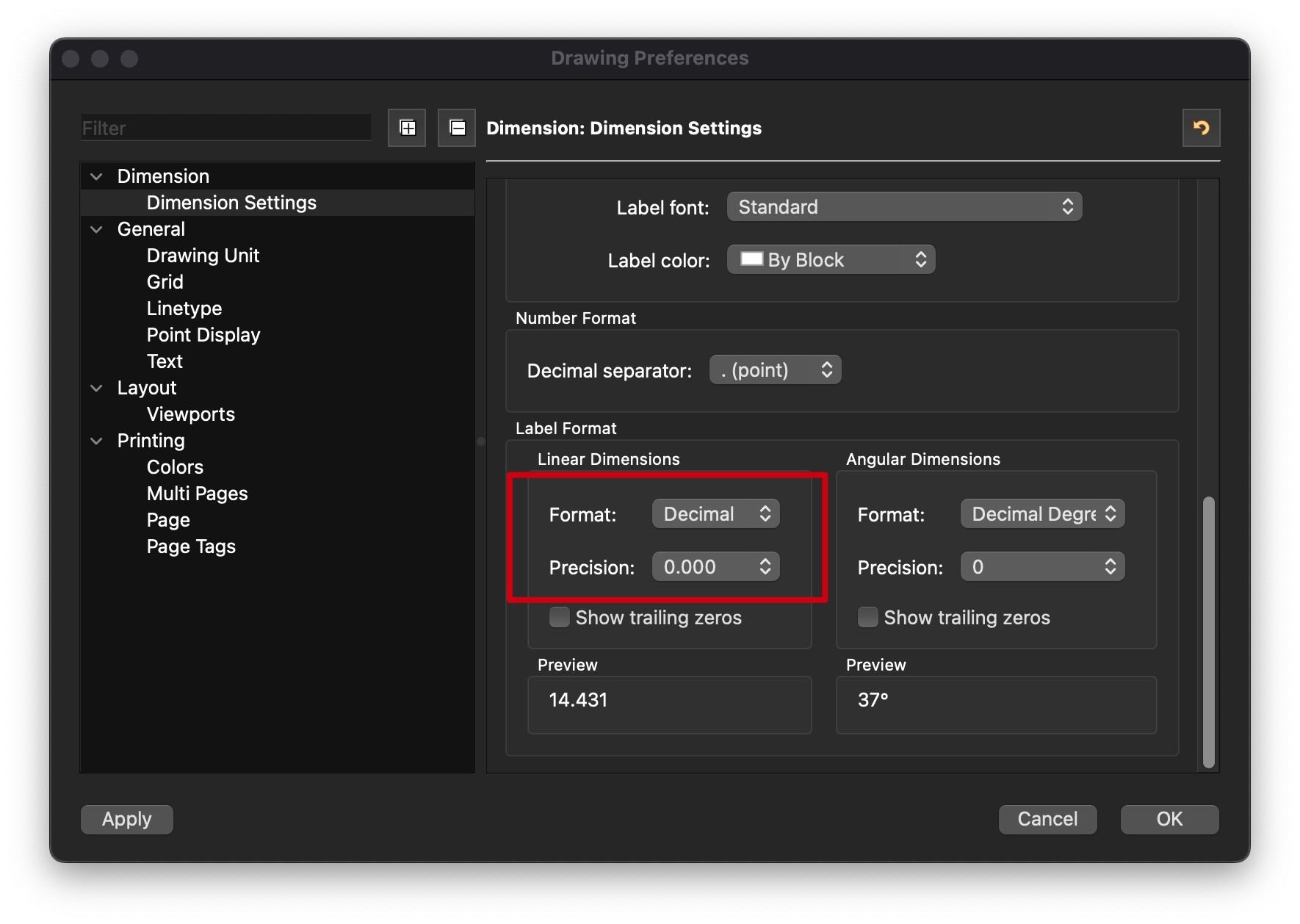
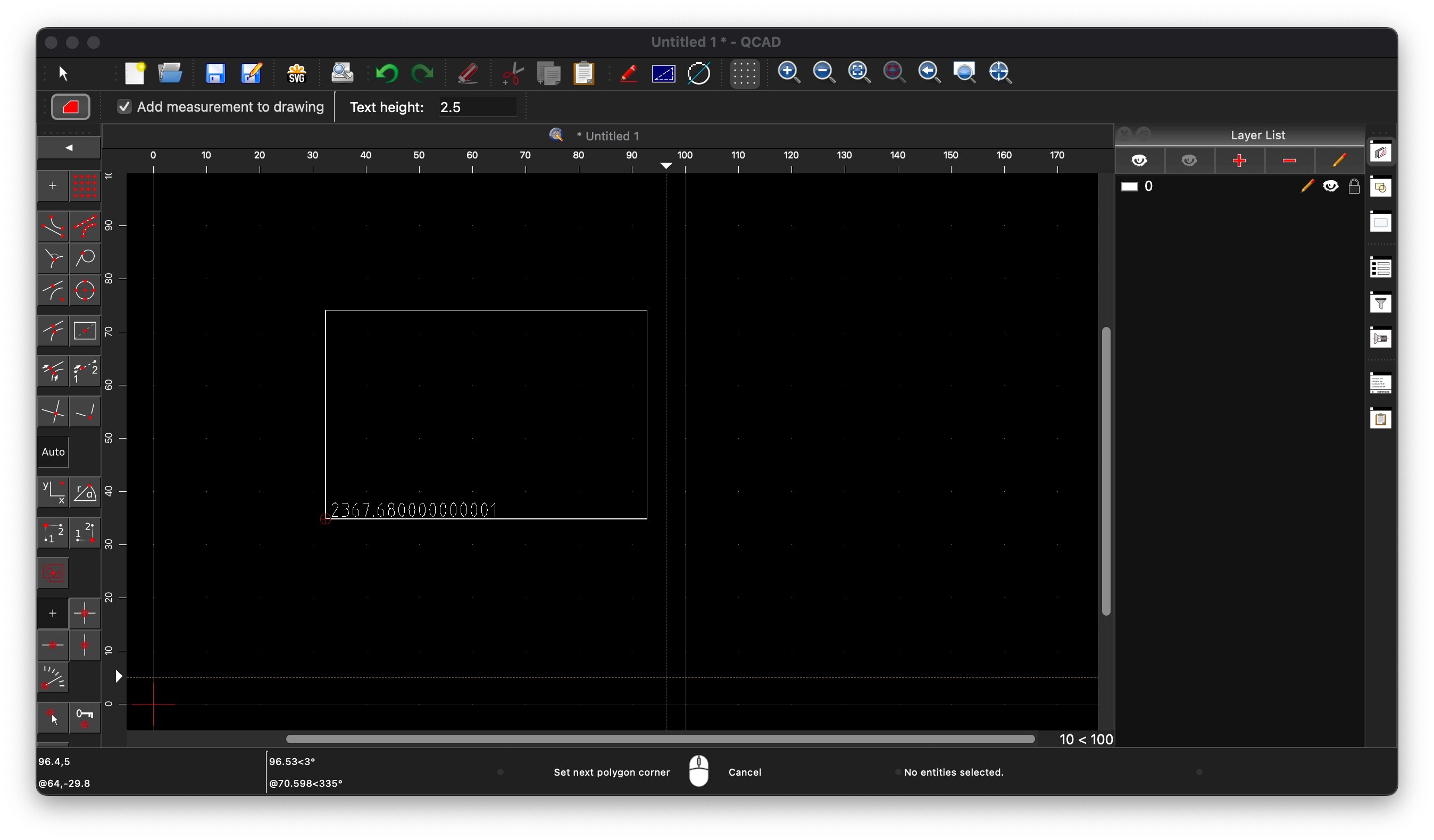
I’m a newcomer to QCAD, so please bear with me! I’m currently working on a floor plan, and I’ve noticed an abundance of decimals when incorporating area measurements into the drawing. Since I’m operating within the metric system, can anyone guide me on how to set QCAD to display only three decimal places after the point?
Kindly refer to the attached image for clarification.
To my knowledge the number of decimal places of the info tools aren’t all governed by the drawing dimension settings.
And then the area of a polygon is an exception.
Polygonal Area (IR):
→ Area to 12 decimal digits but always as short as possible
→ There is no preference, setting nor option that has an influence.
We can look it up:
Polygonal Area (IR) = InfoArea.js
Line 128 calls for a formatted area text string omitting a parameter:
Line 138-140 calls a Information.js function for formatting a value with no rounding:
Line 81 of Information.js lines 75-96 sets precision = 12
This value is left unchanged there variable ‘rounded’ is undefined. Rounded it would be 3 decimal digits.
With a drawing unit other than ‘Inch’ the area string is then constructed by RUnit.cpp with leading, without trailing zeros
In Line 873-877 we see that it is handled differently for Qt6
If after all this you expect 12 decimal digits (not Qt6) then you are in for a surprise … It has definitely changed since for example 3.27.6
One can verify the area value with Misc .. Information .. 2D Centroids .. Area Centroid.
After creation see the custom properties of the Centroid marker, reported values are as exact as can be in full floating point notation.
Centroids code exploits specialized algorithms to avoid known pitfalls in floating point arithmetic.
The Info tools also report a user information on the Command Line History and that might be in a different and/or mixed format.
Between brackets up to 6 decimal digits, so-called ‘Exact’, and only if different string-wise with the formatted string for the Command Line.
For IP - IE - IN there is a hidden preference in the QCAD.ini/config that I exploit to get full floating point information:
[Info] Precision=17 (The number of decimal digits, -1 = normal)
Not to be confused with number precision what is the amount of significant digits.
Quite important at GUI level when creating custom scripts handling all kinds of geometric information.
Remark that the option ‘Add measurement to drawing’ may also add other entities to the drawing than only measurements as text:
→ A point, lines and ticks (= more lines), an arc, a polygon, plain entity copies, a chord (or 2 radii).
And that this is not configurable except for IC.
As explained, no.
You might want to file a bug report or a feature request here: Flyspray::QCAD Bugtracker: Tasklist
For that you need a separate account or create a new one.
The work around is obvious, edit the text, truncate or round the value.
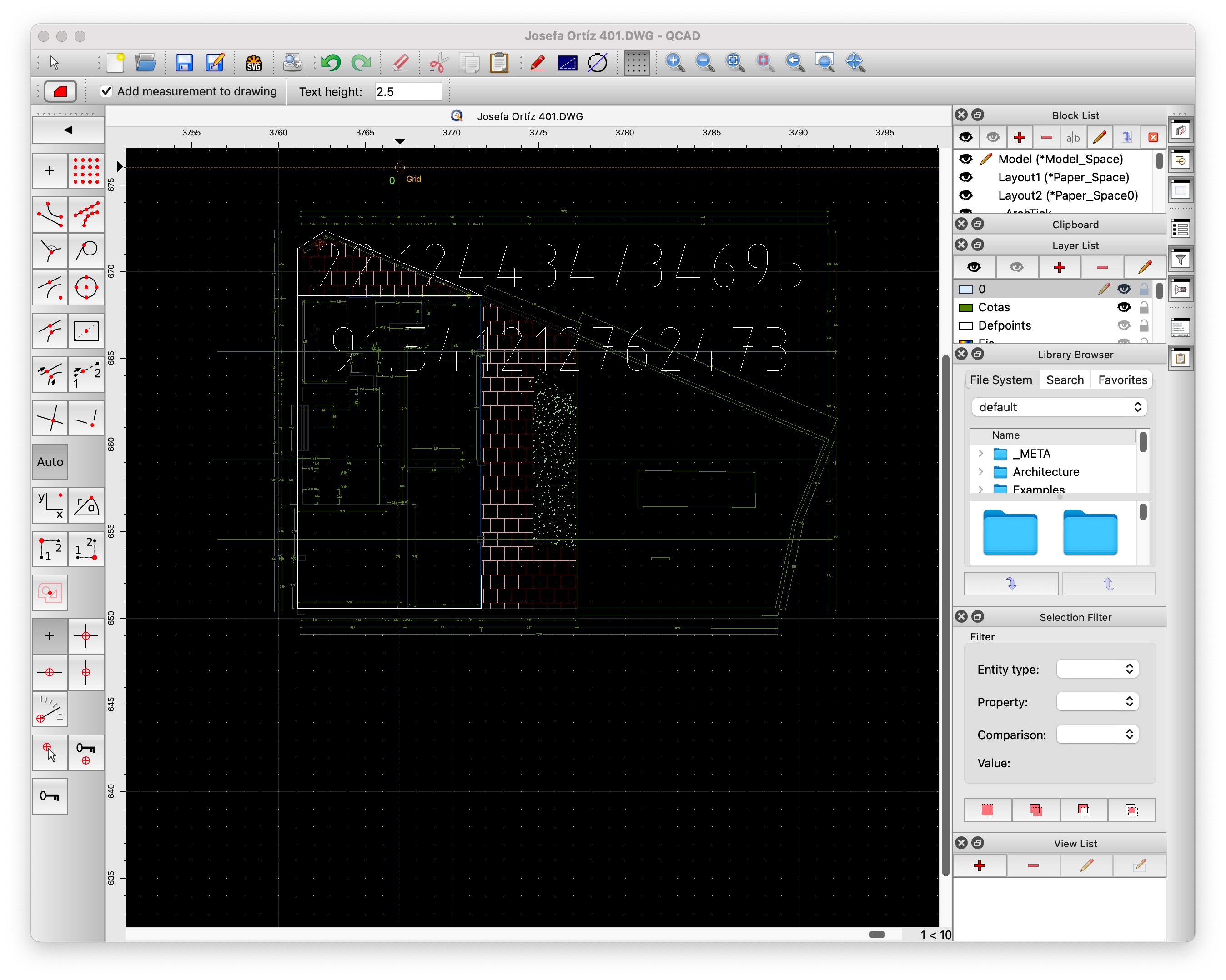

 see attached.