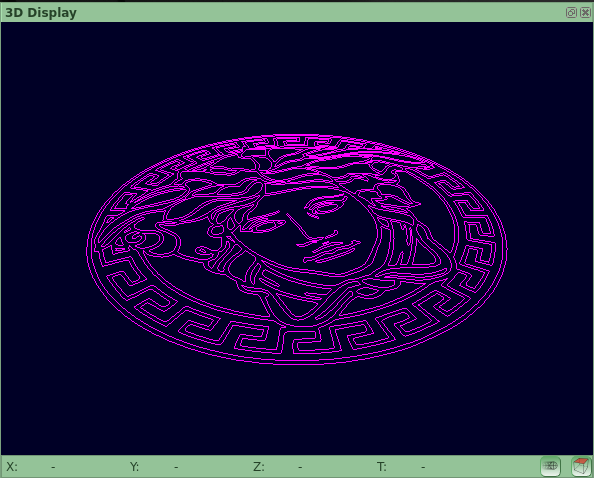
Is there a way to change the Colour of the QCADCAM Background in 3DView from Black to Another Colour?
I’m not using the view as intended I want to quickly get a perspective view of work on my screen…
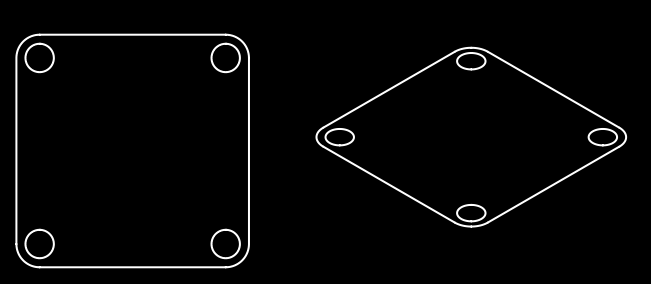
Thanks for the prompt reply… yes I looked at that but I would prefer it to be perspective
rather than Isometric.. I know I’m being fussy but I have my reasons for doing this
Cheers
John
P.s.: Why is your example so much nicer than mine … > > > > >
I’m not sure if the CAM 3D view is a vanishing point perspective, if that’s what you’re looking for.
That is also not the case for Perspective.gif in the example of Husky.
I know that my CNC driver CAM preview has such an option.
For illustration, one can always change the colors of the image itself.
One can even set ‘black’ as transparent color so that the background is the page or paper background.