Hi,
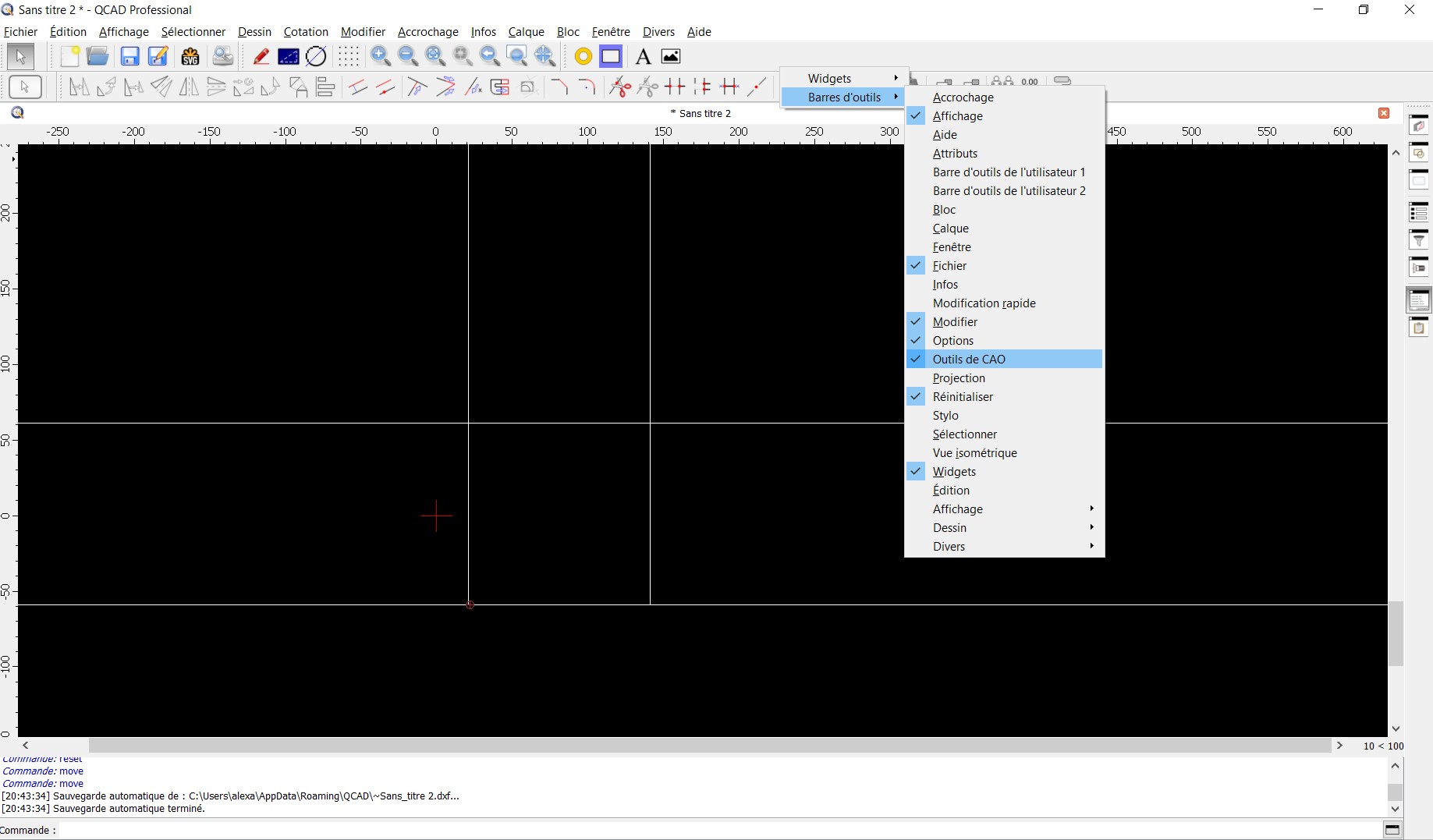
Most probably you have picked up the toolbar and put it floating outside the visible screen.
Widgets locations are stored persistent and are unaffected by an application update or refresh.
There are two things you might want to try.
A hard configuration reset or a more gentle widgets positions reset.
A hard reset would set every application preferences back to default:
Since QCAD 3.32.5 (Pro) also possible using ‘Reset Configuration’ from the Misc menu (Divers)
For the more gentle approach you must also locate the configuration file as explained in the link. Instead of deleting or renaming it, you can first attempt to edit it with a plain text editor.
Always quit QCAD first
Locate QCAD3.ini and edit it.
Locate the header section ‘[Appearance]’.
In that section completely remove the line starting with ‘DockappWindows=’
Do not leave the text line empty.
Save the QCAD3.ini file and restart QCAD.