Hi.
I’ve been fiddling around with CAD-Toolbar and Toolmatrix which is a great feature!
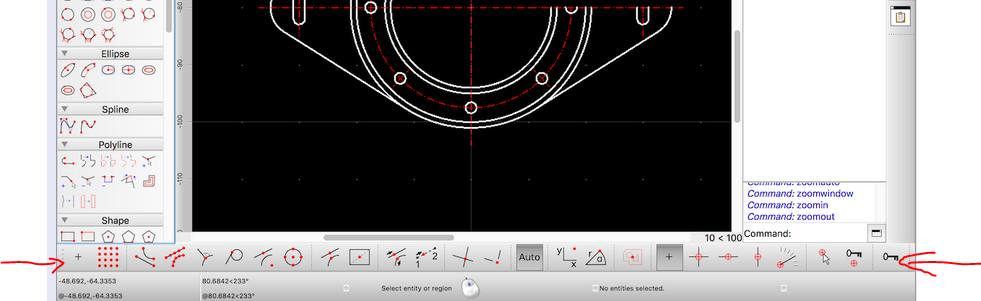
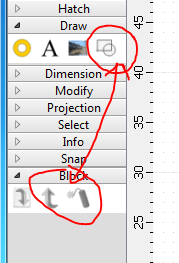
I wanted to reproduce the situation shown in the post CAD-Toolbar vs. Tool-Matrix. I could not have the CAD-Toolbar (shown at the bottom of the window in the post) with only the snap tools on it.
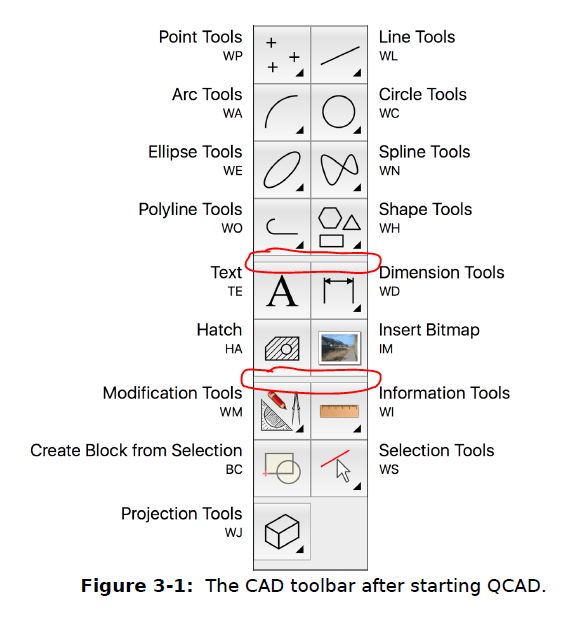
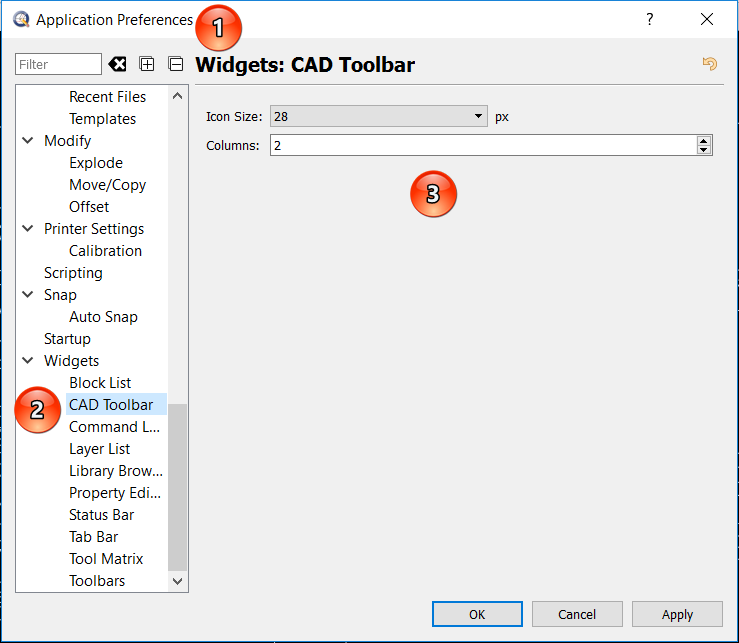
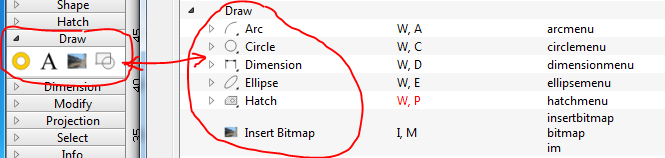
So I wanted to go back to the original situation (as per qcad_book_en_3.pdf, fig. 3-1) and I managed to get all (top level) command buttons on the CAD-Toolbar, but no way to have the same arrangement.
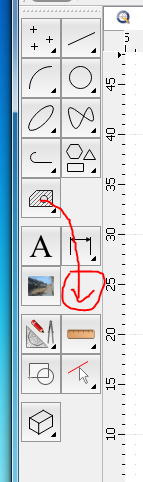
Below the polyline/shape buttons (on one row as expected) I have the hatch tool on a row of its own and without spacing between polyline and hatch. Spacing to group logically related commands makes very much for readability.
Below Hatch I get the couple Text/Dimension and below this the bitmap button again on a row of its own.
How to reposition command buttons?
How to insert separation gaps between button groups?
Any way to restore the situation of the qcad_book which I suppose is the default?
(using qcad 3.16.4. Build January 2 2017 on win7-64)
TNX - PCe
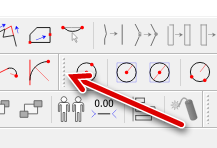
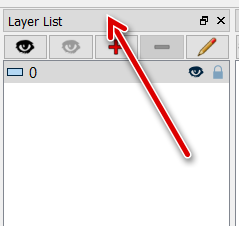
You can move Toolbars when you click/hold/move them with the left mouse button on the vertical dotted line at the beginning of each toolbar. Then move it to the desired position.
Hi.
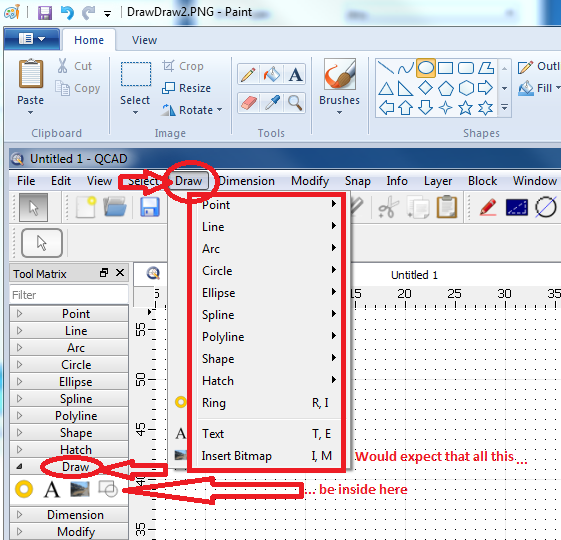
My goal was to be able to reposition the buttons in the figure, as an example changing the position of the Hatch button as indicated in “Actual.png”
Qcad3.ini: good tip, thanks - works! The result is “Actual.png”.
Actually I can not remember how my menu button were like before fiddling: more like “Actual” or “WouldLike”.
How could I compose my CAD-Toolbar (content OK) freely choosing the position of the buttons and of the separation gaps?
The whole questioning here is due to my enthusiasm for the post “CAD Toolbar vs. Tool Matrix” by andrew. Very promising!!
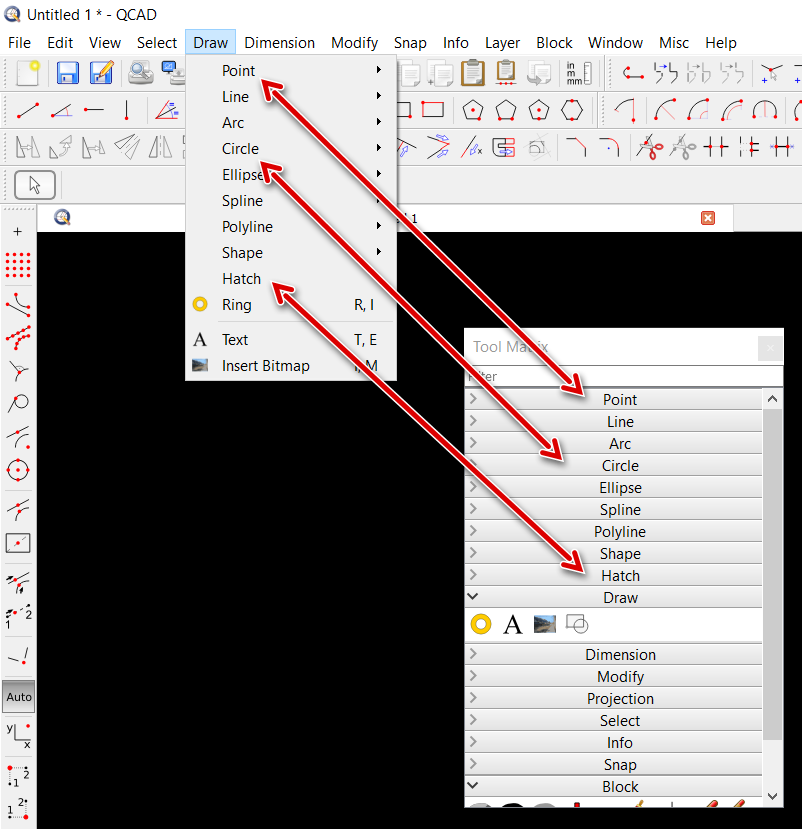
Can you give me any hint about having the CAD-Toolbar contain only snap tools in one line as shown in the picture “ToolbarAndMatrix.png”?
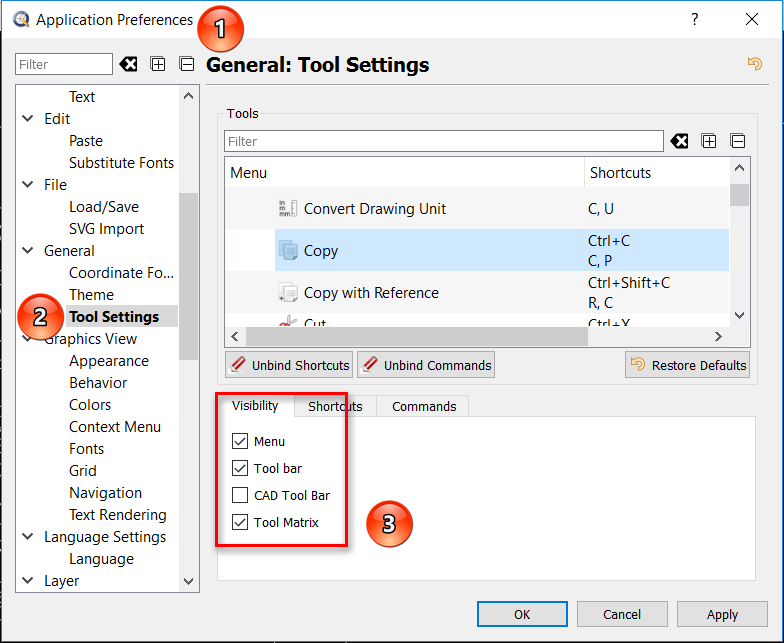
Unfortunately you can’t rearrange single buttons. But you are able to control which one presented or not in the Menu/Tool bar/CAD Tool Bar/Tool Matrix …
I suspect the (good!!) reason for the situation is that the matrix does not have hierarchy (no sublevels), which is indeed a good choice in my eyes.
Toolbar at bottom: there is plenty of empty space left on the right hand side for more icons. So maybe there is some other way to avoid collapsing
Cheers - PCe