Version:
When I create an angled dimension (DA),
then switch the layer,
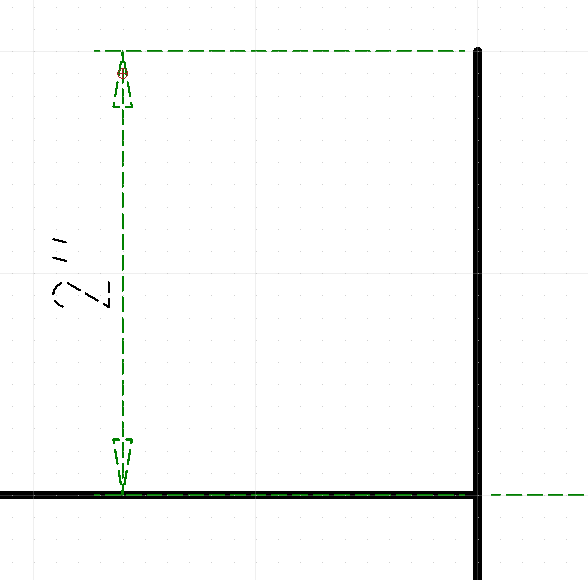
the dimension line changes color, but the dimension itself stays in the old layer color.
andrew
April 17, 2026, 5:11am
2
Please check:
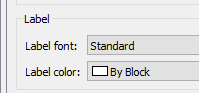
Edit > Drawing Preferences > Dimension > Dimension Settings > Label > Label color
This should be set to “By Block”, the default, meaning that label changes to color of “dimension block”, i.e. the same color as the rest of the dimension.
This setting appears to be at the default:
andrew
April 17, 2026, 5:56am
4
Please attach your drawing file, so we can help you most efficiently, thanks.
confirm exactly the same behaviour when moving the dimension to another layer
it was very puzzling
(preferences set to “by block”)
at least now I know what the problem is
Version: 3.32.4.0 (3.32.4)
Internet: QCAD.org
Build Date: Sep 4 2025
Revision: d3aa6db
Qt Version: 5.14.2
Architecture: x86_64
Compiler: gcc 5.4.0
Dimension Color Test QCad.dxf (97.7 KB)
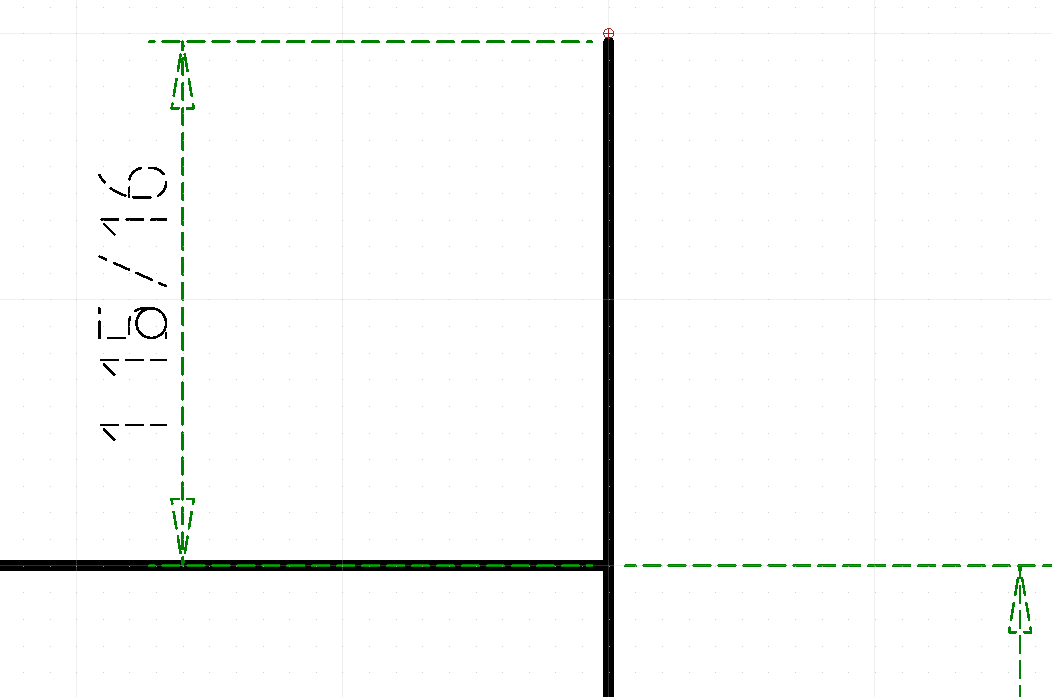
The dimension lines are “hidden” which unfortunately makes them hard to read.
(The other issue with dimensions we have is the default rounding is a bad match for Imperial)
It appears the color flips back to normal if you RESIZE the dimension later.
Dimension Color Test QCad 2.dxf (102.9 KB)
Would you like this as a bug tracker item — are you able to repeat it?
yes, it is repeatable and reliable
but to be honest, I so seldom move/change layers of dimensions, that it really doesn’t bother me,
especially now that I know what the issue is.
Having said so, I think it deserves bug tracker…
You can fix it by changing the length of the dimension. Then it snaps to the correct color.
Andrew: any confirmation on seeing this behavior? Happens every time here.
andrew
June 7, 2026, 3:11pm
11
Unfortunately, I was’t able to reproduce so far. This is how I proceed:
Load file Dimension Color Test QCad.dxf
Select dimension 8"
Change layer using layer list or property editor for example to layer 0 … cuts
The dimension lines and its label change their color / linetype to the ones of the new layer immediately
Please let me know if you proceed differently and how.
select dimension created in layer1
select layer2 in layer list
“move selection to current layer”
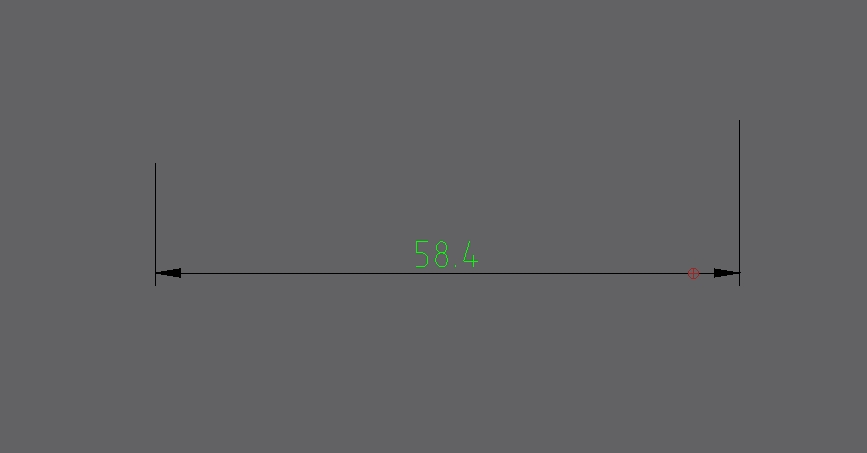
dimension changes colour from layer1 to layer2, but text remains in layer1 colour:
andrew
June 7, 2026, 7:20pm
13
Thanks. That’s why it is absolutely crucial to indicate what exact tools are being used.
The problem has been fixed for the next release.