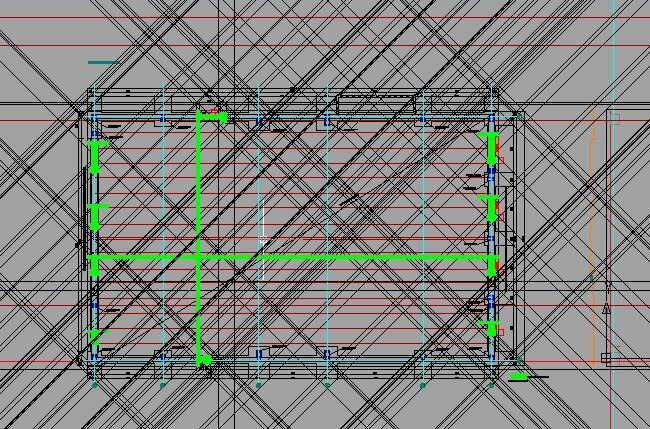
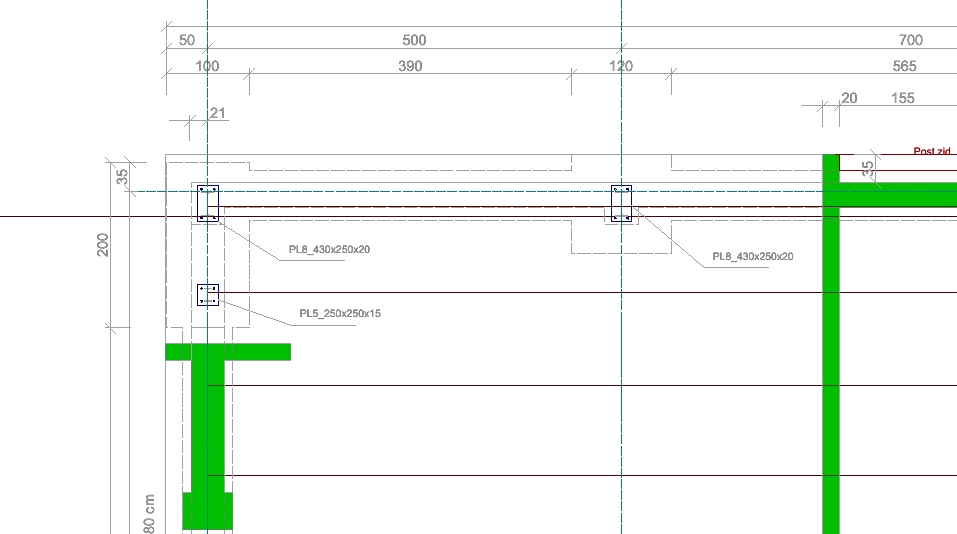
Hello everyone. When I send a DWG to colleagues who open it in other software, I encounter a problem.
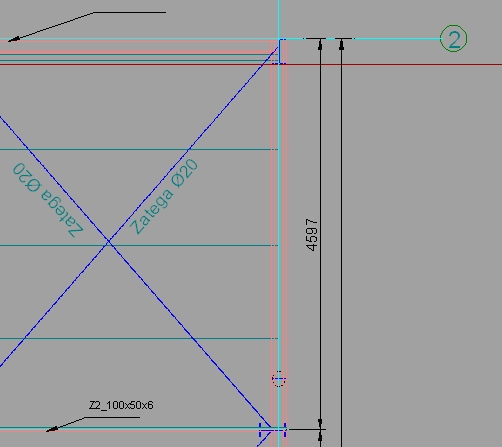
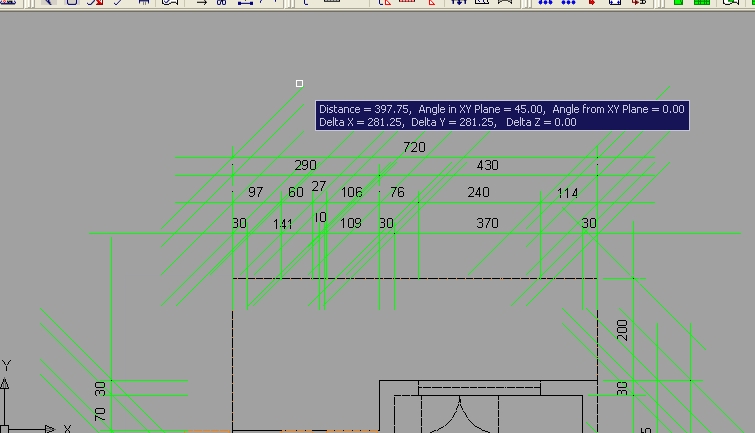
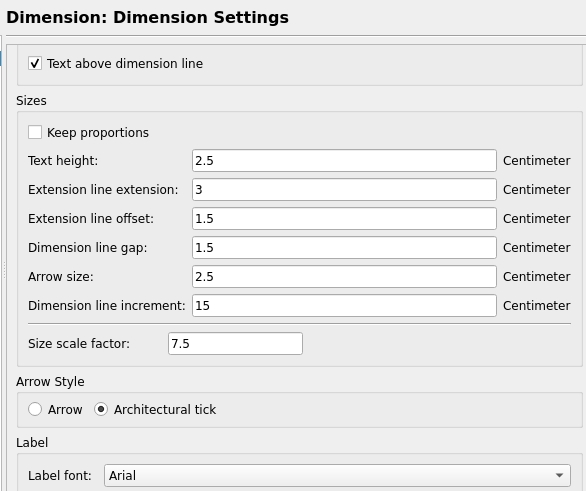
The problem is the following - when a drawing is opened in AutoCAD or NanoCAD, dimension arrowheads (Arrowstyle → Architectural tick) appear with infinite length in AutoCAD.
The rendering of Dimensions under QCAD is nothing more than a collection of well placed drawing objects.
Some sort of grouped shapes in QCAD.
I know that for example an arrow is a Solid shape in QCAD, the only solid you can create in QCAD.
Based on a triangle shape by RTriangle::createArrow(…)
Using Tick marks or arrows is a QCAD (limited) Dimension property.
It is the target application that renders them just like QCAD renders Dimensions entities in its own way.
There is also something like cached Dimension Blocks by other applications.
But it is said that QCAD disregard those and renders a Dimension directly from properties.
If disregarded … It would be strange that QCAD creates those.
But if created, it can off-course be that the line type of the Tick mark is not well stored in the DXF/DWG.
The other target applications then don’t re-render and take the stored shapes for granted.
And no, arrowheads don’t necessarily look the same … QCAD tip angle = 2 * 0.165rads or 18.9076° or about a 3:1 ratio.
There are several other drawing standards but in QCAD it will always be 0.33rads.
Hi,
I have just installed QCAD 3.32.5 and concluded that Andrew has done some work regarding this issue. Currently, my dimension arrowheads are 5 times larger. The reason for this is that I used a dimension style with an overall factor of 5 for this part of the drawing. The problem is that in AutoCAD, these values cannot be changed, but it is clear that the feature (partially) works for an overall factor of 1.
The line length is 27 units while the read line length (in autocad and also in nanocad) is 397.75 units.
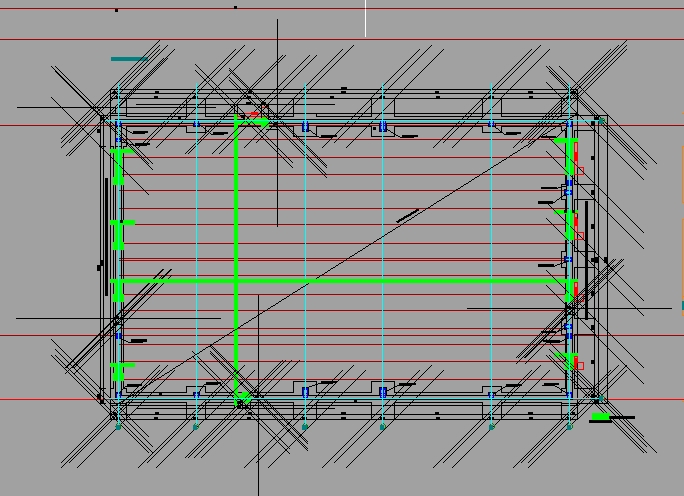
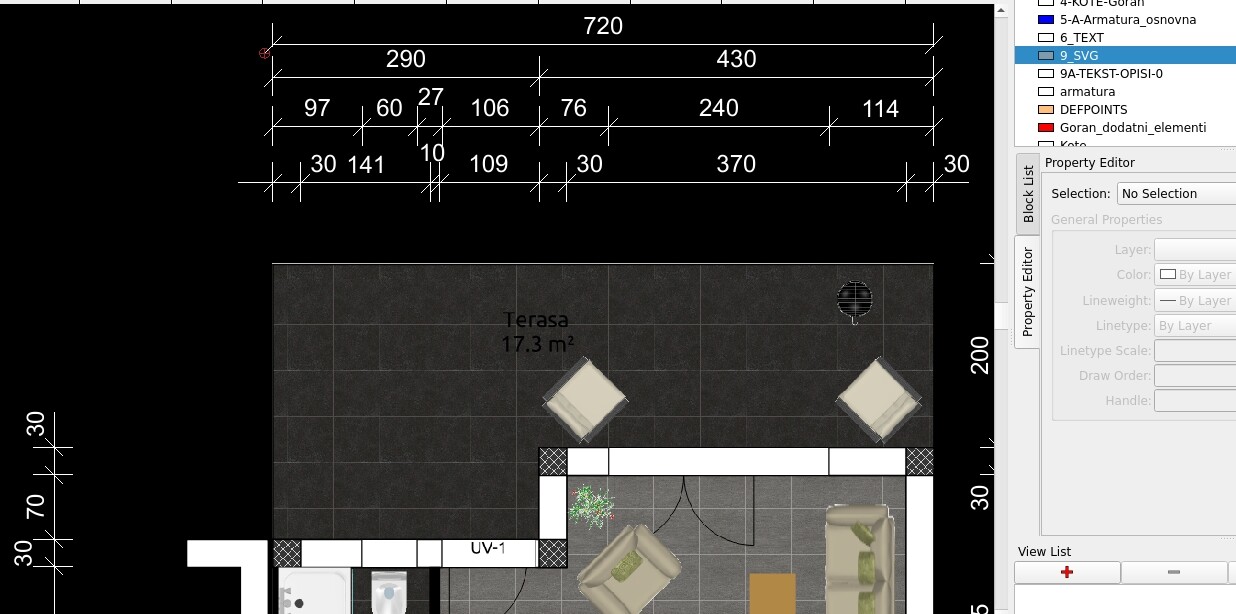
How it all looks in QCAD can be seen in the last attachment!
However, regardless of the minor errors, I have only words of praise for the author of the software as well as for my favorite cad software - QCAD! Thank you very much!