QCAD Professional Version: 3.32.4.0 (3.32.4)
Internet: QCAD.org
Build Date: Sep 4 2025
Revision: d3aa6db
Qt Version: 5.14.2
Architecture: x86_64
Compiler: gcc 5.4.0?
How do I adjust user interface, without messing up appearance of the main screen?
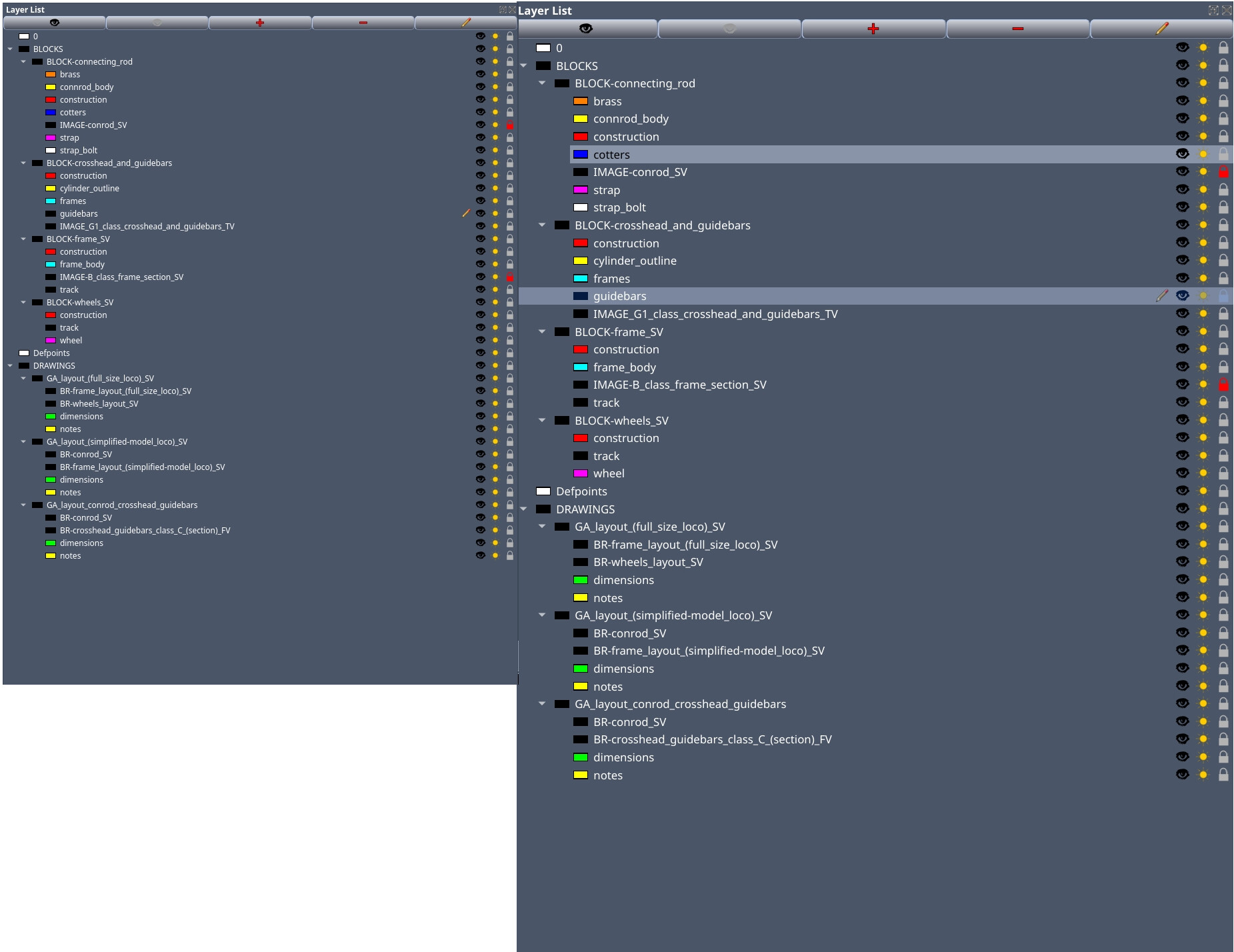
I can adjust scale factor to get larger icons, text etc, but…
when I do it, it also messes up the layout (becoming more blurry)
so… I am happy with the (one on the right with scale factor x1.2):
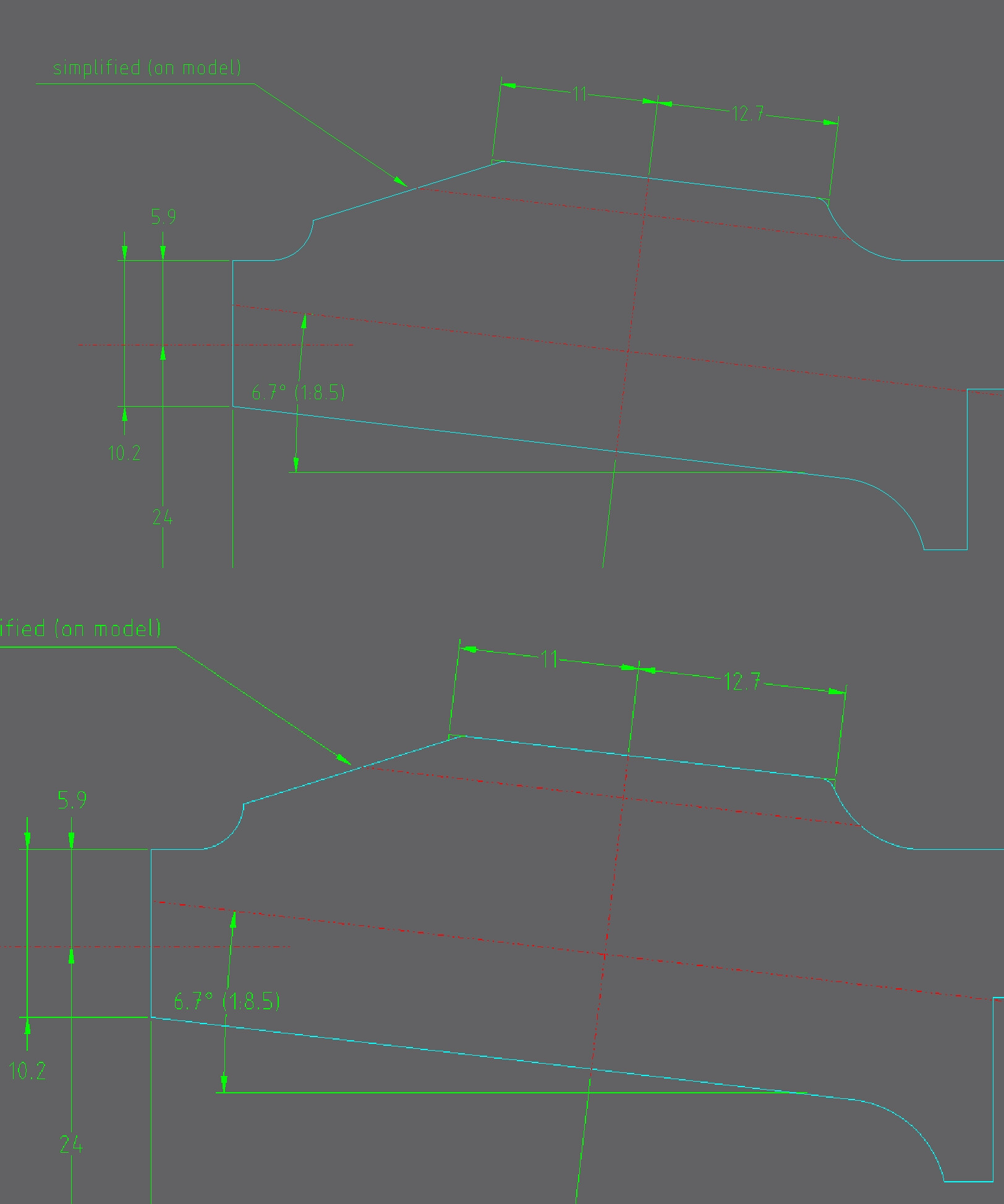
but … when it comes to geometry/model view
(the one below with scale factor x1.2) is rather disappointing,
particularly when it comes to rendering angled lines etc…
Is there anything I can do about it? please?
Basically what I want to do is to adjust spacing and scale of Layer list, Block list and Property Editor without changing current settings for Model View
andrew
April 13, 2026, 3:10pm
2
The user interface scale factor applies to the whole user interface, including the graphics view. It’s almost exclusively set to 1 or 2 (for high-res / retina displays).
Thanks,
is there any other way to adjust display settings selectively?
I use large monitor for model view (works very well ), but…
it makes layer list etc (on another monitor - I am using two ) hard to work with
On another CAD software i use I am able to adjust letter sizes and spacing between lines in list?
so I was hoping the same was possible with Qcad?
andrew
April 13, 2026, 4:37pm
4
No. That sounds like a rather unusual setup with two different sizes of monitors, sorry.
on the contrary,
there is nothing unusual about it,
especially in the CAD users world
(and both monitors are same size)
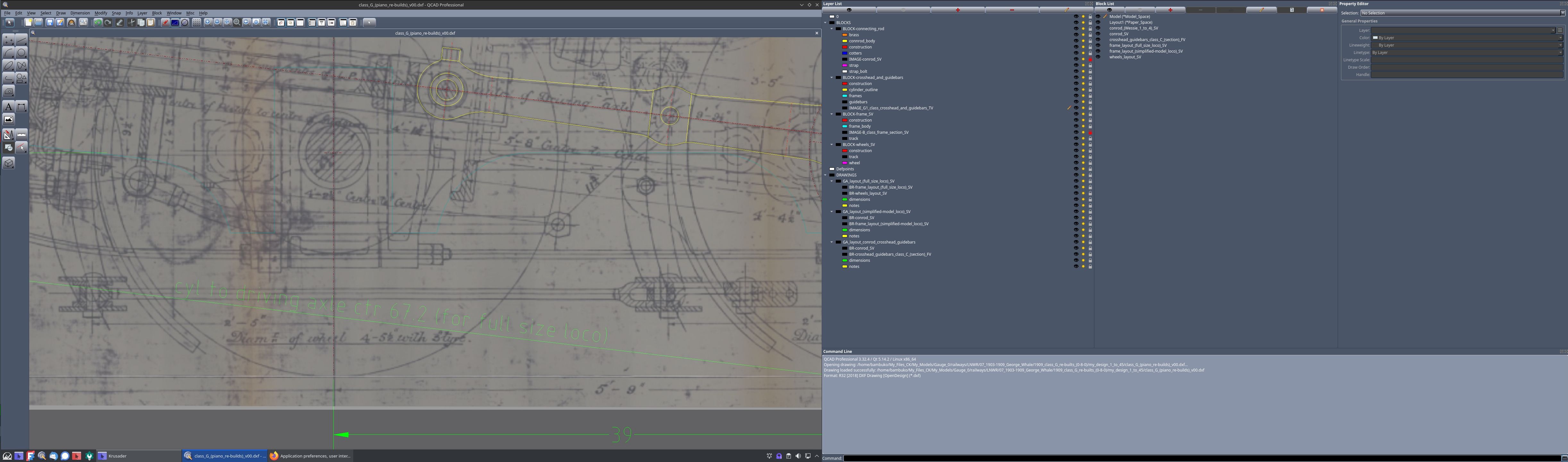
That what it looks like at the moment:
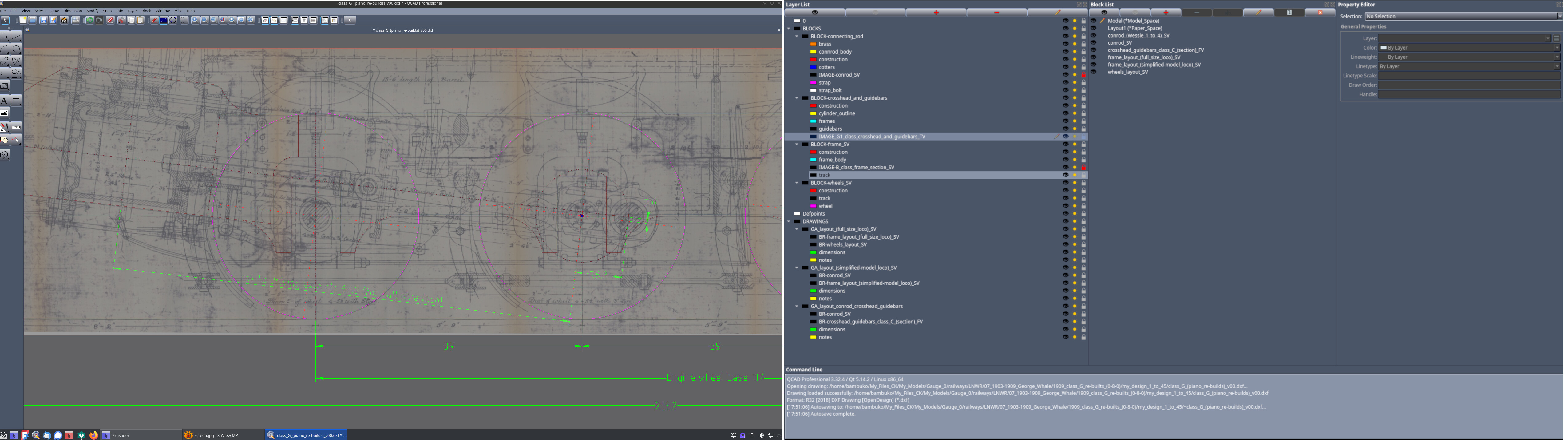
I can “cheat” by adjusting display settings of RH monitor: