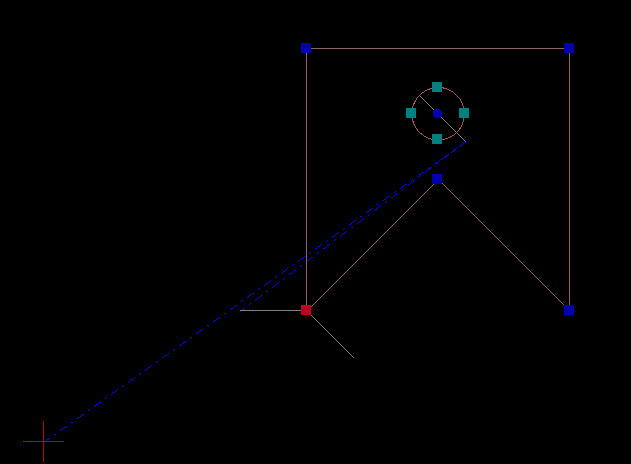
I drafted out a simple test to use with following the ‘tech’ tutorials and I managed to run a 2D simulation preview but cannot get the 3D to work- do I need an extruded shape to run it?
No. The 3D view is simply a 3D rendering of your drawing shown from the top in the usual graphics view.
What kind of symptoms do you get? Does the 3D widget show up? Can you see the grid? Or can you post a screenshot? Thanks. The 3D view is based on OpenGL. I’d expect this to work on most modern systems.
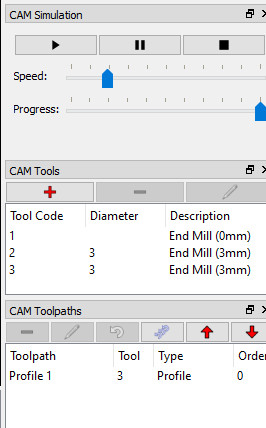
so… I get the 2D simulation running just fine on Windows 10
But with the 3D view all I get is a purple blank screen!
Selecting either of the options in my red highlighted box does nothing - what are they for by the way?
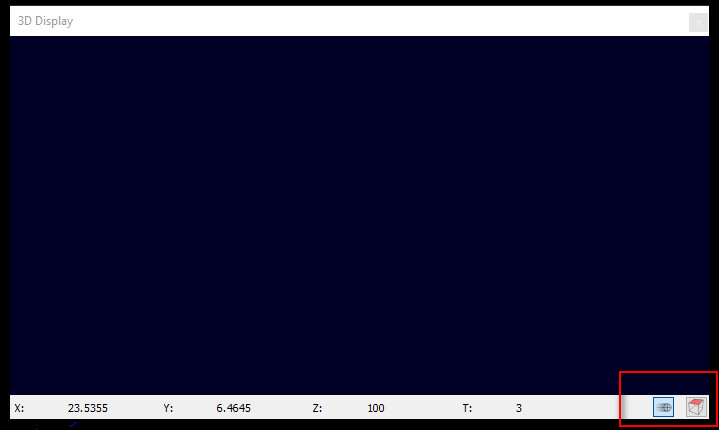
OK. This is definitely not working there. You should at least see red crosshairs and a grid.
Can you try to save the DLL file in the attached ZIP into your QCAD/CAM installation directory and restart QCAD/CAM. Let me know if that works.. I’m still not sure what exactly is required to get OpenGL working under Windows, so this might not be last thing needed 
d3dcompiler_47.zip (1.67 MB)
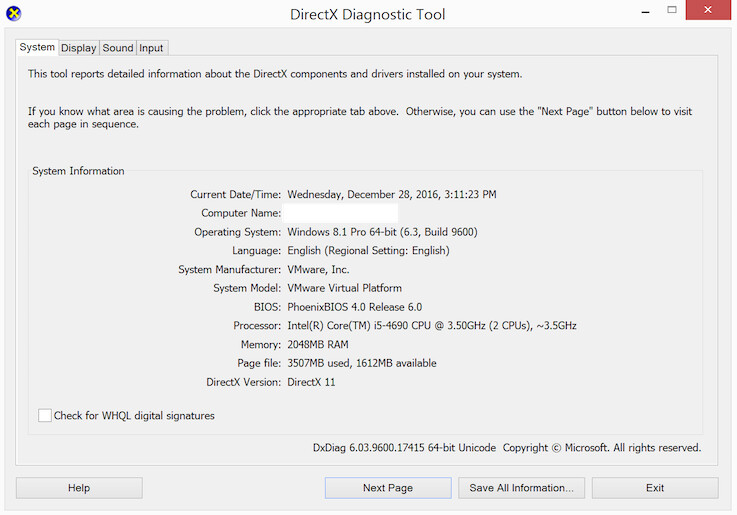
If you can run the dxdiag tool and post the dialog here, that might also be helpful. Here’s what mine looks like:
Sure, I’ll get to this soon.
Okay I saved the DLL in the installation directory ut the result is still the same.
Here’s the dxdiag tool results:
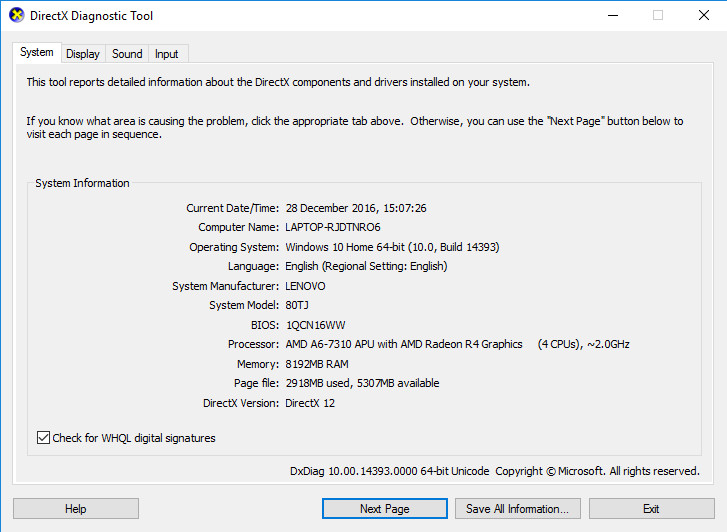
When I run the 2D simulation and also view the 3D although it’s showing a blank purple page the coordinates are registering and running in the x,y and z at the same time until it comes to a stop - so it’s picking up and following the path.
OK, thanks. Looks like this might require a lot more digging to get this working on Windows systems. My best guess at the moment is that no decent OpenGL driver is available on your Windows installation, so Qt tries to revert to something called ANGLE, an attempt from Google to provide some kind of pseudo OpenGL support for Windows. Long story short: the 3D view won’t work for all Windows users at this point.
PS: You might want to try this on Linux which generally has better OpenGL support.
Okay Andrew, no major problem at this stage, as I say I am just working through the tutorial and testing and asking questions on the way, but hopefully at some stage there will be a solution for windows users.
More questions coming up..
For now, you could also use CAMotics or another third party application to load and simulate G-Code.
Thanks, this looks promising, I’ll take a closer look and feedback about it.