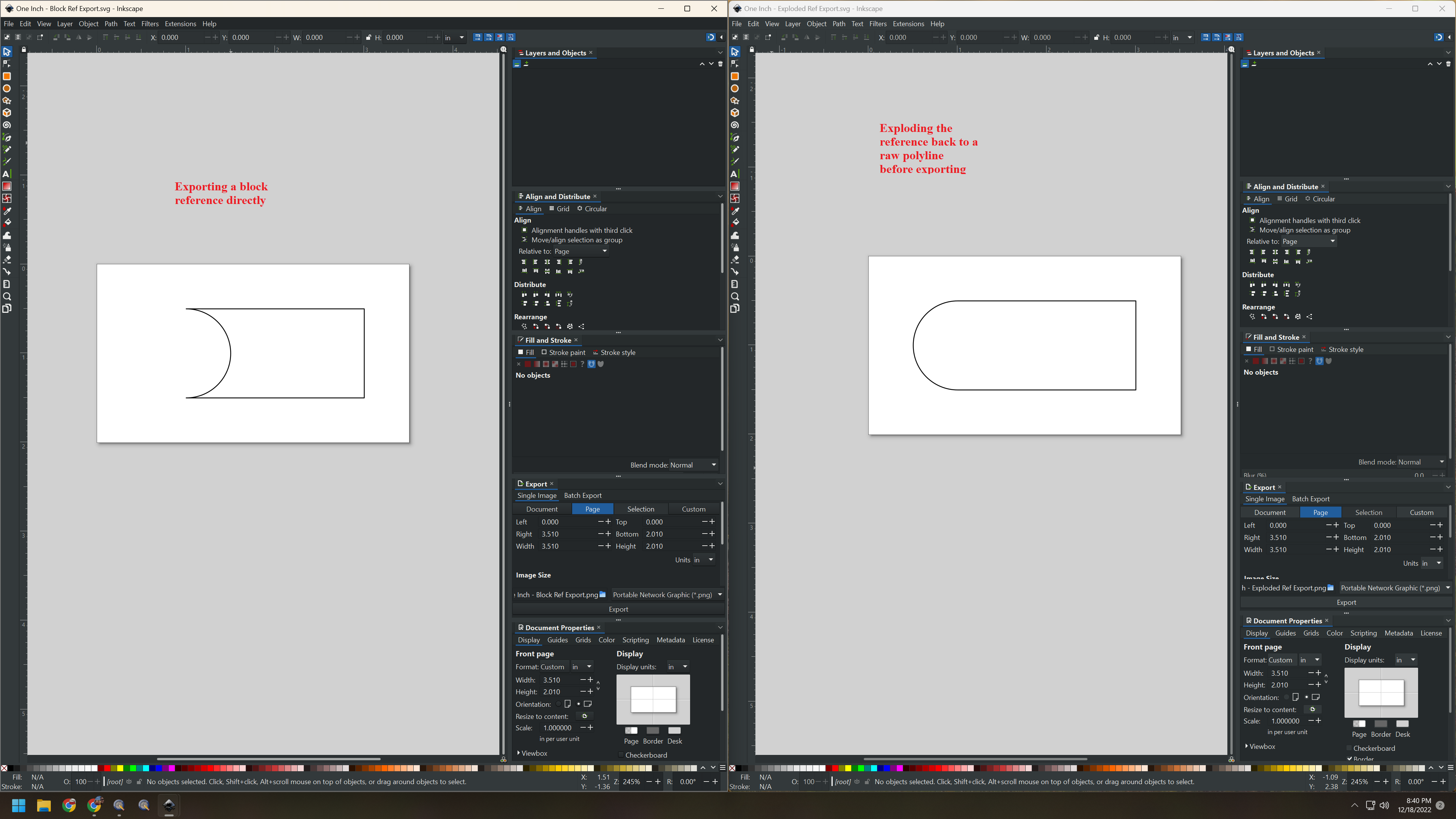
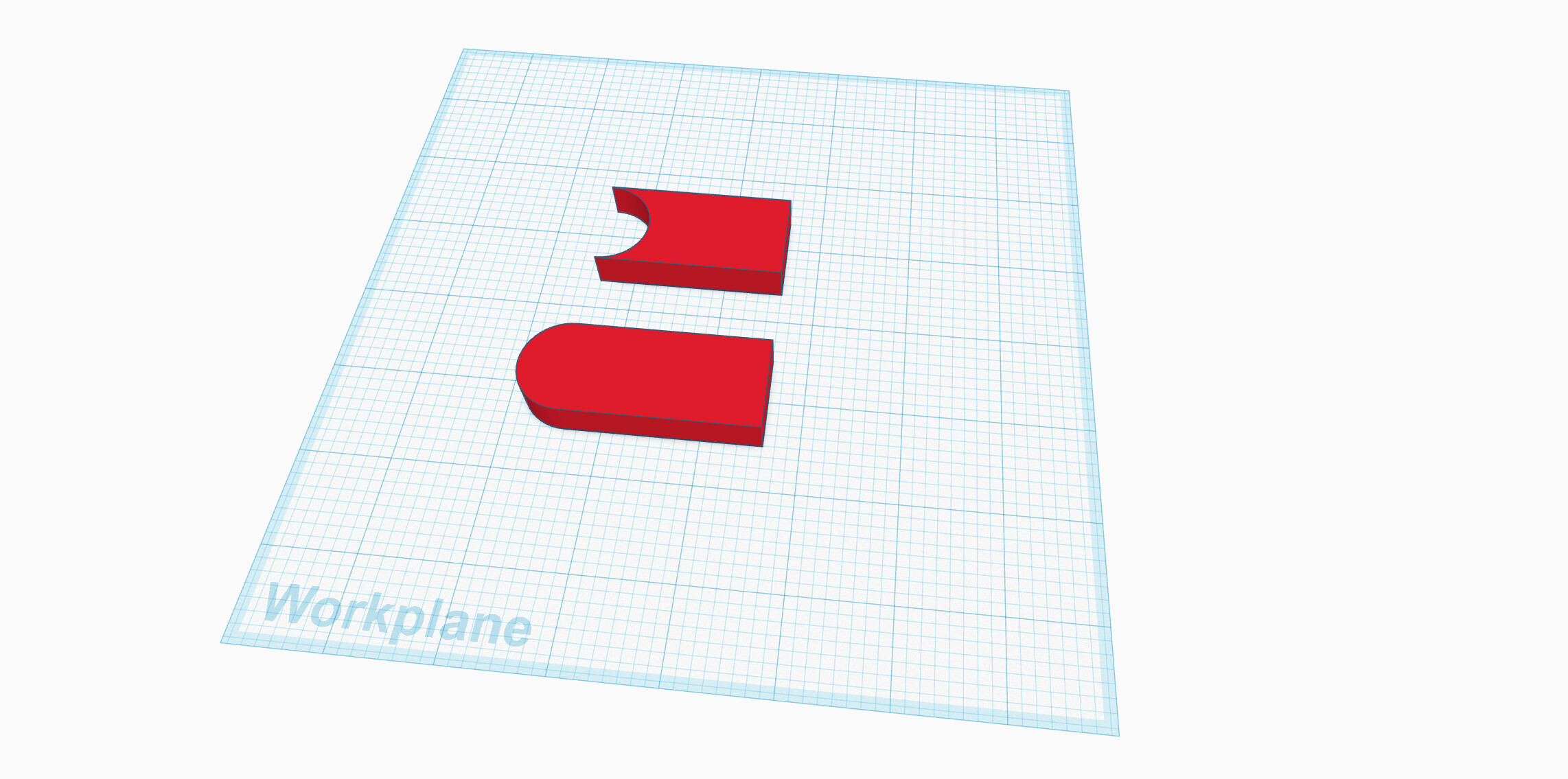
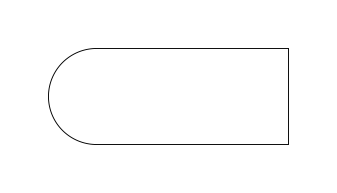
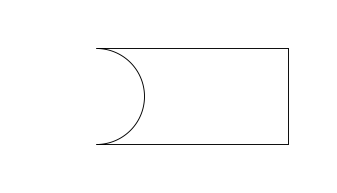
In the attached DXF file, I have five similar blocks. If I go to the block definition space for one and then do a quick SVG export, it works as expected. If, however, I insert a reference to one of the blocks into the main model space and do a quick SVG export, the resulting SVG seems to change. If I explode the reference to a raw polyline, it will again work as expected.
I have included the two SVG files, plus side-by-side screenshots of both SVG files open in Inkscape and TinkerCAD.
It looks to me that the reason for that is a vertical flip of the block during the inserting process. The block itself (Edit Block mode) exports perfectly to a svg because it wasn’t flipped. Compare Property Editor / Scale: Y -1 instead of 1.
Thanks guys. It looks like the vertical flip option state is remembered between successive block insertions. So a previous unrelated block that I did mean to flip vertically carried over here but of course I didn’t notice because the shape is symmetrical about the X axis. I’ll add a bug report.