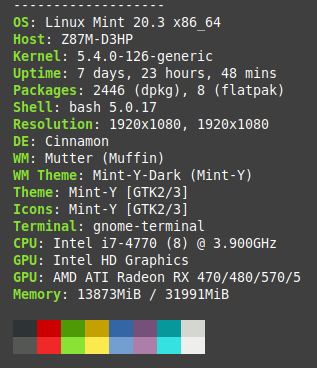
I have a problem with this release.
Version: 3.27.7.0 (3.27.7)
Build Date: Sep 30 2022
Revision: 62d387f
Qt Version: 5.14.2
Architecture: x86_64
Compiler: gcc 5.4.0
John,
Gonna stick to 3.27.6.0 for the moment …
Can you tell me if the hatch area is an Info Tool or a Property.
For the latter, does it help to turn off showing all properties?
BTW, the exact surface of your example hatch is 156200.88815692252mm² in full floating point notation.
The new area calculation chops your 480 arcs in 158 line segments each.
Including the straight lines, the boundaries are then defined by 76324 segments.
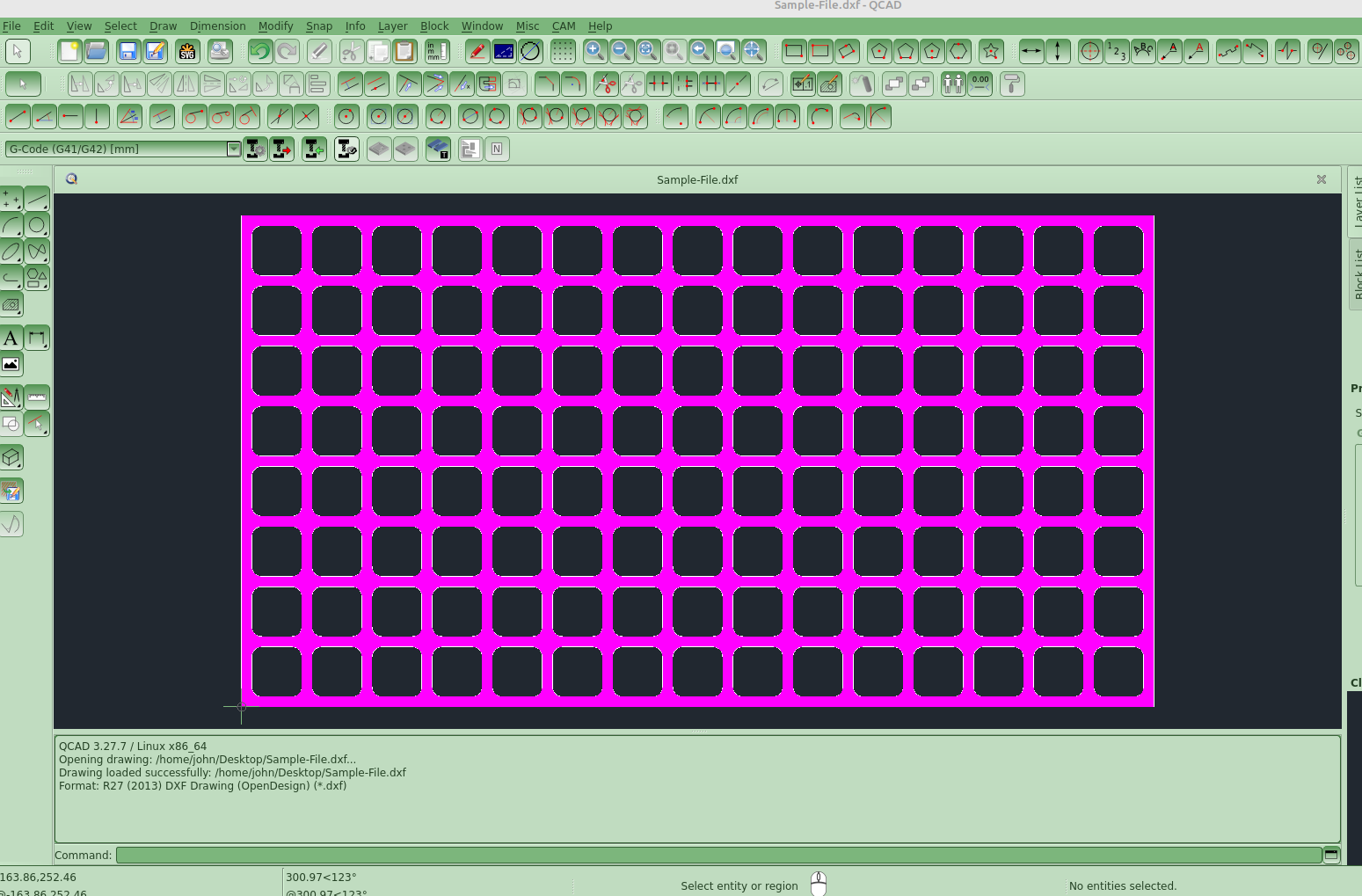
LOL I have no idea what the above means? All I simply did was left click to select the hatch and it lagged for a bit
I also tried it in the “Layer List > Select Layer Entities” but that did the same..
FYI I Made a Grid of Rectangles “which had no lag when filled” Then I used your Round Polyline Tool to radius all the corners
to see the difference… e_surprised
Cheers
John
PS Not blaming the Tool.. it was just a quick way for me to test with radii..
I have ‘Always show all properties’ active.
Is the advice then to disable this before installing 3.27.8?
Question: How much faster/slower is InfoAreaCentroid.prototype.getHatchedArea()?
This doesn’t interpolate arc segments, the centroids and their areas methods can handle polylines with bulges.
There will be a minute difference in value and somewhat more pronounced with small radii.
It doesn’t cut the corners off …
On top, it has a corrected running sum method.
I remarked that calculating the Centroid for John’s example was almost instantaneously.
That does two major things: A) Calculating the hatched area and B) Calculating the centroid position.
Both are pretty demanding with many points, See: center of gravity - #6 by CVH
The main reason why I created it as a Info Tool and never dared to propose it as Properties.
Depends. Many people pretty much only look at the area of hatches that are more or less rectangles (property management) which was the main reason for this area feature.
Yes, this might be the proper way of doing it. Unfortunately, that code lives in JavaScript, i.e. would need to be ported to C++ for an entity property. It also looks rather involved (i.e. went right over my head). I might dive into it when time allows (it doesn’t).
It’s almost a copy of yours … basically.
But it does much more to be honest.
All area methods and centroid methods for any shape are included.
For Hatches it orders boundaries CW/CWW to get the sign right (hatched area or hole).
Checks for self-intersections.
The tolerances used with/without bulges is based on practical tests with no to none false positives.
Projects boundaries shapes to enclose the origin so that arcs shapes from bulges are as correct as possible.
Calculating based on polygons and adds/subtracts arc segments representing the local bulge.
Uses a ‘generalized Kahan–Babuška-Summation-Algorithm’ proposed by Klein for the shoelace algorithm and other running sums.
The final ways that worked out perfectly for areas are further adapted to code centroids.
In many occasions the area results are corresponding up to a certain number of digits.
That may depend on position in the plane.
And in my case a circle R0.2 is not interpolated as a hexagon.
The surface of an arc segment is rather straightforward, even with tiny radii.
On Oct 14 Andrew reverted back from interpolating Arc segments with tiny line segments.
John’s example will cause little to no delay for the newly added hatch properties.
Arcs with small radii are now also supported.
Meanwhile Andrew fixed the length property that will show the originally (3.27.7) intended length of all boundaries.
With a hatch pattern QCAD 3.27.8 returned the total length of all the pattern line segments.
All that is for the next release/snapshot.
@ Andrew:
Does that mean that RHatchData proxy is updated to handle ‘no segmentation’ = -1.0?
At the time I coded Centroids a value of 0 or -1 crashed QCAD.
See remark in InfoAreaCentroid.js line 1705