Hello. Is it possible use QCad on ARM CPU on such devices as Rasberry Pi
And if it is possible How To?
for QCAD Pro, I believe the answer is No
but for QCAD Community Edition it is perhaps, depending on your OS.
At least NetBSD does work[1] on Raspberry Pi, and QCAD CE is available in pkgsrc and works well on my laptop and insofar as I can tell does build on ARM platforms[2] but I have not a Pi so I don’t know how well it works on that.
I think there are not generally Linux QCAD packages available as Andrew provides releases for x86 but I don’t know about ARM. Pkgsrc can be used on many platforms including Linux but I only see bulk builds for CentOS x86_64 so you may have to build it yourself.
[1] NetBSD/evbarm on Raspberry Pi
[2] cad/qcad - The NetBSD Packages Collection
Thanks a lot
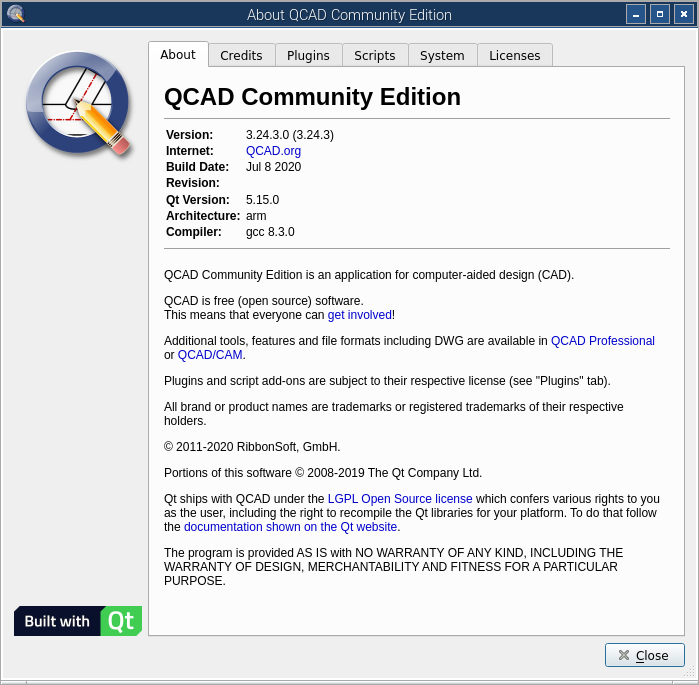
I managed to build the latest QCad Community Edition v3.24.3 on the ARM platform against QT v5.15.0. A failing Windows laptop lets me use a Raspberry Pi 4 as a temporary desktop replacement.
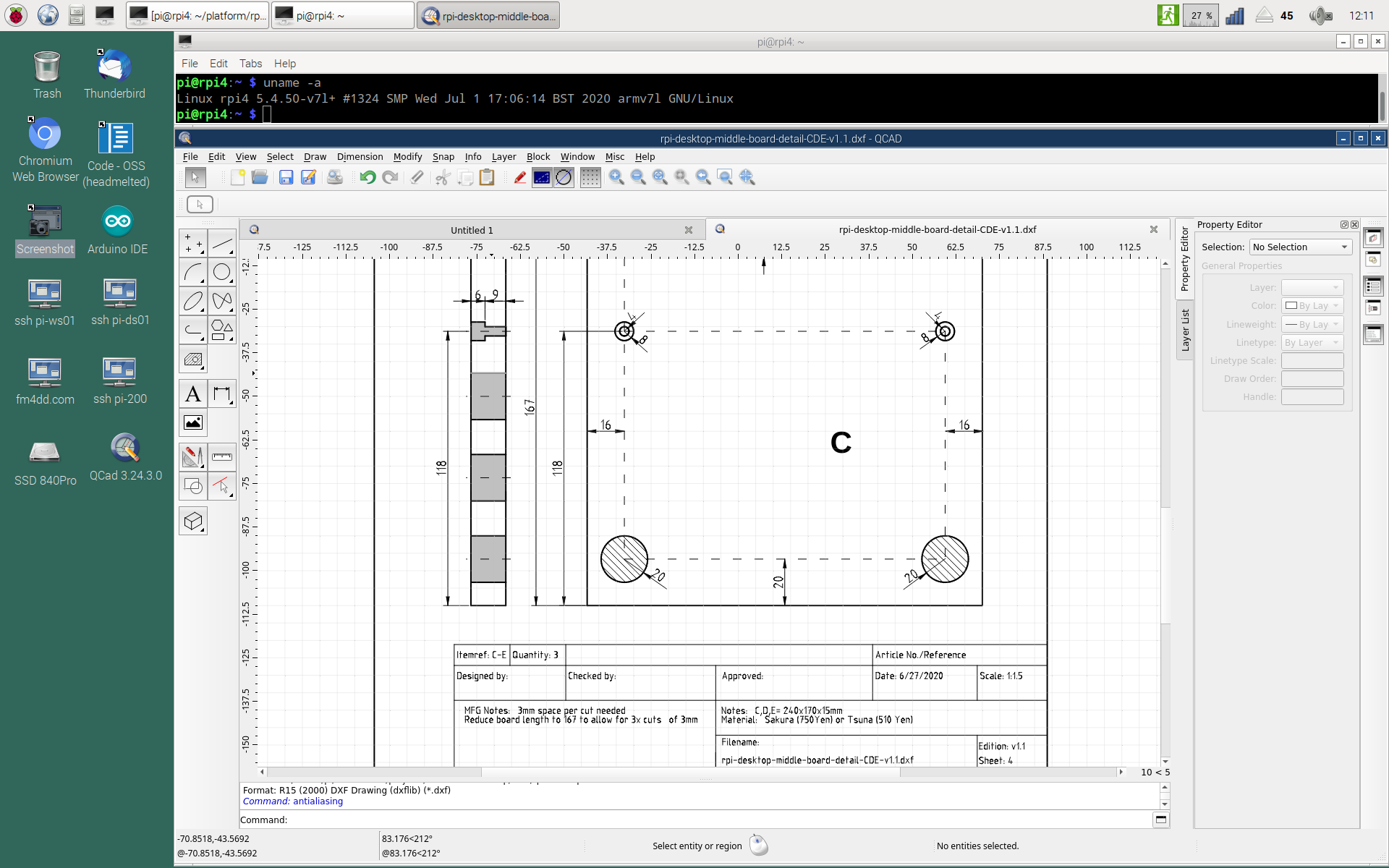
As far as I can tell, it works exactly as it was before under Windows, and I checked that I can continue to work on the same files without impact. One possible difference: I think the anti-aliasing works better under Windows.
Before building QCad from source, a QT5 environment is needed. As I am not familiar with QT5 package structures in Debian/Ubuntu, I first built the QT5 environment from source. This was an ambitious attempt, and turned out to be very taxing. In the end, QT used 10GB disk space, and the compilation takes approx. 10 hours (running with ‘make -j 3’, utilizing 3 cores) using the distro’s gcc 8.3. For me as an casual compiler, it took more then one attempt until I caught on which prerequisite packages to collect.
For compiling QCad itself, I followed the instructions from QCAD - QCAD.
QCad under ARM/Linux is possible.
Cheers, Frank
OpenDesign has released binaries of their library for Linux on AMR64 this year, so we were able to port QCAD Professional to Linux/arm64.
A development snapshot of the trial version is available from:
https://qcad.org/archives/qcad/qcad-3.31.2.5-trial-linux-qt6-arm64.tar.gz
The full version is available from the download link received after purchase under “Snapshots”.